Find my phone by Voice


Find my phone by Voice Summary
Find my phone by Voice is a ad-supported Android app in Tools by Next Day Games & Tools. Released in Jan 2020 (6 years ago). It has about 593.3K+ installs and 2.8K ratings with a 3.21★ (mixed) average. Based on AppGoblin estimates, it reaches roughly 6.1K monthly active users and generates around $<10K monthly revenue (0% IAP / 100% ads). Store metadata: updated Apr 21, 2026.
Recent activity: 426 installs this week (1.7K over 4 weeks) showing steady growth , and 2.00 new ratings this week View trends →
Store info: Last updated on Google Play on Apr 21, 2026 .
3.21★
Ratings: 2.8K
Screenshots



App Description
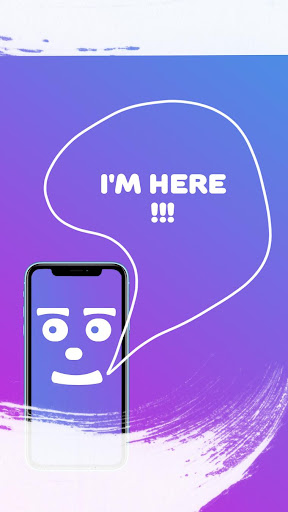
Lost your phone? Just say code word & phone will answer you. Locate your phone
Have you ever had a situation where you forgot where you left your phone at home, and you urgently need to go about business? This is no longer a problem! Just say the code word and your phone will answer.
How to find a phone if you have lost a gadget? Just say the search word, if the phone is in the microphone’s hearing zone, then our assistant will respond to your speech.
It’s no longer a problem if you forget where you left your gadget, whether it’s home, school or work - just say the search word loudly and clearly and your smartphone will respond with the sound you have chosen.
You can set any response sound from the standard sounds of our application to record your voice and music from your music library.
By choosing a sound from your music library you can select a specific section of the melody.
Surprise your friends or relatives with our search assistant, and the fact that the phone responds to your speech.
Instruction:
Set the search word in the application. It is recommended to use simple words that you can pronounce loudly and clearly.
Activate recognition by clicking on the button in the center of the screen.
The application will start to make sounds signaling that recognition is turned on, sounds can be turned off by enabling save mod mode in which the application will respond to your speech only with the screen turned off.
to disable the search, press the activation button again