TC Games-PC plays mobile games


TC Games-PC plays mobile games Summary
TC Games-PC plays mobile games is a with in-app purchases Android app in the Tools category, developed by Sigma Resources & Technologies, Inc.. First released 7 years ago(Nov 2018), the app has accumulated 2.3M+ total installs and 15K ratings with a 3.99★ (average) average rating.
Recent activity: 2.2K installs this week (14.5K over 4 weeks) showing steady growth , and 1 new ratings this week (17 over 4 weeks) with healthy momentum. View trends →
Data tracking: SDKs and third-party integrations were last analyzed on Apr 17, 2025.
Store info: Last updated on Google Play on Nov 6, 2025 .
3.99★
Ratings: 15K
Screenshots

App Description
Android mobile mirror to the PC, Play mobile games with the mouse and keyboard
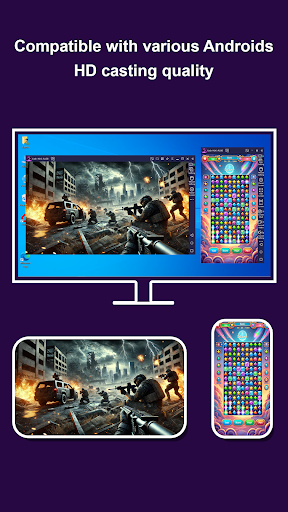
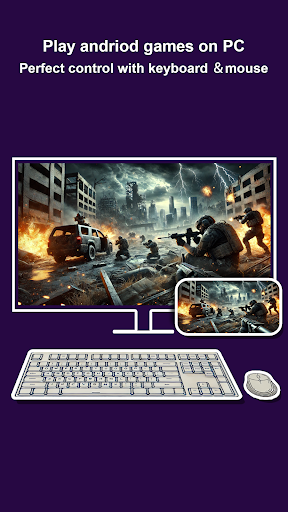
TC Games is software designed for playing mobile games on a PC. It mirrors the screen and sound of your Android device to your computer in real-time, allowing you to control it with a keyboard and mouse. With optimized key mapping, you can enjoy mobile games on your PC without an emulator. The software ensures stable performance with low latency. Before you start, please download the PC version from our official website: https://www.sigma-rt.com/en/tcgames/
*Main Features*
1. Mirror Android Screen to PC
Display your Android device’s screen on your computer.
2. Transmit Device Sound to PC
Stream the audio from your Android device directly to your computer.
3. Control Android Devices with Keyboard and Mouse
Operate your Android device using your PC’s keyboard and mouse seamlessly.
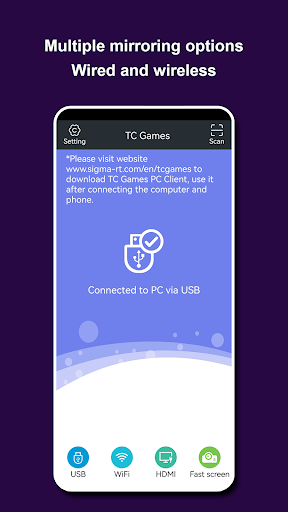
4. Supports Three Casting Methods
Connect via USB, Wi-Fi, or HDMI for flexible screen mirroring options.
5. Sleep/Dark Screen Control
Control your device even when it’s in sleep or dark screen mode.
6. Type Text on Android Device from PC
Use your computer to input text on your Android device.
7. Download Game Key Layouts
Access pre-configured game key mappings for various mobile games.
8. Screen Capture
Take screenshots of your Android device directly from your computer.
9. Screen Recording
Record your Android screen and save high-quality videos.
10. Customizable Game Key Mapping
Customizable keys allow you to use the keyboard for movement, shooting, firing, normal clicks, drag-and-swipe, swipe attacks, directional swipes, camera control, virtual crosshair, macro keys, key clicks, observation view, right-click movement, smart casting, cancel casting, and field-of-view expansion.
11. Connect 1 to 5 Android Devices
Manage and control up to 5 Android devices simultaneously.
12. Display Mouse Pointer on Phone
Show the mouse pointer on your Android screen for.
13. Control While Screen is Off
Operate your phone with the screen off to save battery.
14. Dynamic Game Quality Adjustment
Enhance game visuals dynamically for smoother gameplay.
15. Adjust Screen Color Settings
Customize the color settings of the mirrored screen for better viewing.
16. Clipboard Sharing Between Phone and PC
Share text and content between your phone and computer’s clipboard.
17. One-Click Item Switching in Games
Quickly switch in-game item