 AppGoblin
Image to PDF: PDF Converter

3.86★
Ratings: 188,644
Screenshots
App Description
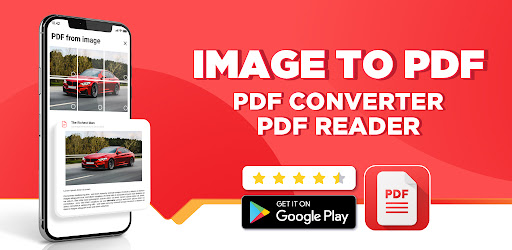
Image to PDF converter app for file converter, PDF reader. Convert photo to PDF
🚀 Turn Your Smartphone Into a Powerful Image to PDF Tool!
Transform your phone into an all-in-one PDF converter and document solution. Whether you need to convert image to PDF, image to PDF, JPG to PDF, or create files on the go, this PDF maker makes it fast and easy. Perfect for students, professionals, or anyone looking for a reliable PDF reader or file converter.
🔥 NEW: Smart Scanning and Conversion Features
🔸Snap and scan documents with text detection.
🔸Instantly convert to PDF, use text to PDF, or convert PDF to Word in seconds!
🔸Built-in PDF scanner and file scanner for smooth, fast scanning anytime.
📸 Convert Images to PDF Easily
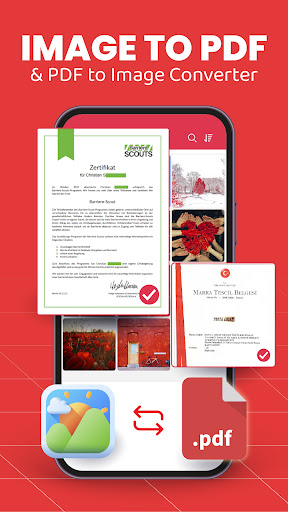
🔹Quickly convert image to PDF, photo to PDF, JPG to PDF, or use the PNG converter.
🔹Powerful photo to PDF convert scanner makes document scanning effortless.
🔹Use PDF reader and PDF viewer to scroll, zoom, search, and read PDF files with ease.
🔹Manage class assignments or business documents on the go.
✏️ Edit Documents Like a Pro
🔸Use the PDF editor to sign, annotate, highlight, and markup your PDFs.
🔸Edit documents and edit PDF content: add password protection, watermarks, or modify layouts.
🔸Merge, split, or rearrange files easily with the built-in document editor.
🔸Reliable document reader for quick access to any file, online or offline.
🔸Need to make PDF quickly? Our tools let you create and modify PDFs effortlessly.
📚 All-in-One PDF Reader and Viewer
🔹Enjoy smooth reading with the all PDF reader - featuring both dark and light modes.
🔹Bookmark key PDF photos, pages, or entire documents.
🔹Instantly read PDF files - even offline with complete PDF viewer functionality.
🛠️ Smart Tools Built-In
🔻One-tap scan documents and scan to PDF with automatic edge detection.
🔻Use the advanced file scanner or PDF scanner for high-quality scans.
🔻Print directly using print to PDF for maximum convenience.
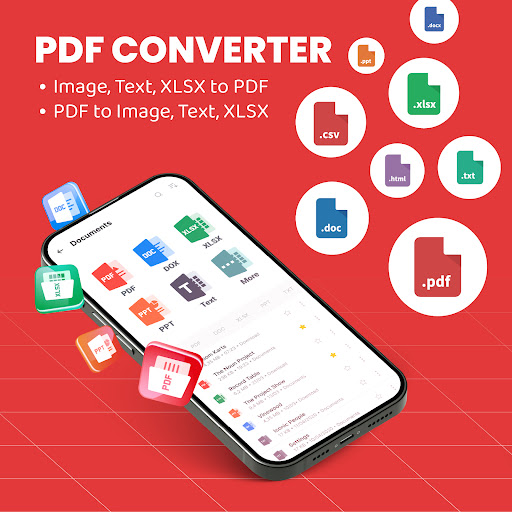
🔻Full control with convert PDF, convert to PDF, convert image to PDF, and text to PDF options.
💼 Perfect For:
🔻Students who need to make PDF and convert image to PDF for assignments.
🔻Professionals using the app as a PDF converter, file converter, PDF scanner, or file scanner.
🔻Anyone simplifying paperwork with edit documents, convert PDF to Word, or document editor features.
📥 Why Users Love This App
🔺Seamless offline access - no internet required.
🔺Clean, intuitive design with fast file browsing.
🔺Handle every task, from convert to PDF to edit PDF, or even convert PDF to Word - all in one app.