Photo Editor-Retouch & Enhance

Photo Editor-Retouch & Enhance Summary
Photo Editor-Retouch & Enhance is a with in-app purchases iOS app in the Photo And Video category, developed by PICFY Technologies Private Limited. First released 10 years ago(Jan 2016), the app has 259 ratings with a 4.67★ (excellent) average rating.
Store info: Last updated on App Store on Feb 21, 2026 .
4.67★
Ratings: 259
Screenshots


App Description
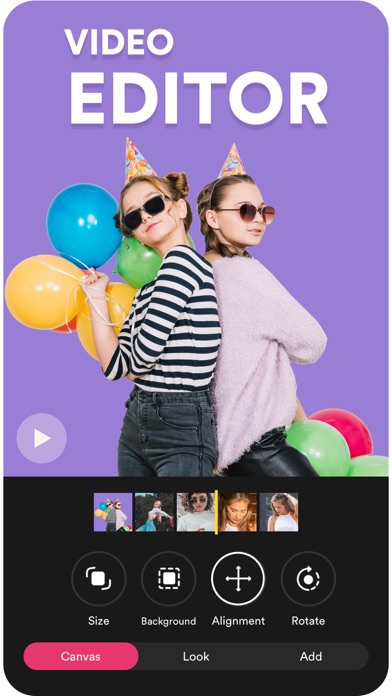
Picture Editor - Includes Photo Editor, Photo Layouts, Photo Collage Maker, Ready Made Designs, 9 Cut Photos For Instagram, Selfie Camera, Photo Frames, Photo Mirror, Photo Cropping.
Explore an unlimited collection of Effects, Filters, Backgrounds, Fonts to unleash your creativity to create killer Photo with this photo Editing Apps.
=== Where Can You Use This App?
- You can Set Whats App No Crop Profile Photos.
- Instagram Square Photo Sharing For your Profile.
- Create Instagram No Crop Story Uploading.
- Upload Big Size Photo on Instagram Profile.
- Make Blurred Background Photo.
KEY FEATURES
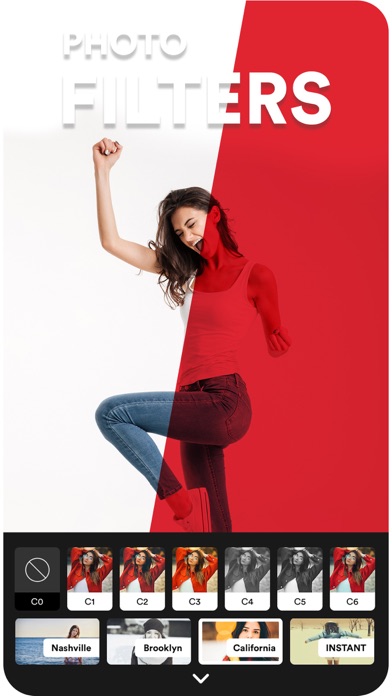
=== Photo Filters
- Give your Photos Stunning look by High-Quality Photo Effects Like Bright, Warmth, Black & White, Due Tone, Color, Retro, Vintage.
- All Effects are Free, Apply This Free Effects on your Photos & Get more Likes & Followers on Your Instagram Posts.
- Give your photos a great creativity by Photo Blending Effects.
=== Live Selfie camera
- Take a great selfie with your Friends with Live Effects of Selfie camera.
- More than 50 Live Photo Effects for Selfie camera with face beauty function.
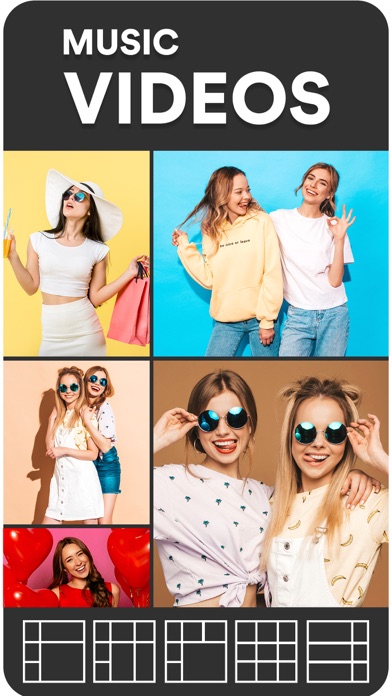
=== Photo Collage/Grid
- Combine Multiple Photo into Single Photo with Pic Collage Editor.
- Choose From More than 200 Different layouts For IG.
- Scrapbook Maker to Randomly Position your Photos.
- Add Text, Stickers to Your College.
- Add Blur & Texture Background to your Collage.
=== Text Editing
- Add Text On your Photos.
- Choose From Premiums Fonts Available in App.
- Apply Shadow, BG Color & Outlines to Your Text.
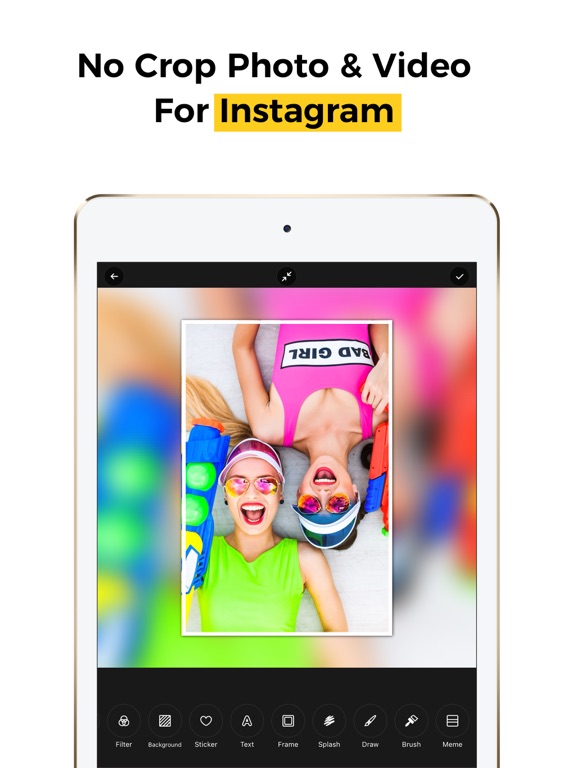
=== InstaSquare / No Crop Editor
- Post high-quality Instasize picture on Instagram without cropping them.
- Set Blurred Background Behind Your Photo.
- Upload Full-Size Photo on Instagram Post, Whatsapp Story & Instagram Story.
=== Adjustments
- Fine Tune Your Photos with Hue, Brightness & Saturation.
- Adjust Shadow, Highlight, Tint, Sepia Tone & Warmth Effects.
- Add Funny Meme To Your Photos.
=== Stickers
- Online Store to Get Different Category Stickers Updated Regularly.
- Get more Like on Your Instagram Pic By Decorating with Birthday, Xoxo, Xmas Wishes, Doodle Summer, Emojis, Zombie Stickers
- Scale,Move & Zoom In/ Zoom Out Stickers.
- We Regularly update our Online Sticker Store. You can download Latest Stickers from there.
=== Frames
- Add Frames to Your Photos From More than 50 Frames.
=== Backgrounds / Borders
- Set D