QuickNotes X Pro

QuickNotes X Pro Summary
QuickNotes X Pro is a mobile iOS app in Productivity by Alessandro Sassi. Released in Jun 2016 (9 years ago). Store metadata: updated Apr 4, 2022.
Store info: Last updated on App Store on Apr 4, 2022 .
0★
Ratings:
Screenshots
App Description
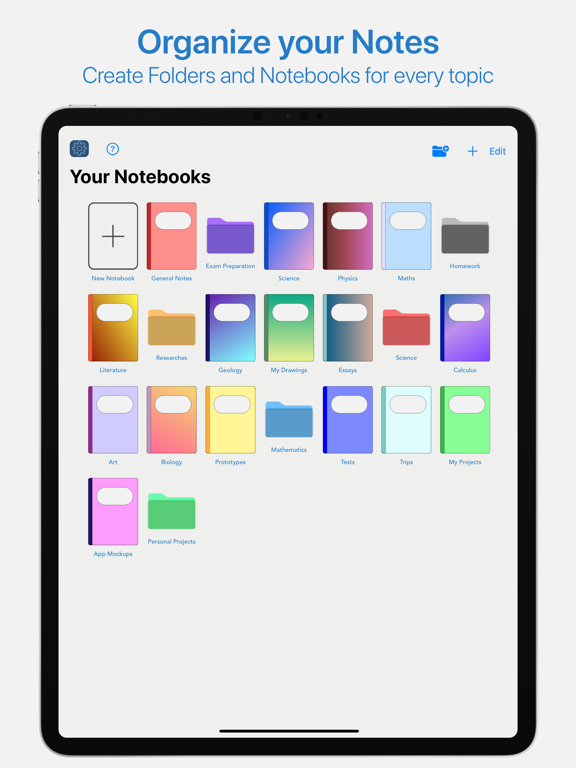
- ORGANIZE YOUR NOTES -
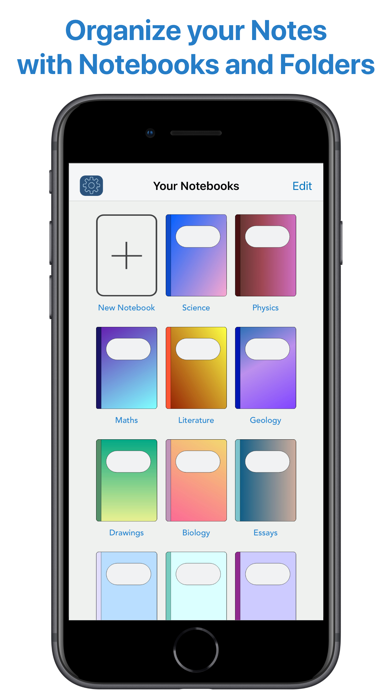
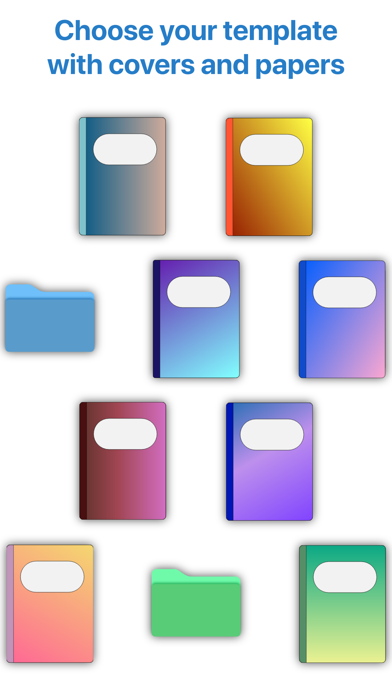
Create notebooks to organize your notes. Choose between a selection of paper templates and covers, and choose between vertical or horizontal layout to fit your note-taking needs. You can also rearrange your notebooks and create folders for them for maximum flexibility.
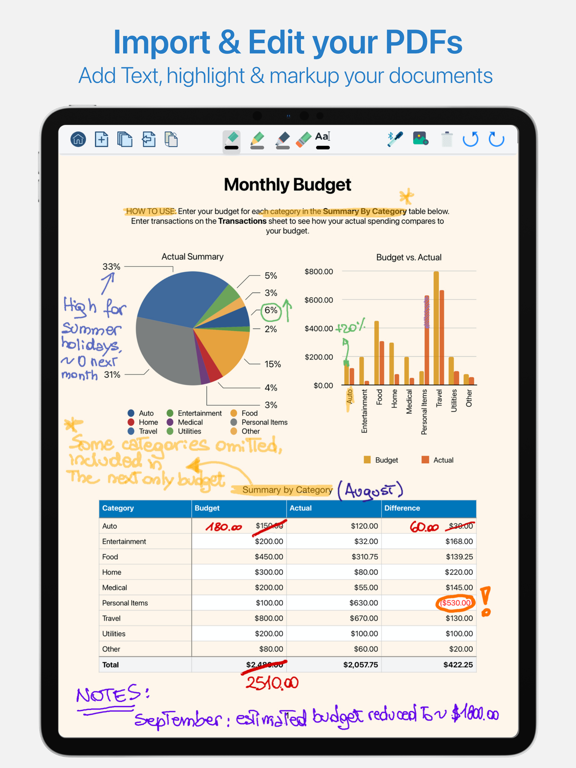
- IMPORT & EDIT YOUR PDFs -
With QuickNotes X you can import your PDF documents inside an existing notebook or in a new one, and you can edit them using all the tools QuickNotes X offers. Markup, annotate, highlight, insert images and text and more. You can also export these pages as a new PDF to share you edits.
- ACCURATE NOTE-TAKING -
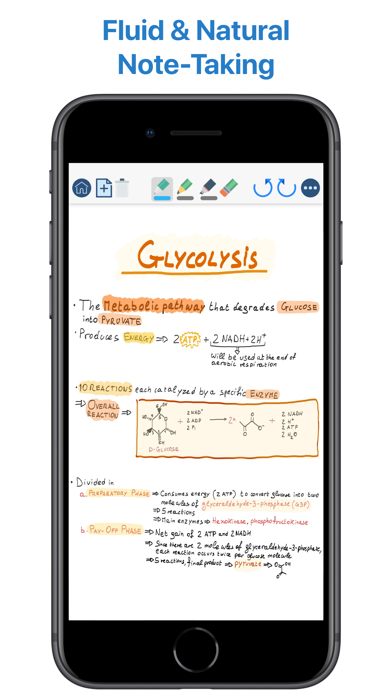
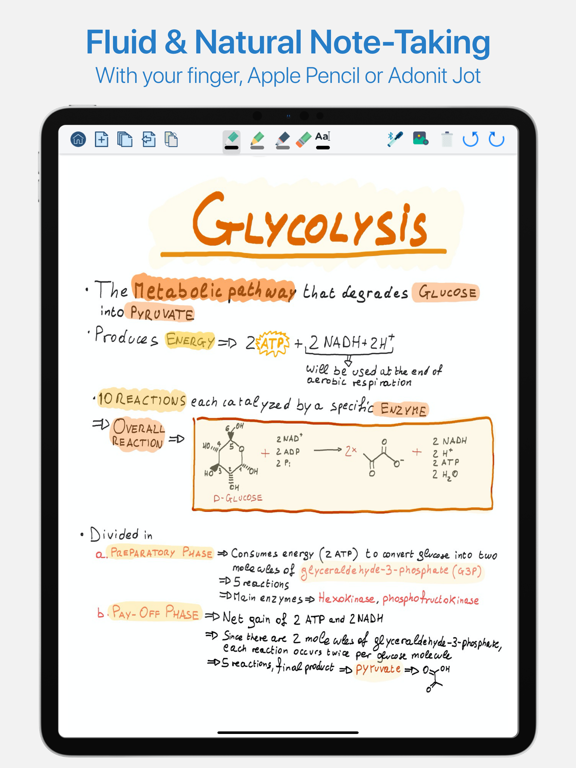
QuickNotes X has a new accurate drawing engine that never loses detail, even after zooming or moving around the page. It also has the tools necessary to take perfect professional notes, all in one place.
- DRAG & DROP SUPPORT -
With QuickNotes X, you can easily create multi-media notes: use an image as a background, or import images from your library or from the web with an in-app tool or by using drag & drop from another window. In addition, these images are always resizable and movable, so that you can edit them whenever you want
- PROFESSIONAL TOOLS -
To create perfect notes, you need the right tools. This is why QuickNotes X has everything you need, from Pen and Highlighter to the Eraser, so that no mistakes are irreversible. Select the perfect line width and opacity to further customize your style, and choose the color you need from a hand-picked selection or by using the new HSV picker. You can even import a color from an image using the unique RealityPicker!
- LOCK YOUR PRIVATE NOTEBOOKS -
Want to restrict access to a specific notebook? Just set up a password when you create it or long press on its cover to lock it. And when you need to add some pages to it, just enter the password again or use Touch ID or Face ID to unlock it.
- TYPE INSTEAD OF WRITING -
With the new Text Tool you can add Text Boxes to your notes to type instead of writing. Want a different text style? Choose the font, size and color you like, underline or set to bold important things: now typing and writing notes is easier with QuickNotes X.
- EXPORT TO EDIT ON OTHER DEVICES -
You can export individual notes or entire notebooks as a QuickNotes X Document, which can be imported on another device to continue editing your notes. If you export your noteb