RICOH Printer
RICOH Printer Summary
RICOH Printer is a mobile iOS app in Tools by Ricoh Co., Ltd.. Released in Sep 2016 (9 years ago). It has 8.00 ratings with a 2.00★ (poor) average. Based on AppGoblin estimates, it reaches roughly 33 monthly active users . Store metadata: updated Nov 29, 2016.
Store info: Last updated on App Store on Nov 29, 2016 .
2★
Ratings: 8.00
Screenshots


App Description
Description
Features of Ricoh Printer
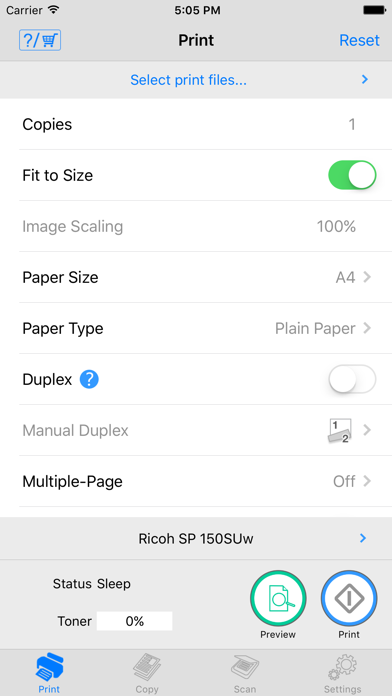
- Ricoh Printer allows users to do Print, Copy, Scan, change settings, and see status of the printer from smart devices.
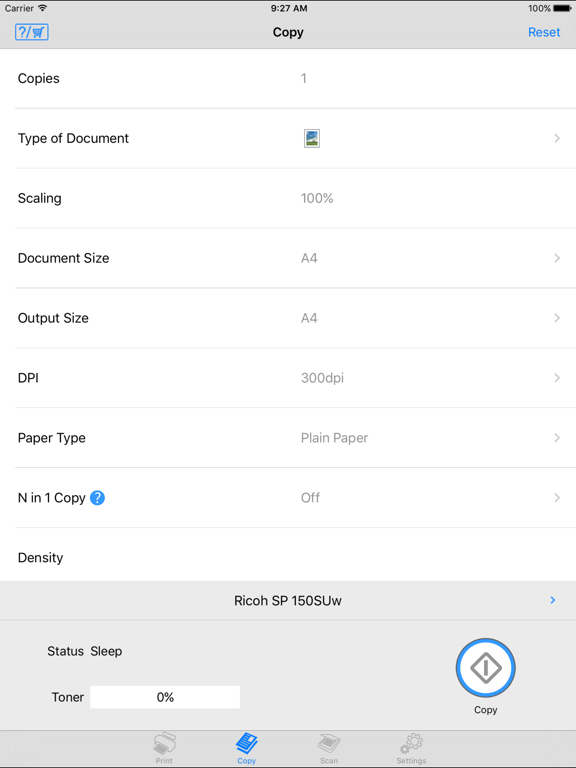
Copy function
- You can execute Copy by selecting parameters such as resolution and paper size.
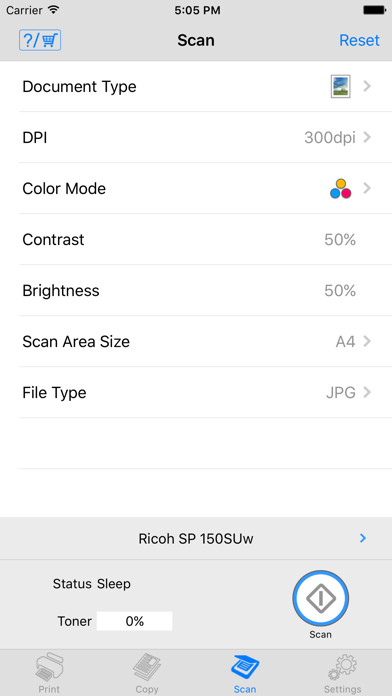
Scan function
- You can select parameters such as resolution and save scanned file to your smart phone.
- The files that are scanned with a MFP can be saved in you smart phone in PDF or JPEG file.
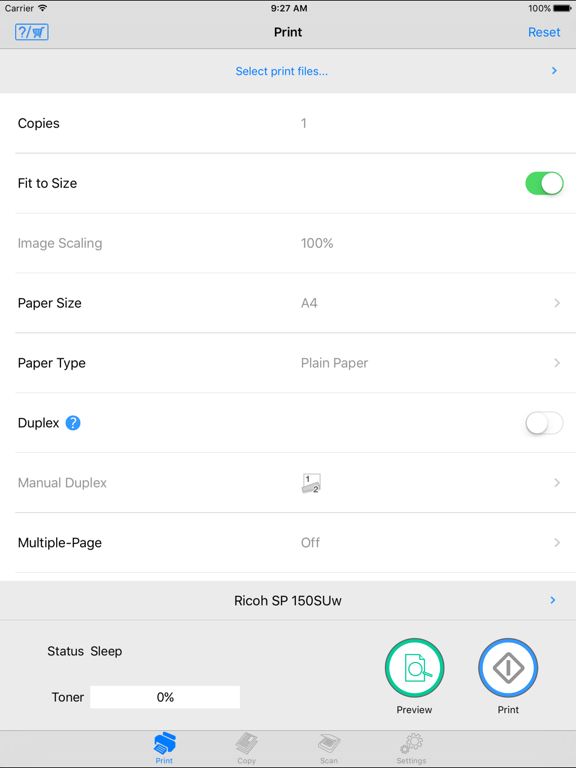
Print function
- You can print photos and documents stored in your smart phone
- Documents and photos in your smart phone can be printed from a MFP
- You can select parameters such as paper size and print density and print photos in JPEG, PNG, BMP format and files in TXT, PDF format.
Machine Settings
- You can set Wi-Fi, IP address, and also access point using Soft AP mode
- You can change password and sleep time.
Languages: Japanese, English, Arabic, Catalan, Czech, Danish, Dutch, Finnish, French, German, Greek, Hungarian, Italian, Norwegian, Polish, Portuguese, Brazilian Portuguese, Russian, Simplified Chinese, Spanish, Swedish, Thai, Traditional Chinese, Turkish, Vietnamese, Indonesian, Hindi, Urdu, Bengali