Turbo Sign - PDF Scan & Fill

Turbo Sign - PDF Scan & Fill Summary
Turbo Sign - PDF Scan & Fill is a iOS app in the Productivity category, developed by 静美 段. First released 9 years ago(Nov 2016), the app has 4.00 ratings with a 1.00★ (poor) average rating.
Store info: Last updated on App Store on May 27, 2022 .
1★
Ratings: 4.00
Screenshots
App Description
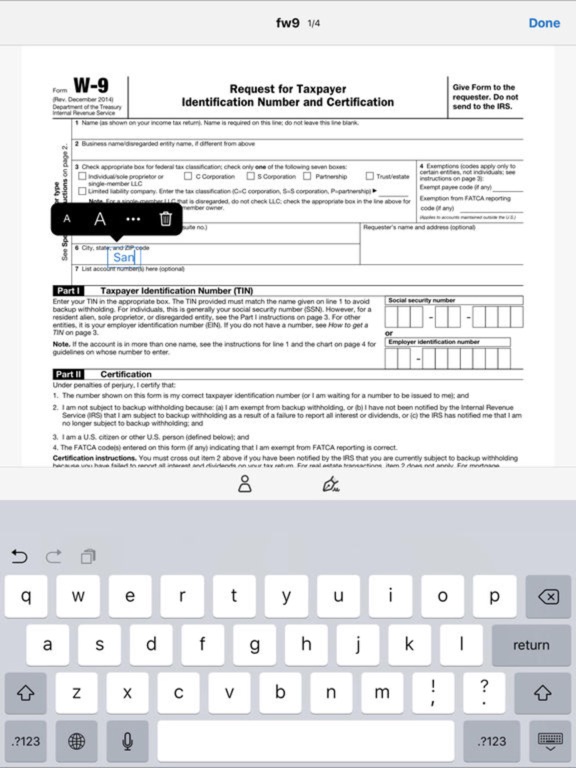
Fill and sign any form. Even snap a picture of a paper form to fill out.
With Turbo Sign you can instantly turn digital files or paper documents into forms you can fill, sign, and send electronically. No printing or faxing needed.
Need even more? Okay, here is a complete list of Turbo Sign features:
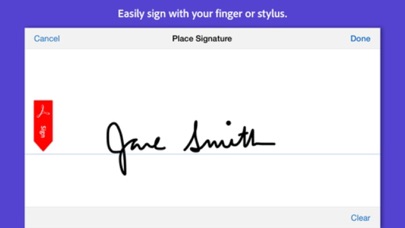
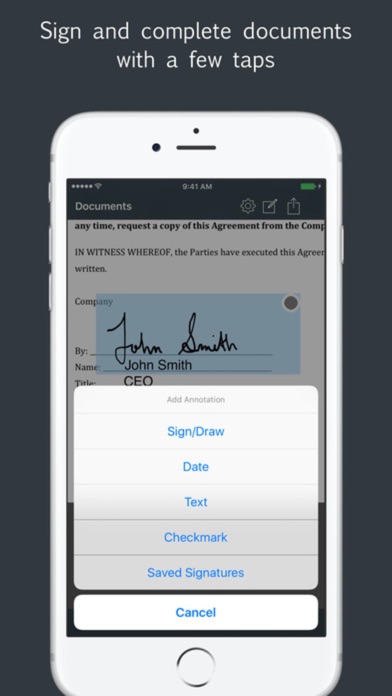
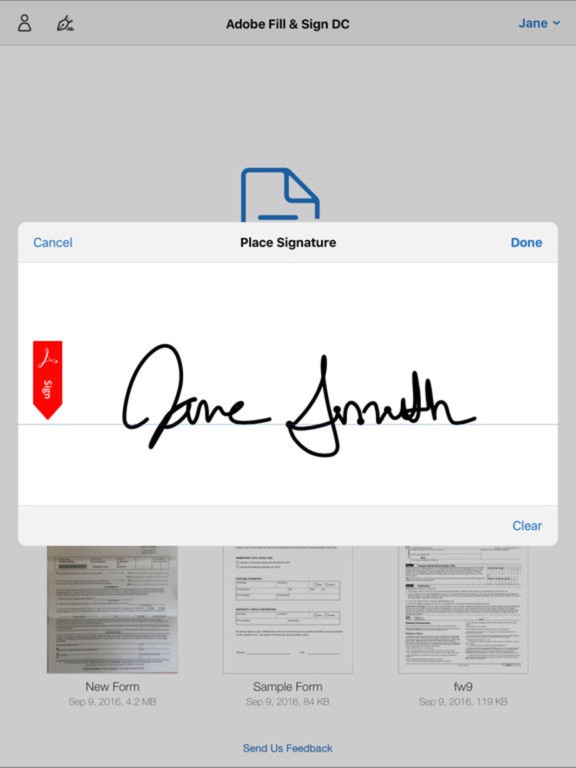
- Create and save new signatures, either by drawing or scanning them
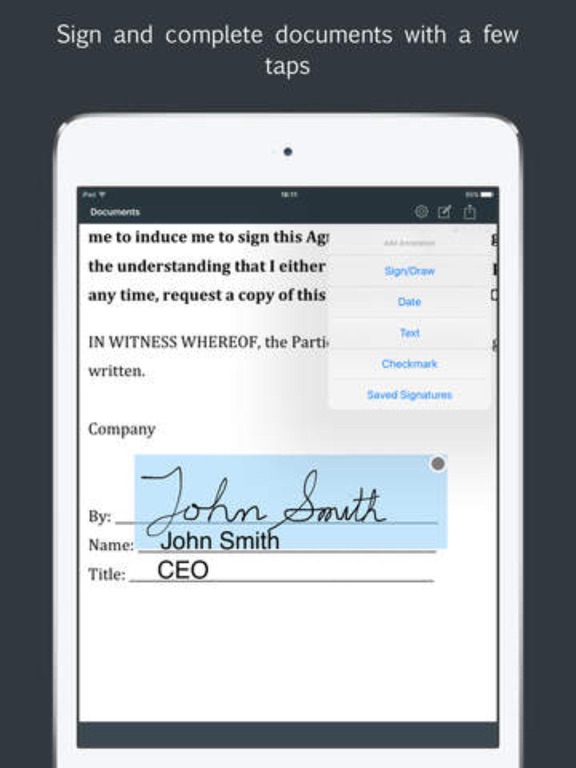
- Insert text and date, change their format, color, style or size
- Repeat a signature on every pages of a document with “Auto Repeat”
- Navigate quickly through the document and position precisely your annotations
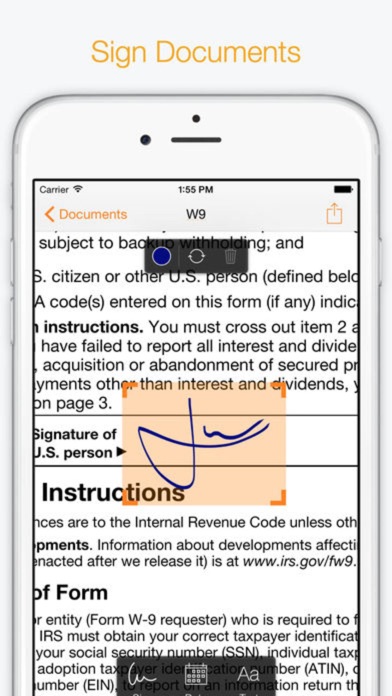
- Quickly locate the signature fields in your documents with our Sign Here feature
- Import your document from Genius Scan, the gallery, any cloud service or take a picture of it
- Export it by email, with Genius Fax, to your printer, your FTP, or your favorite cloud service (we support them all: Dropbox, Google Drive, Box, OneNote, OneDrive, Sugarsync, Evernote...)
- See how many signatures you added to a document
- Protect Genius Sign with Touch ID (or with a passcode)