App2Cam Plus

App2Cam Plus Summary
App2Cam Plus is a iOS app in the Tools category, developed by ABUS Security Center GmbH & Co. KG. First released 8 years ago(Oct 2017), the app has 12 ratings with a 3.92★ (average) average rating.
Store info: Last updated on App Store on Nov 11, 2024 .
3.92★
Ratings: 12
Screenshots


App Description
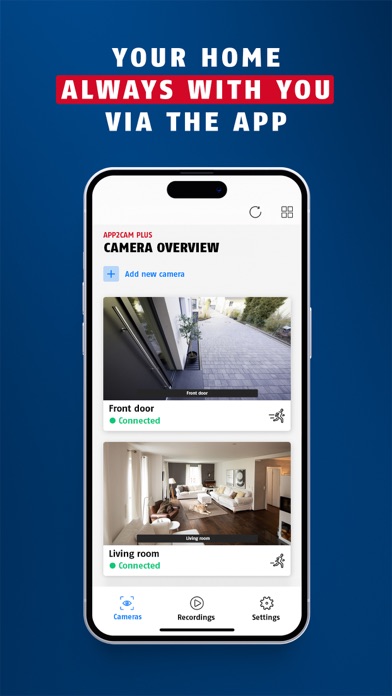
With App2Cam Plus you operate the app-based surveillance cameras from the ABUS Comfort-Line.
Do you have any questions or suggestions? You can reach us by phone at +49 8207 959-0 or by e-mail at support@abus-sc.com. Help articles and commissioning videos can be found on the support portal support.abus-sc.com.
With App2Cam Plus you have permanent access to the live image, the memory and all functions and settings of your security camera.
You can count on it:
The app's step-by-step wizard guides you through the setup process so that the app shows the first live image of the camera within a few minutes. 2.
2. make personal settings in the app to optimally set up the camera and app for the conditions at your location. 3.
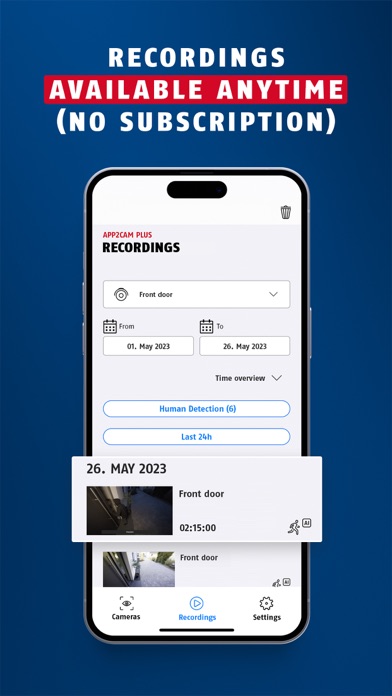
3. all camera functions, e.g. the live image and access to recordings, are of course also available when you are on the road (assuming a stable internet connection).
4. the camera informs you about events (detected movements) via push message. For example, you can see immediately who is standing in front of your door, whether your child is already back from school, who is hanging around in your garden at night, what your dog is doing and much more.
5. up to 8 compatible cameras (8 base stations for models with battery)
can be integrated into
the app.
Other functions depend on the camera model:
- The latest generation of camera models and your smartphone connect even faster via Bluetooth during startup. This means that even camera beginners can get up and running in just a few minutes.
- For cameras with the object differentiation function, define what the camera should report to you via push message: People, animals and/or vehicles. Adjust the sensitivity of the respective detection according to your personal needs.
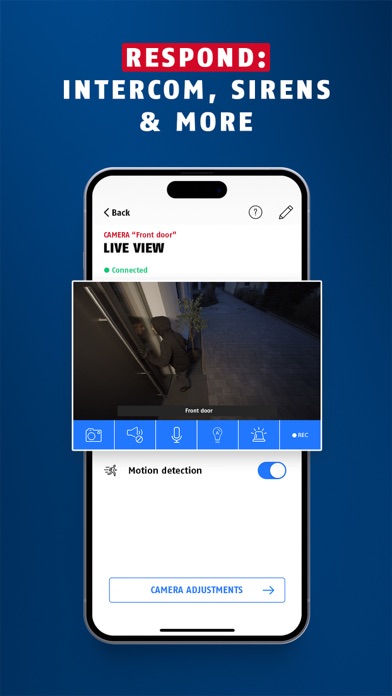
- For cameras with intercom function, you can activate the camera's microphone and loudspeaker in the live view at the touch of a button to talk back via smartphone and quickly clarify situations.
- Detailed images in color even at night: with models including integrated LED light.
- With pan-tilt cameras, you can intuitively control the angle of view by swiping directly on the live image or by calling up the preset positions. -
For cameras with masking functions, you define in the settings private zones to be hidden (e.g. public streets, neighboring properties), zones with sensitive motion detection, or zones without detec