Star Doodle AR
Star Doodle AR Summary
Star Doodle AR is a with in-app purchases iOS app in Art And Design by Tadanori Okada. Released in May 2018 (7 years ago). It has 14 ratings with a 3.86★ (average) average. Based on AppGoblin estimates, it reaches roughly 54 monthly active users and generates around $<10K monthly revenue (100% IAP / 0% ads). Store metadata: updated Jan 21, 2026.
Store info: Last updated on App Store on Jan 21, 2026 .
3.86★
Ratings: 14
Screenshots
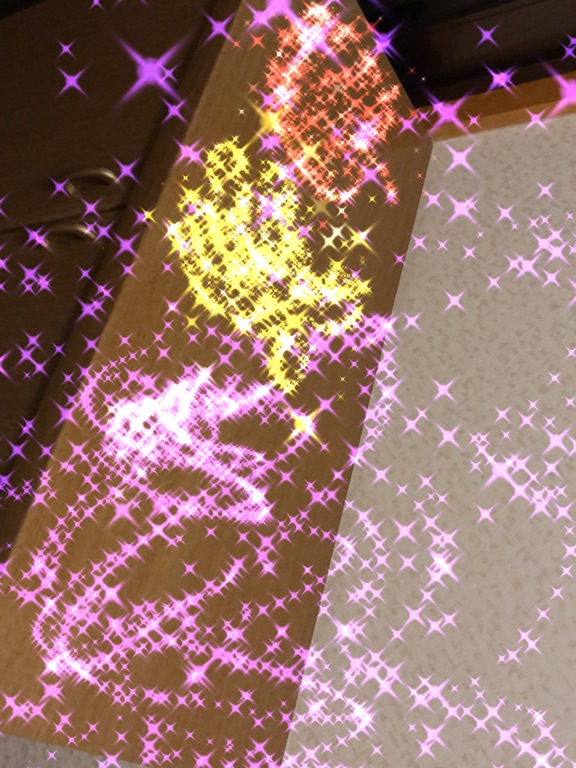
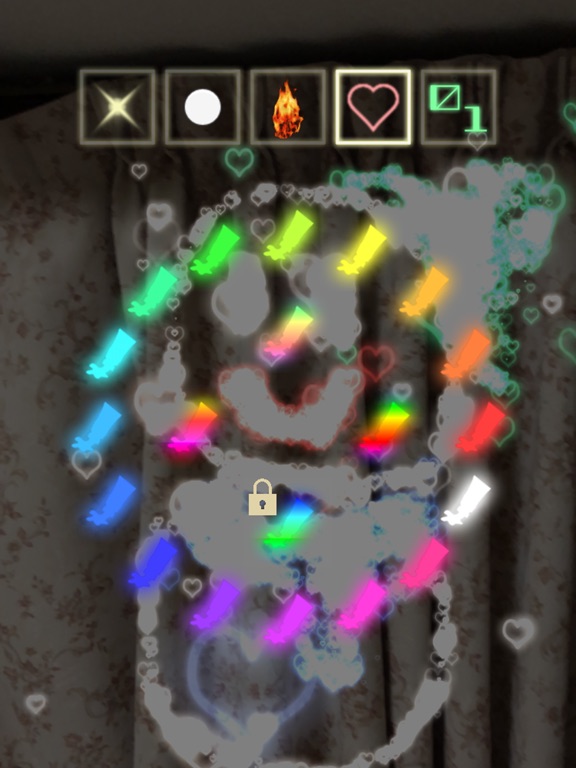
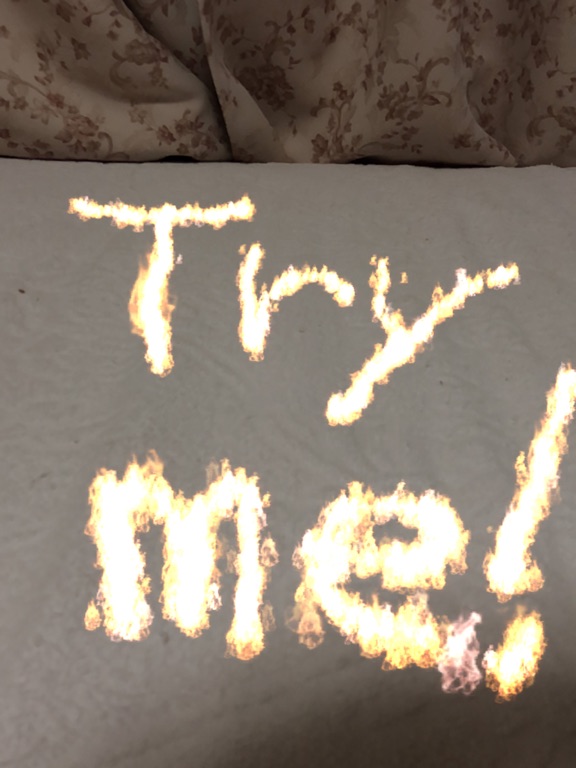
App Description
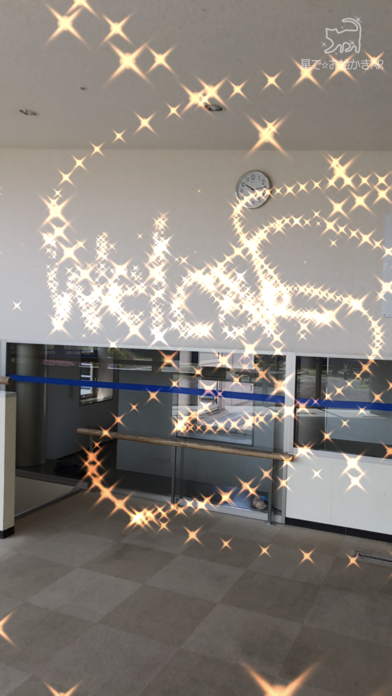
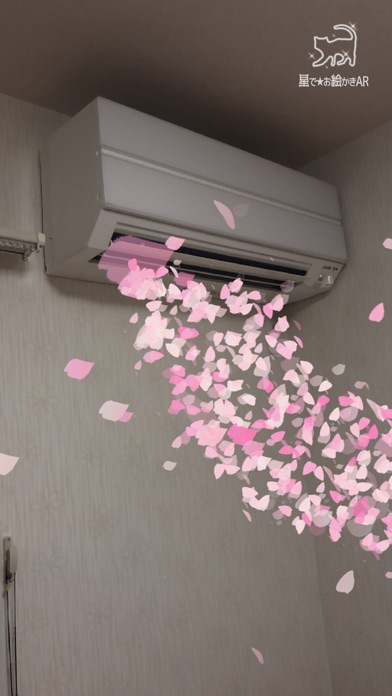
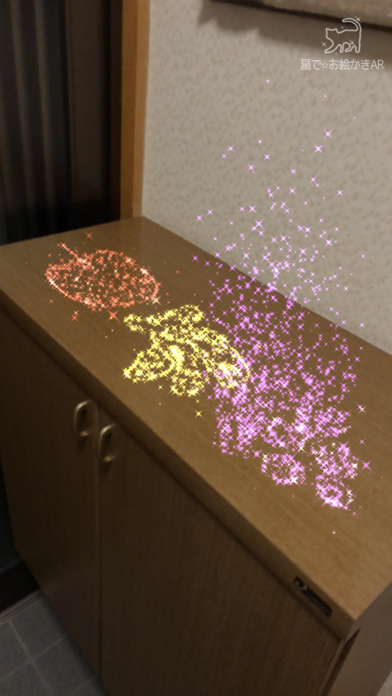
Draw magical, sparkling doodles in midair or on walls!
Your drawings will appear and disappear with 12 kinds of animations.
Use 16 different pens—stars, flames, hearts, gems, cherry blossoms, clovers, electricity, bubbles, smoke, “blood text,” and more—to create fantastical artworks.
Save your creations as videos or photos and share them with friends.
How to Use:
1. Draw on the Screen:
Touch the screen to start drawing. Use the buttons below to customize your artwork.
- Paint Icon: Change the color.
- Star Icon: Adjust the size of the stars.
- Box Icon / Plane Icon: Switch between drawing in the air or on surfaces.
- Undo Icon: Undo the last action.
- Erase Icon: Clear all drawings.
- Dot Icon: Switch to "Viewing Mode".
2. Animate and Record Your Drawings:
After you finish drawing, animate it or record a video! Switch to viewing mode with the dot icon on the right.
- Play Icon: Animate your drawing. You can also record the animation.
- Sun Icon: Adjust the brightness.
- Video Icon: Record a video. Tap again to stop recording.
- Photo Icon: Take a photo.
- Tools Icon: Access settings or purchase additional features.
- Dot Icon: Switch back to "Drawing Mode".
Unlock Extra Features:
Yellow Lock Buttons: Unlock by watching ads.
Blue Lock Buttons: Available for purchase.
Paid Options:
Access additional features by purchasing options through the cart icon in the tools menu. Paid features include:
1. Unlock all locked features.
2. Remove all ads.
3. Enable the option to hide the logo at the top right of the screen.
About the use of created images/videos:
Images and videos created with this app may be freely used for both personal and commercial purposes, including creative works, social media posting, video streaming, printed materials, and more.
- If your content includes materials that may infringe third-party rights (e.g., other people or copyrighted characters appearing in the background), please obtain permission from the rights holder before use.
- If possible, I would greatly appreciate it if you could mention or introduce that this app was used in your work, stream, description, etc.
Download now and let your creativity sparkle!