My Diary - Notes, Journal

My Diary - Notes, Journal Summary
My Diary - Notes, Journal is a with in-app purchases iOS app in Lifestyle by sandip paghadar. Released in Dec 2018 (7 years ago). It has 2.00 ratings with a 3.00★ (mixed) average. Based on AppGoblin estimates, it reaches roughly 6.00 monthly active users and generates around $<10K monthly revenue (100% IAP / 0% ads). Store metadata: updated Feb 14, 2019.
Store info: Last updated on App Store on Feb 14, 2019 .
3★
Ratings: 2.00
Screenshots


App Description
Preserve your special memories, store personal moments & memories or keep track of your memories and life with help of this app.
Secret ideas, thoughts and moments should always remain secret and a private diary should always be intimate, beautiful and safe.
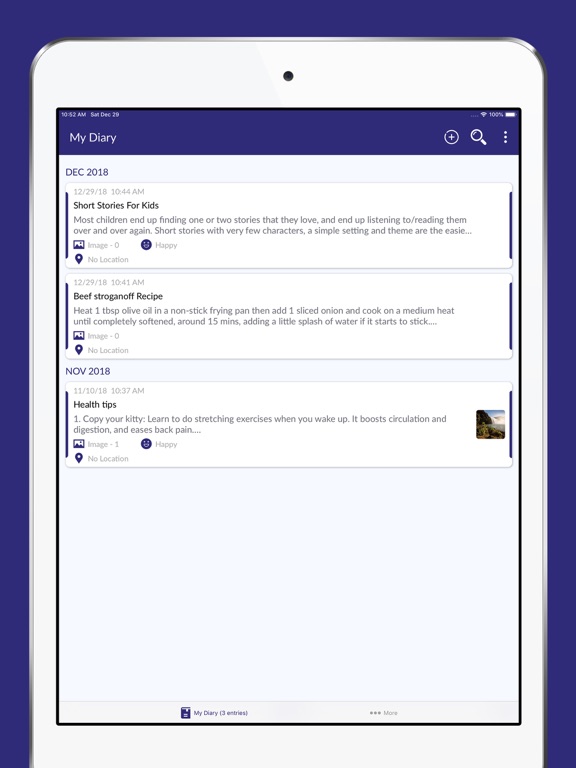
My Personal Diary - Journal gives powerful search functions is available to help you find diary entries by any keyword in the title or text/notes and filter results by date, tags.
My Diary - Notes, Journal App Feature:
- Keep your all moments, notes and ideas saved with you
- Daily reminder to write your diary or journal
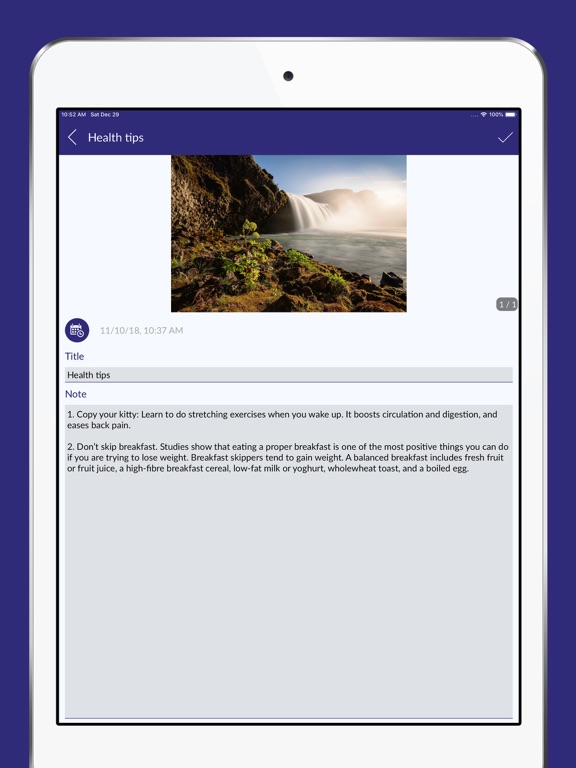
- Add photos from your gallery or add a mood emoji to each entry and express your emotions easily!
- Lock & protect your personal/private diary entries with a PIN code
- Finger lock for app also supported
- Attach & store unlimited amount of photos memories in your my diary app
- Personalize UI with different UI colors & Themes and various font styles
- Powerful search and filter functions (Dates, Tags & title/notes)
- Easy to save & share your moments, life events
- Use this diary app to make your own personal journal of daily events, appointments, secrets and feelings.
- Select your journey images to keep all-time with you
- Settings - Backup & Restore and make colorful memories with appearance
Disclaimer:
My Diary - Notes, Journal app allows to take backup into local device and iCloud. Local Backups are stored in your device only we don’t use it or upload into server. And iCloud backups are uploaded into your drive only