TwentySeven
TwentySeven Summary
TwentySeven is a with in-app purchases iOS app in Games by Value from Software LLC. Released in May 2019 (6 years ago). It has 3.00 ratings with a 5.00★ (excellent) average. Based on AppGoblin estimates, it reaches roughly 8.00 monthly active users and generates around $<10K monthly revenue (100% IAP / 0% ads). Store metadata: updated Sep 19, 2023.
Store info: Last updated on App Store on Sep 19, 2023 .
5★
Ratings: 3.00
Screenshots



App Description
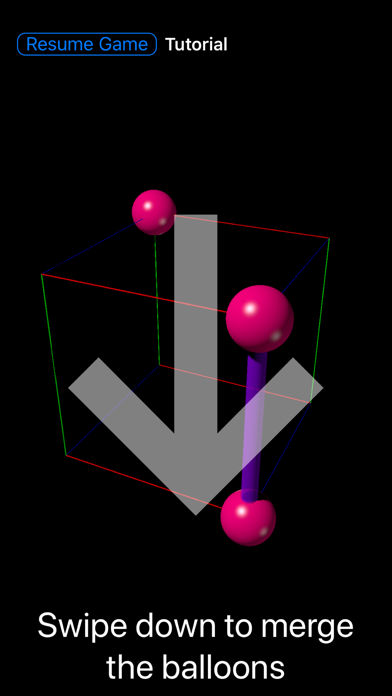
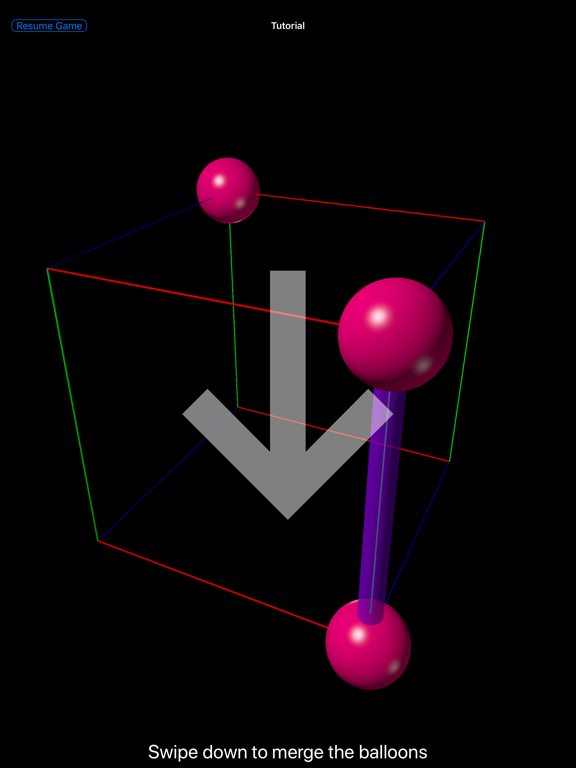
27 or Twenty-Seven is a novel puzzle game that enhances spacial and combinatorial thinking. You move colored balloons on a 3D-grid. Adjacent balloons of the same color and size merge to form a balloon of the next higher size. Your goal is to get ever larger balloons.
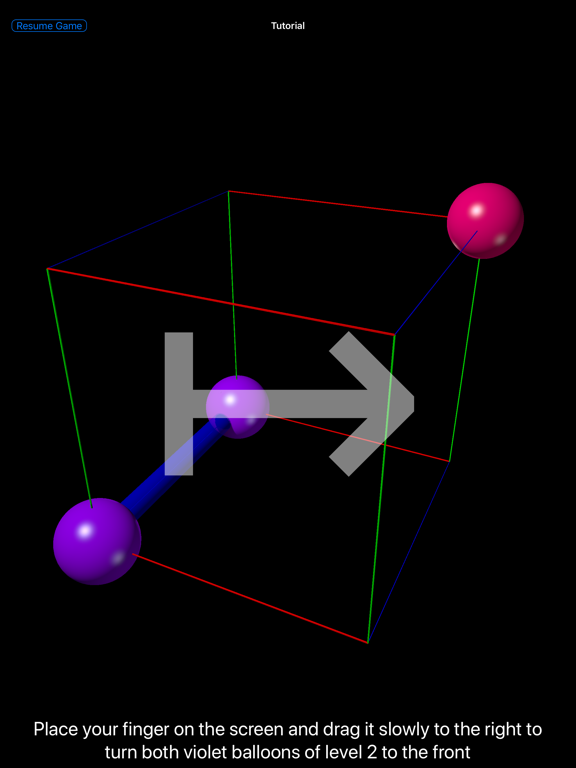
You start on the edges of a cube 2×2×2 grid, with two balloons of level 1 (pink) or 2 (violet). Each time you move or merge balloons, you get another pink balloon. Move and merge away to get a blue (level 3) balloon, then a turquoise (level 4) balloon.
Your first goal is a red balloon of level 8. This sounds easy, but can be tricky since you have only 8 positions available. Luckily, you can start over whenever you like.
Expert players achieve a red balloon in a few minutes. Even they don't achieve the next goal every time: a full house of 8 different balloons.
Once you get tired on the cube, which is in fact a 2×2×2 grid, we have other challenges in store, starting with a 2×2×3 grid, a 2×2×4 grid, and going up to a 3×3×3 grid with 27 possible positions, again in a cube. Now guess where we got our name? While the fundamental rules are the same, winning strategies for each grid vary.
The game is easy to learn, and we have a tutorial to teach you. We give you a few opportunities to undo if you make a mistake.
You may move and merge balloons by swiping over your touch screen or by pushing buttons. You can also use an external keyboard. You may turn the grid in any direction you like. Buttons can be placed on the right or the left side of screen, or be hidden.