Video Subtitle Hardcoder
Video Subtitle Hardcoder Summary
Video Subtitle Hardcoder is a mobile iOS app in Photo And Video by Nikhil Anshuman. Released in May 2019 (6 years ago). It has 5.00 ratings with a 4.20★ (good) average. Based on AppGoblin estimates, it reaches roughly 4.00 monthly active users . Store metadata: updated Oct 19, 2025.
Store info: Last updated on App Store on Oct 19, 2025 .
4.2★
Ratings: 5.00
Screenshots
App Description
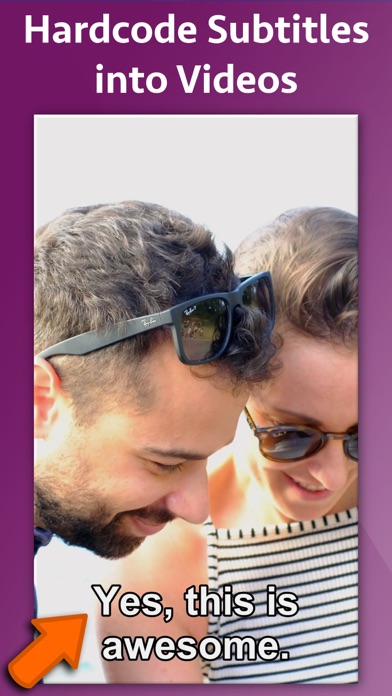
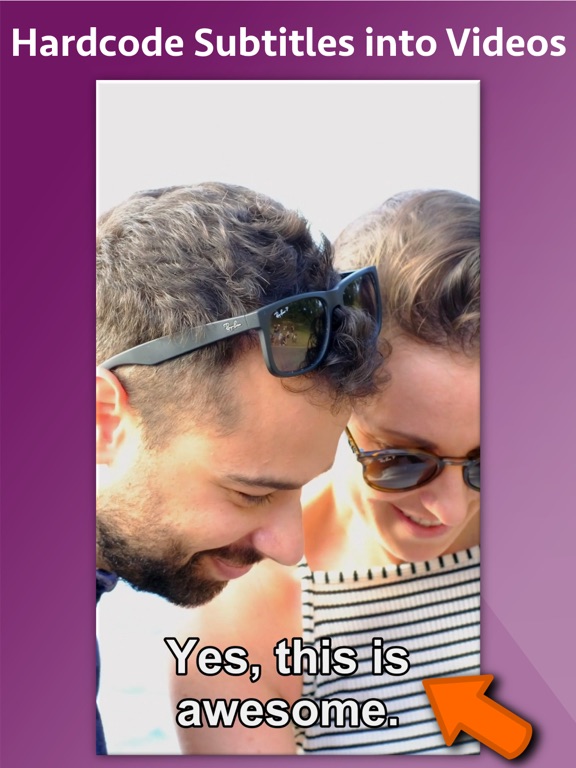
Hardcode subtitles into a video. When a subtitle is hardcoded, it is permanently written into a Video and it is displayed whenever the video plays on any device or social media websites. Since videos autoplay without sound on social platforms, most of the viewers watch videos without sound. By uploading videos with hardcoded subtitles, you’ll get more engagement and higher viewer retention rates. The application provides two ways to hardcode the subtitles.
** Inbuilt support for SRT and ASS files : If you already have a SRT or ASS file, you could directly hardcode it to the video. In this case, the application will automatically take all formatting, font and location settings from the SRT/ASS files and hardcode it directly to the video.
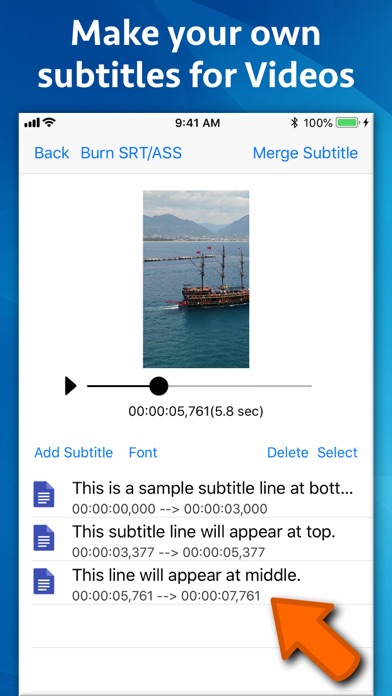
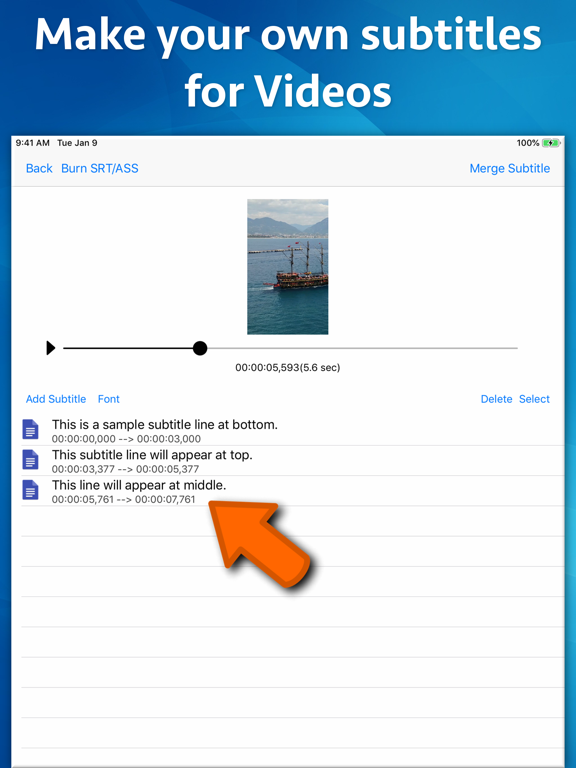
** You could also create your own subtitles and merge them into the video right from the application. The application comes with its own editing interface. On this interface the video preview is displayed. You could traverse through the video and add the subtitle lines wherever required.
** Font, Size and Location : When you are defining your own subtitle lines, there is an option to set the font name, font size and the text color. These settings are universally applied to all subtitles lines that are added.
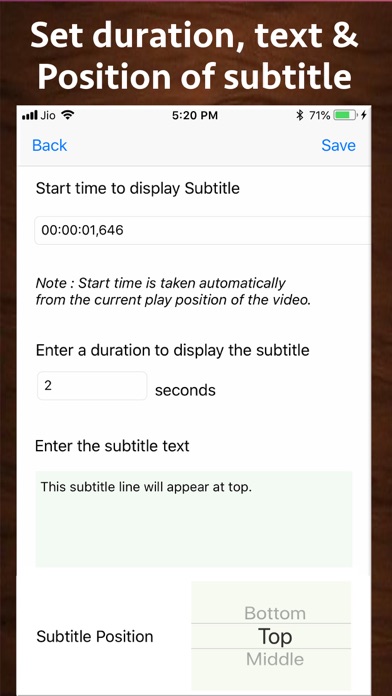
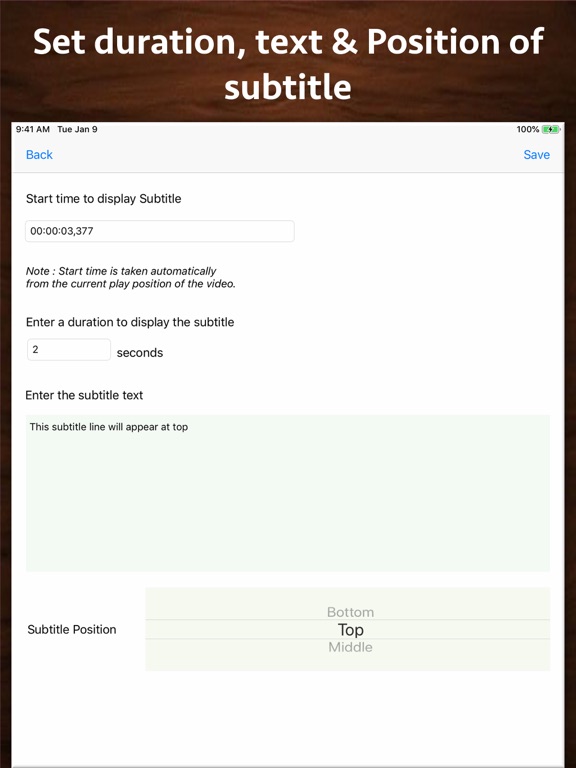
** Subtitle display location : For each subtitle line, you could specify whether that line should appear at Top, Bottom or Middle. These settings could be specified for individual lines.
** Start Time and duration to display subtitles : You could define the start time from which the subtitle should start displaying and the duration till which it should be displayed. This will ensure that the subtitles are displayed at exactly the right moment in your video.
The application has its own inbuilt previewer where you could directly preview the created video with subtitles.