Capptions Direct

Capptions Direct Summary
Capptions Direct is a iOS app in the Business category, developed by Capptions B.V.. First released 5 years ago(Jan 2021),
Store info: Last updated on App Store on Jan 14, 2026 .
0★
Ratings: 0
Screenshots
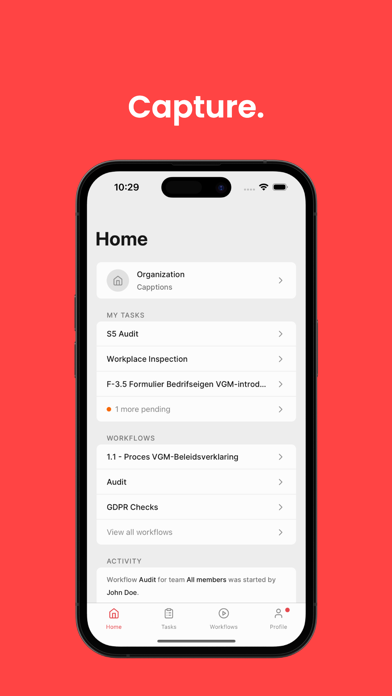
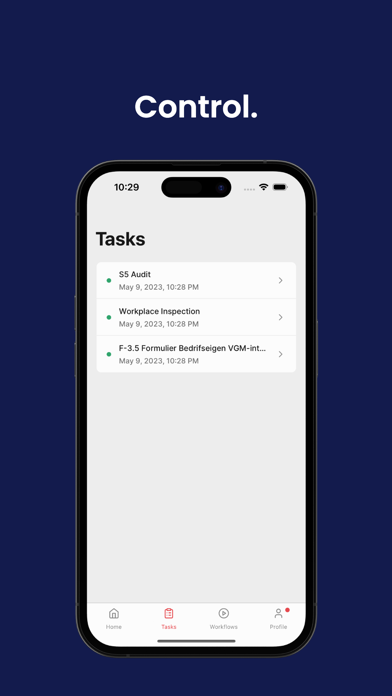
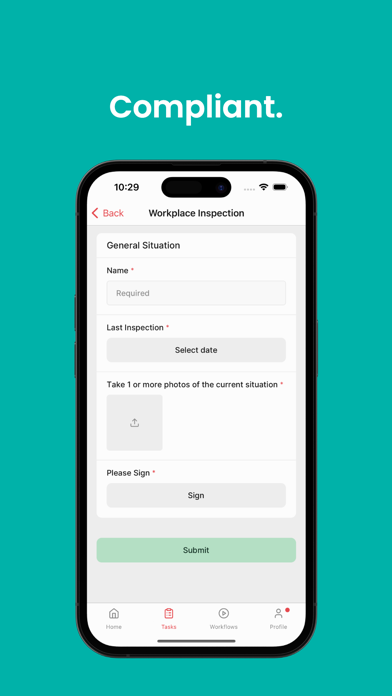


App Description
Capptions Direct is a mobile and web compliance management app, and is the first choice for businesses that want to excel in their safety processes in a transparent and sustainable manner, through digitized forms. Multinationals and local businesses in over 35 industries have entrusted their compliance-related inspections, auditing, and reporting with Capptions.
Paper-based forms that capture daily data in work environments are essential for organizations, however, they lead to wastage of paper, require physical storage space, and filing hours.
Download the Capptions Direct app to:
1. Build smart QHSE and standards compliance forms - No coding skills required
Use conditional formatting to combine compliance regulations ex. Working at height and working with electric hazards. Create, clone, and edit your form the way you want it to be.
Our form fields include:
Multiple Choice | Short answer | Paragraph | Number | Checkboxes | Date | Date & Time | Required
2. Develop reports for EHS management
Generate instant PDF’s of your inspections + sent instantly to your email. These are safely stored in your own organization portal.
3. Create your own templates or purchase pre-built templates
Save your own developed forms as templates to use organization wide, or buy pre-built templates that are made by Capptions Certified Partners.
4. Create your own workflows or purchase pre-built workflows
Develop your own workflows to use organization wide, or buy pre-built workflows that are made by Capptions Certified Partners.
5. From set-up to your first form in less than 90 seconds
Create your own compliance form in less than 90 seconds, using the Capptions Direct easy and intuitive app.
6. Provide evidence through photos and videos and other methods
Capture various data such as your devices camera for photos and videos; devices content library; NFC (Near Field Communication); QR-codes; Barcodes; External sensor appliances (e.g. barcode and NFC readers); GPS (satellite location data)
7. Assign forms to specific employees
Have the ability to assign forms to the concerned parties only, ensuring that your processes stay effective.
8. Improve employee engagement by digitizing paper based processes
Your on-site workers know the site the best. Let them be the eyes on the field by empowering and engaging them to perform inspections.
9. Mobile experience focused
Through research