LiveCam – Fullscreen Monitor

LiveCam – Fullscreen Monitor Summary
LiveCam – Fullscreen Monitor is a mobile iOS app in Photo And Video by SoundSpin. Released in Jul 2019 (6 years ago). It has 4.00 ratings with a 3.00★ (mixed) average. Based on AppGoblin estimates, it reaches roughly 3.00 monthly active users . Store metadata: updated Jul 22, 2019.
Store info: Last updated on App Store on Jul 22, 2019 .
3★
Ratings: 4.00
Screenshots

App Description
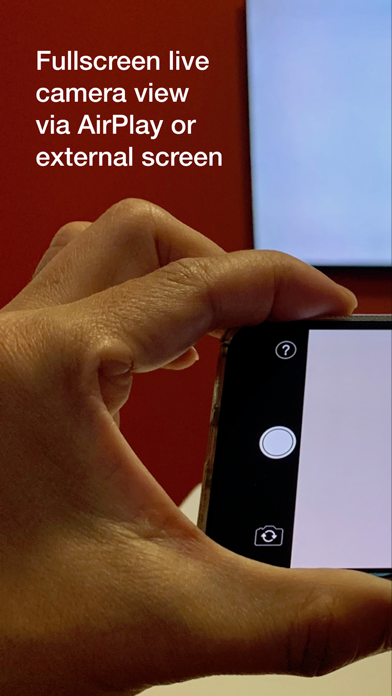
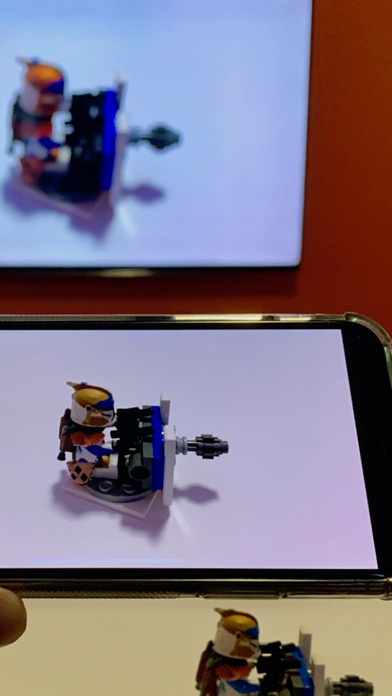
LiveCam is built for a single purpose: to stream your iPhone camera fullscreen to an AirPlay® or wired external display without any distracting elements. Your audience sees only what you want them to see, a fullscreen camera view, without any additional controls or interface elements.
It’s perfect for live events and classroom settings. Project to large displays for easier viewing and for closeups on smaller objects difficult to see a distance.
Highlights
- 16:9 external display output (no letterboxing), with a proper aspect ratio preview on your iPhone screen (including X, Xs, and Xr models)
- While streaming to an external display, document your events by recording HD video (with audio) or capturing high resolution photos
- Pinch to zoom, including up to 2x optical zoom on iPhone X, Xs, and Plus models
- Tap on viewfinder display to fix focus and exposure point
- Works with both rear and front-facing cameras
- Both landscape and portrait orientations are supported
- Supports wired display connections via Lightning to HDMI or VGA adapters
Note: To use with an external display, activate Screen Mirroring before or after launching the app, using Control Center:
- Open Control Center by swiping down from the upper right of the display
- Enable Screen Mirroring to your target display
- Tap screen to close Control Center