Drawland - Learn how to draw
Drawland - Learn how to draw Summary
Drawland - Learn how to draw is a with in-app purchases iOS app in Education by Martin Mitrevski. Released in Oct 2019 (6 years ago). It has 98 ratings with a 4.31★ (good) average. Based on AppGoblin estimates, it reaches roughly 378 monthly active users and generates around $<10K monthly revenue (100% IAP / 0% ads). Store metadata: updated Feb 4, 2026.
Store info: Last updated on App Store on Feb 4, 2026 .
4.31★
Ratings: 98
Screenshots




App Description
Drawland helps you learn how to draw and write step by step, in a fun and easy way. It instantly checks your drawings and gives continuous feedback about your progress.
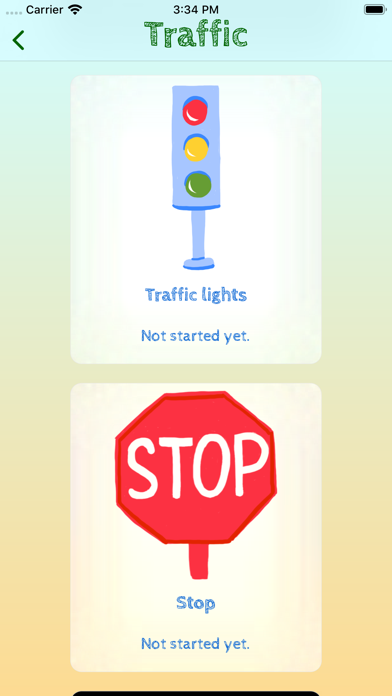
Choose from over 200 different sketches, ranging from numbers and letters, to beautiful drawings of animals, fruits, vegetables, space and much more.
Perfect for kids and anyone who wants to learn to draw. With the shapes, numbers and alphabet drawings, the pre-schoolers can practice and improve their motor skills. For the more talented drawers, the advanced drawings and in-depth steps, can take your drawing skills to the next level.
Use SharePlay to draw together with your friends and family.
Using simple tools and palettes, you will learn the following three drawing techniques:
- water colour
- flat design
- colour pencil
Drawing with Drawland is fun, easy and interactive, for everyone from kids to adults. Enter Drawland and boost your drawing skills and creativity!
Payments and Renewal:
Payment will be charged to iTunes Account at confirmation of purchase. Subscription automatically renews unless auto-renew is turned off at least 24-hours before the end of the current period.
Account will be charged for renewal within 24-hours prior to the end of the current period.
You can manage or turn off auto-renew in your Account settings at any time after purchase
No cancellation of the current subscription is allowed during the active period.
Terms of use: https://www.apple.com/legal/internet-services/itunes/dev/stdeula/