SpacesEDU

SpacesEDU Summary
SpacesEDU is a iOS app in the Education category, developed by Doublethink Inc.. First released 5 years ago(Apr 2020), the app has 17 ratings with a 2.29★ (poor) average rating.
Data tracking: SDKs and third-party integrations were last analyzed on Nov 14, 2025.
Store info: Last updated on App Store on Dec 17, 2025 (version 2).
SpacesEDU was last scanned for SDKs 2025-11-14. Below is the overview of third party companies detected in the app. The full list of raw SDKs, app permissions and unknown SDKs is available here.
 Google
 Facebook
 OpenTelemetry
 Airbnb Engineering
 Datadog
 Firebase
2.29★
Ratings: 17
Screenshots


App Description
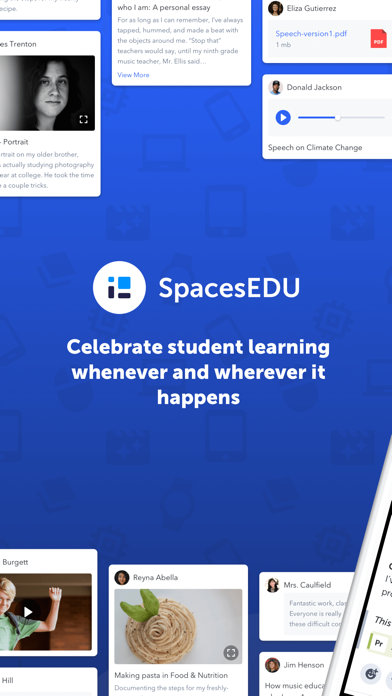
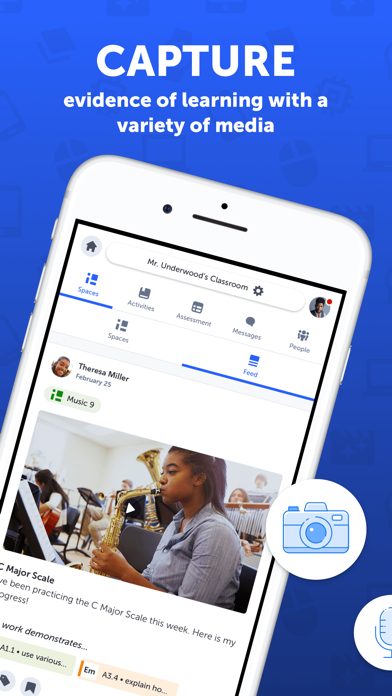
SpacesEDU makes it easy for teachers and students to capture, communicate, and celebrate the growth that’s happening in and out of the classroom. Based on feedback from 15+ years of educator insight, SpacesEDU Portfolio-Based Assessment (PBA) tools allow teachers to assign activities, collect evidence of learning in multiple formats, assess student mastery of standards and competencies, and create visual report cards.
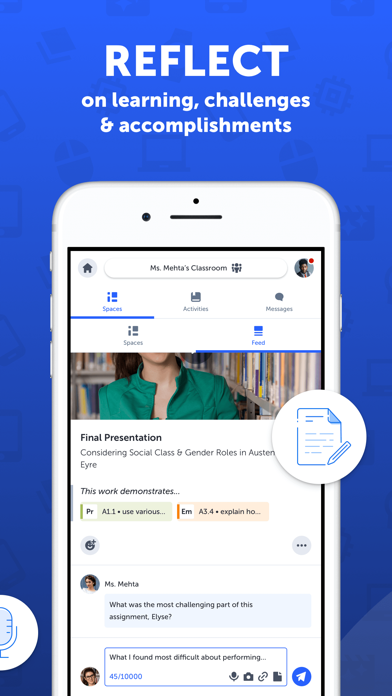
With SpacesEDU, student assessment progress becomes a two-way conversation. Students can ask questions, receive teacher feedback, peer review, and share work in an authentic and flexible way - all without leaving the SpacesEDU app.
Provide real-time feedback on student work through commenting and messaging without leaving the app.
Bring SpacesEDU into your classroom today and give your students their own space to learn, grow, and tell the stories behind their grades.
Key Features
• Activities: Easily create, track, and review activities to engage students in the learning process and provide a space for self-reflection
• 1:1 Spaces: Create a safe one-on-one (teacher to student) space for your students to showcase their work in a portfolio, on topics, units, or self-reflections. Create 1:1 Spaces to better organize all of the work happening within your classroom and tie them to your own course objectives
• Group Spaces: Spark collaboration with spaces for students to work on group projects, peer reviews, and more. Create your own groups or have them created for you
• Space to grow: Add unlimited files to student or teacher accounts
• Support for a wide variety of media types: Upload files (20 file types), capture content directly from your camera or microphone, add links from websites, or import from Google Drive and Microsoft OneDrive. You can add up to ten media attachments to a post
• Reporting Spaces: Think of it as a visual report card or summative portfolio. Teachers can easily bookmark exemplary artifacts of student learning throughout the year and add it to a Reporting Space. With Reporting Spaces, share student growth with family and/or students at the end of the year or at various progress points. Available only to schools and districts licensing SpacesEDU Pro Reporting Add-On
• Proficiency Scales: A Standards-Based Assessment feature that makes it easy for educators to assess and report on student progress on lear