EBook Viewer - ePub Novel File

EBook Viewer - ePub Novel File Summary
EBook Viewer - ePub Novel File is a with in-app purchases iOS app in Books And Reference by kim juyoung. Released in Mar 2020 (6 years ago). It has 1.00 ratings with a 4.00★ (good) average. Based on AppGoblin estimates, it reaches roughly 6.00 monthly active users and generates around $<10K monthly revenue (100% IAP / 0% ads). Store metadata: updated Feb 20, 2026.
Store info: Last updated on App Store on Feb 20, 2026 .
4★
Ratings: 1.00
Screenshots
App Description
ePub fiction that you can see on your smartphone
Simple ePub File Viewer App
The EBook Viewer app allows you to upload and view your own ePub files.
The EBook Viewer app doesn't provide or share ePub files.
** Characteristic **
-Only ePub file extension
-Upload via PC web browser (WIFI)
-Import files from cloud apps such as iCloud, Google Drive, Dropbox, OneDrive, Box, etc.
-FTP, Webdav, SMB support: browse, download
-Upload files with iTunes file sharing
-Cloud app, copy files from mail attachments
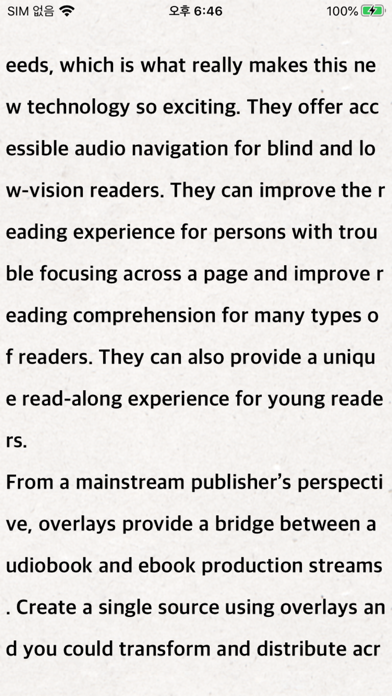
-Set font size, spacing, and bold
-Add page transition animation effects
-App Lock, File Lock
-Font type can be selected
-Adjust screen brightness
-Set left and right margins
-Set background / text color
-Horizontal and vertical rotation support
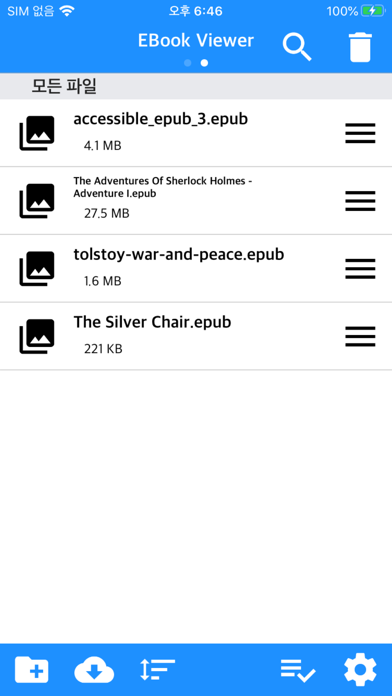
-Create / Delete / Rename Folders
-Move / copy / delete files
-Multi file selection
-Move page by tap and drag
-Character alignment function (left, right, center)
-Search function
-Bookmark function
-Insert / Remove Blank Line
-Screen off option: If set to ON, the screen will turn off automatically at the screen off time.
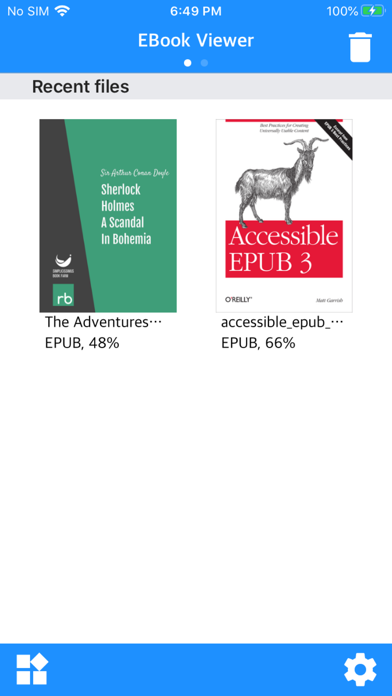
-Resume the last file
-Vertical Scrolling Function: The user can scroll down vertically.
* In-app purchase *
-Ad removal
-Status bar display
-Automatic scrolling, automatic paging
-Underscore (like a note)
-Bluetooth keyboard
-TTS play, background play
-Page curl sound effect
-Close screen with swipe
-Top and bottom margin
-App language setting separate from device language setting
** Please install the cloud app on your iPhone and log in to import files from the cloud.
** Upload files to the Text Viewer app from “File Sharing” of the iTunes program and “App File Sharing” of ifunbox.