TimeTracker Pro
TimeTracker Pro Summary
TimeTracker Pro is a with in-app purchases iOS app in Business by Silverware Software, LLC. Released in Jan 2021 (5 years ago). It has 140 ratings with a 4.50★ (excellent) average. Based on AppGoblin estimates, it reaches roughly 973 monthly active users and generates around $<10K monthly revenue (100% IAP / 0% ads). Store metadata: updated Jan 6, 2026.
Recent activity: 1.00 new ratings this week View trends →
Store info: Last updated on App Store on Jan 6, 2026 .
4.5★
Ratings: 140
Screenshots
App Description
Track time spent on the job with this powerful, customizable and easy to use app. TimeTracker Pro is your full featured time tracking and reporting application. It will simplify your life and save you money!
TimeTracker Pro is finely tuned, exceptionally reliable and easy to use.
TimeTracker Pro replaces our TimeTracker app which has been helping users track their time worked since 2011.
TimeTracker Pro has MANY new features from TimeTracker.
------
Its ease of use, full features and great interface make it an essential tool for any iPhone or iPad user needing to track their time spent on the job. Its' power extends to the desktop by allowing emailing or exporting PDF format or Excel friendly files directly to the desktop. It's so easy to use!
------
WHY TimeTracker IS BETTER
* Elegant user interface
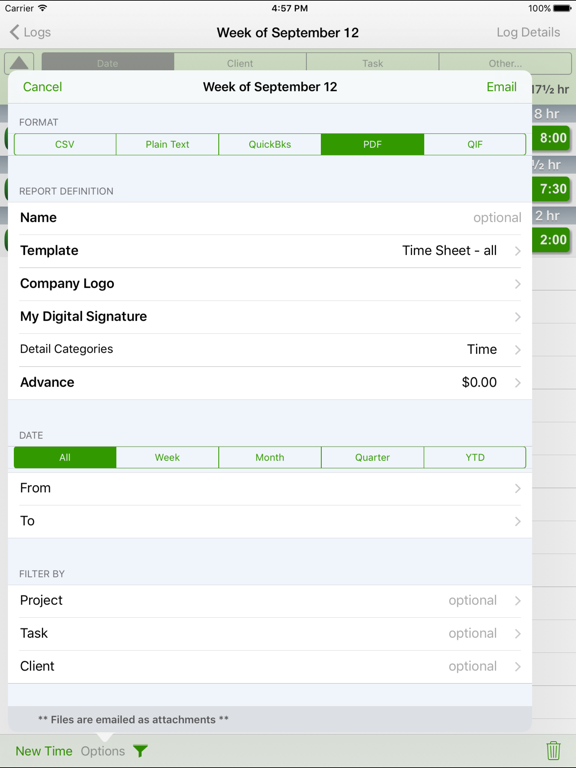
* The most powerful and flexible Reporting features available
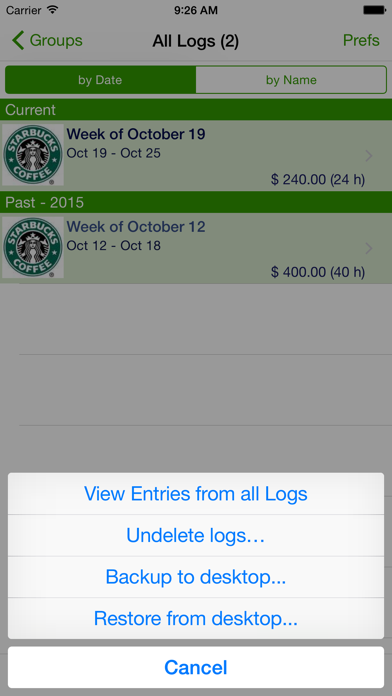
* Organize your entries into logs for maximum ease of use
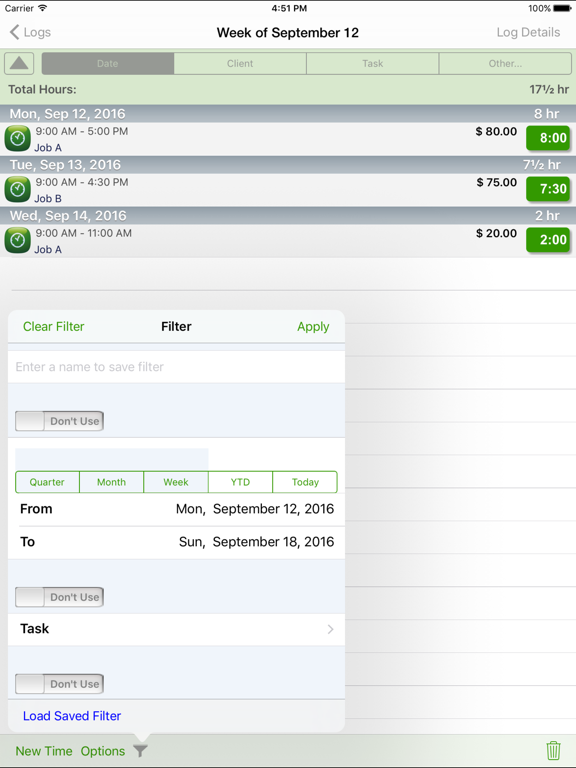
* Quick and easy on-screen filtering to get the most from your tracked data
* The MOST extensive set of preferences available
EASE OF USE
* Completely customize your app and make it your own
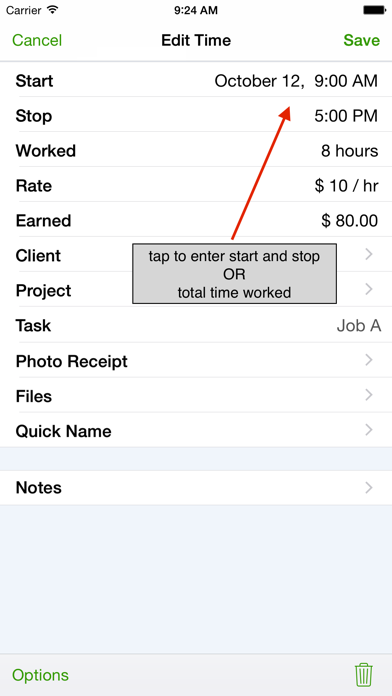
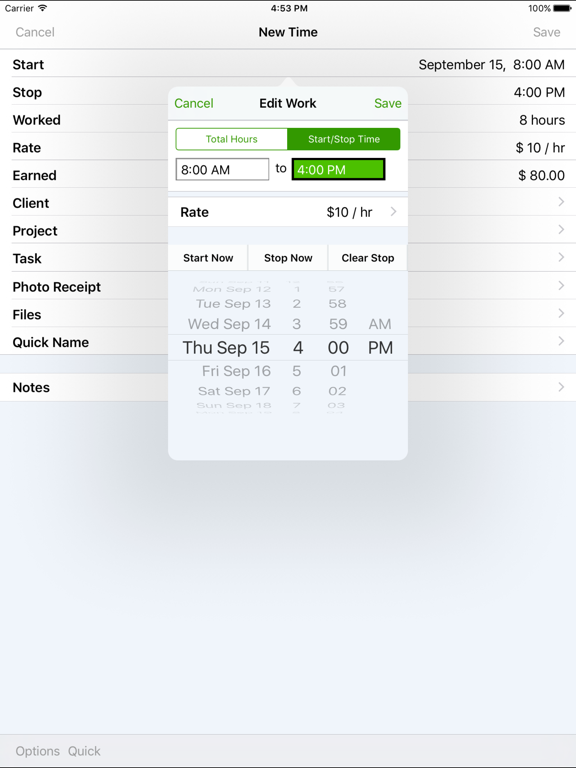
* Record your entries with easy to use screens that show your frequently used items
* Custom keyboard entry with calculator functions
* Smart functions to make data entry FAST (i.e. once you select a client, remembers their rate)
* Keeps a frequently used list for appropriate fields like "Client", "Project" and "Description" and presents those when entering for one tap entry
* Always remembers the last log you edited and returns you there upon returning to the app
* Unlimited customizable pay rates
* Specify a default wage for each log
VIEWING YOUR ENTRIES
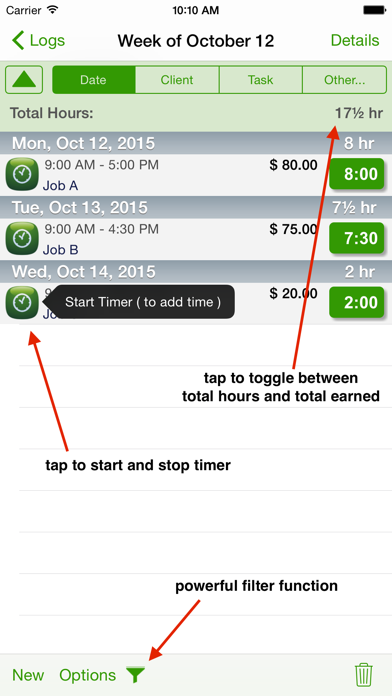
* Shows total earned for each log when displaying Log view screen
* Sort time entries by "Date", "Client", "Task", "Project", "Rate" and many other parameters
* Filter on-screen display to see exactly the information you need
* Customizable 2nd line display and optional 3rd line for even more information
REPORTING
* The most flexible and powerful reporting available
* Choose the attractive PDF format or CSV for importing into Excel
* Email your time sheet reports
* Export your reports to Dropbox or directly to your Mac or PC via a wi-fi connection
* Accountants love our templates because they provide all the key information needed
PREFERENCES
* Ability to set password to access app
* Includes