Unarchiver : Zip Unzip Tool

Unarchiver : Zip Unzip Tool Summary
Unarchiver : Zip Unzip Tool is a with in-app purchases iOS app in Tools by Nitin Katrodiya. Released in Feb 2021 (5 years ago). It has 2.00 ratings with a 3.00★ (mixed) average. Based on AppGoblin estimates, it reaches roughly 8.00 monthly active users and generates around $<10K monthly revenue (100% IAP / 0% ads). Store metadata: updated Jan 23, 2026.
Store info: Last updated on App Store on Jan 23, 2026 .
3★
Ratings: 2.00
Screenshots
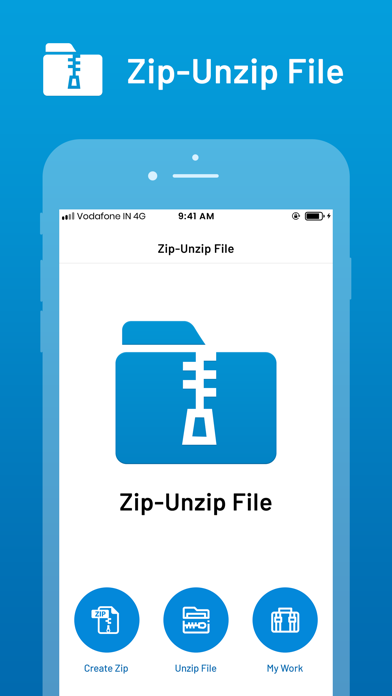

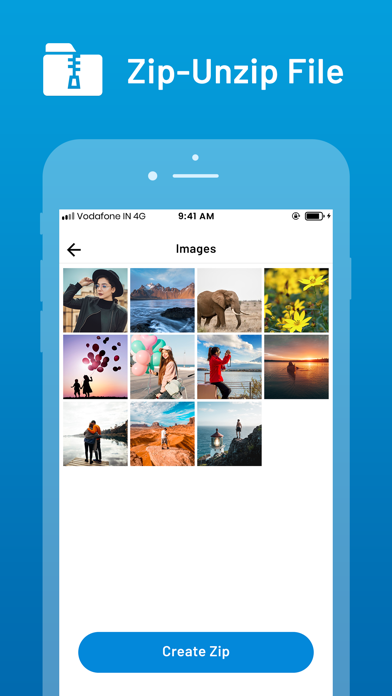
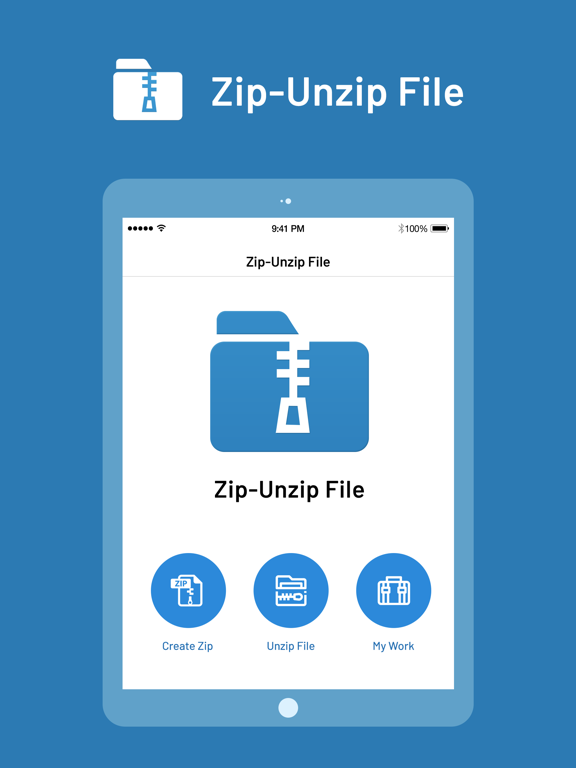

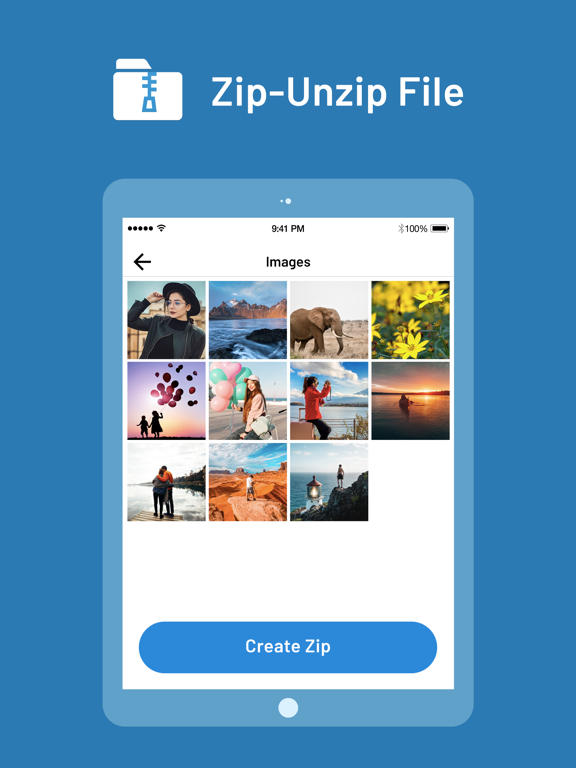
App Description
Want to extract zip files on your cloud drives? This app is for you
Want to preview files in zip archive? Get this app
Want to control zip level on zip files? Try this app
“Zip file opener - Unzip files” is an application that extracts opens the most efficient compressed files on your devices with a user-friendly interface. Zip tool also supports you fast and efficient file management as well as read the archive.
ZArchiver - WinZip: #1 zip & unzip tool
The world’s most popular Zip utility, WinZip offers most secure and fast Zip utility for business and professional. Our unZIP and unRAR ZIP file application makes ZIP and RAR extractor easy.
iZip - Zip Unzip Unrar Tool
Zip & RAR File Extractor and WinZip – Zip UnZip Tool for your iPhones and iPads. Never again will you receive an email with an attached compressed file without knowing what to do with it.
Main Feature :
• Zip your cloud storage files, unzip files to your accounts and create and save .zip files to your accounts
• Unzip major compressed file types including .ZIP, .Zipx, .RAR, .7z and LHA, RAR, TAR, GZIP, BZIP, TGZ, TBZ, ISO, DEB, CAB, JAR, RPM, CBS, and more.
• Choose Zip or Zipx format to compress and email large files, photos and videos, DOC, Excel, PPT, PDF, TXT, RTF, Pages, JPG, GIF, PNG, audios and videos.
• Browser and Documents Manager - Zip and share photos and videos and use WinZip to access music files on your device
• Convenient RAR creator and ZIP creator
• Easy unRAR, unZIP and ZIP
Unzip Files: How to Unzip a File with WinZip ?
- Compress files into ZIP file.
- Import photos and videos from Camera Roll and Compress photos into ZIP file including password protected.
- Open and decompress compressed file formats: ZIP, RAR, 7zip, TAR, GZIP.
- Open and view many document types: DOC, Excel, PPT, PDF, TXT, RTF, Pages, JPG, GIF, PNG
- Play videos and audios: mp4,avi,mkv,wma,flv,mov,3gp,m4a,wav,wmv,rmvb
File Viewer:
- Support Media Player, Photo Viewer, PDF Reader, Documents Viewer.
- Zip Viewer: ZIP, Gzip, BZip2, Tar, TGZ, ar, arj, cpio, lzma, xz or 7zip, then the app can open it.
- ZIP extractor and ZIP reader the ZIP opener and RAR compressor application also supports many other formats: TAR, GZ, BZ2, XZ, 7z, ISO, ARJ
WinZip for iPhones and iPads lets you view:
- Photos and images (.jpg, .jpeg, .png, .bmp, .gif)
- Text files (.rtf, .csv, .txt,