MetaMoJi Share Viewer 6

MetaMoJi Share Viewer 6 Summary
MetaMoJi Share Viewer 6 is a mobile iOS app in Business by MetaMoJi Corporation. Released in Jul 2021 (4 years ago). Store metadata: updated Oct 14, 2025.
Store info: Last updated on App Store on Oct 14, 2025 .
0★
Ratings: 0
Screenshots


App Description
MetaMoJi Share Viewer is a clone app for MetaMoJi Share for Business. When you edit a note using MetaMoJi Share for Business, this app is used to view and edit a different note.
MetaMoJi Share Viewer allows groups to collaborate on documents and virtual paper, in real-time. Bring together teams of meeting participants from anywhere in the world to share notes and to visually express their ideas in live interactive online meetings. The audio recording features ensure an accurate record of meeting minutes and offer an added boost to group productivity.
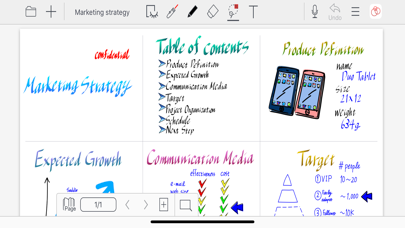
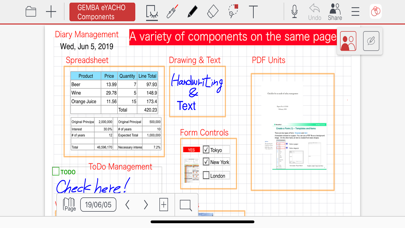
MetaMoJi Share Viewer provides a toolbox of rich creativity tools that can be used by authorized meeting participants, and whose resulting content is shared immediately to everyone’s devices using an optimized streaming technology. Mix work documents, PDF content, text, handwriting, sketching, diagrams, photographs, web page captures, and more in real-time. Meeting organizers can restrict individual participants to specific roles during the meeting, and can control exactly what each device connected to the meeting sees. It is also possible for each individual to work on different parts of the document at the same-time ? for example if preparing a document for a presentation.
Key Features:
●Up to 100 people working together in real-time, creating content comprising of text, handwriting, PDF, work documents, photos, and drawings.
●Meeting controls allowing the meeting facilitator to pass control of documents to other participants without dropping the session. Meetings can be “chaired”, forcing all participants to view the same page and zoomed area as the presenter.
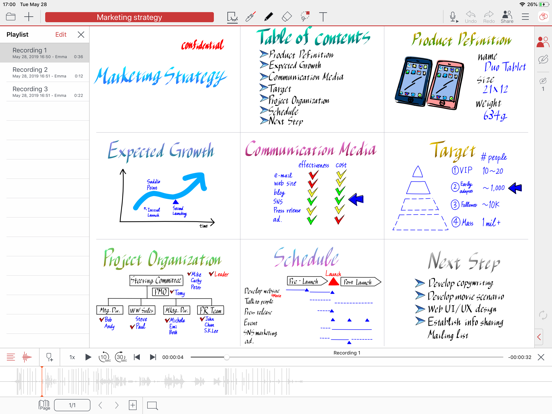
●Capture video and audio quickly. Easily play within your note pages
●Interactive chat bar for all meeting participants allows questions and recording of comments
●Laser pointer tool allows meeting participants to highlight areas of a document
●Password protect documents for privacy
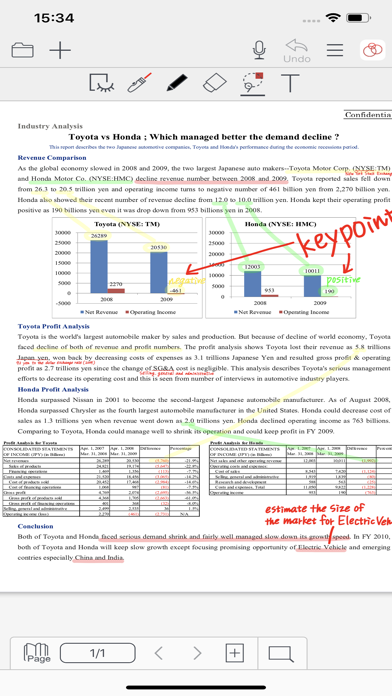
●Annotation of PDF documents and other work documents in real-time; co-signing a non-disclosure document has never been so easy!
●Flexible synchronization of files and folders to our cloud service, allowing you to back-up and manage your documents across multiple devices
●Auto save feature to track and save each participant’s input without manual intervention
●The Shared Drive capability allows co-editing and ownership of documents
●Change t