Video Editor : Video Maker

Video Editor : Video Maker Summary
Video Editor : Video Maker is a with in-app purchases iOS app in Photo And Video by Miraitowa Inc. Released in Jul 2021 (4 years ago). Store metadata: updated Feb 7, 2022, version 3.
Data tracking: SDKs and third-party integrations were last analyzed on Jan 28, 2026.
Store info: Last updated on App Store on Feb 7, 2022 (version 3).
Video Editor : Video Maker was last scanned for SDKs 2026-01-28. Below is the overview of third party companies detected in the app. The full list of raw SDKs, app permissions and unknown SDKs is available here.
 Alamofire
 Snap
Snap Google
 nanopb
 Firebase
0★
Ratings:
Screenshots
App Description
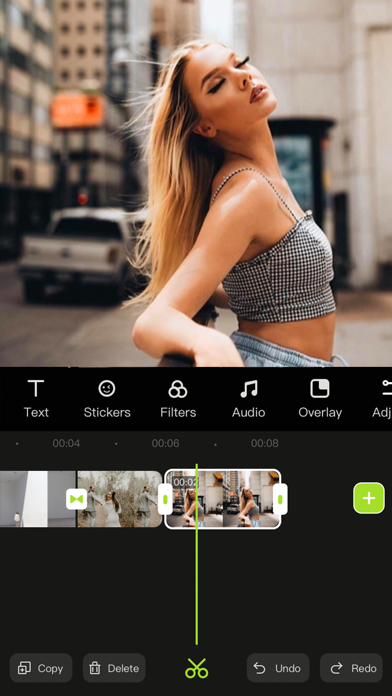
Videoeditor is an easy-to-operate video making App on your iPhone, iPad. Whether you are a professional or an amateur, you can find the fun of video editing in Videoeditor. Videoeditor has powerful editing functions and a massive material library (such as pictures, videos, music, sound effects, stickers, etc.), which greatly reduces the creation threshold while adding creativity to the video. Let’s start creating!
Here's what Videoeditor can do for you:
Powerful video editing functions
- Upload materials from your phone album
- Adjust the brightness, contrast, saturation and other parameters of the clips
- Add the entry/exit animation of the material.
- Pick color and cut out
- Add a mask to hide part of the layer
- Video splitting and trimming
- Adjust layer order
- Sound extraction from video
- Record your voice and add to video
- Multiple sound equalizer solutions
- Adjust the speed of the video
- Video reverse
- Freeze the key-frame of the clip
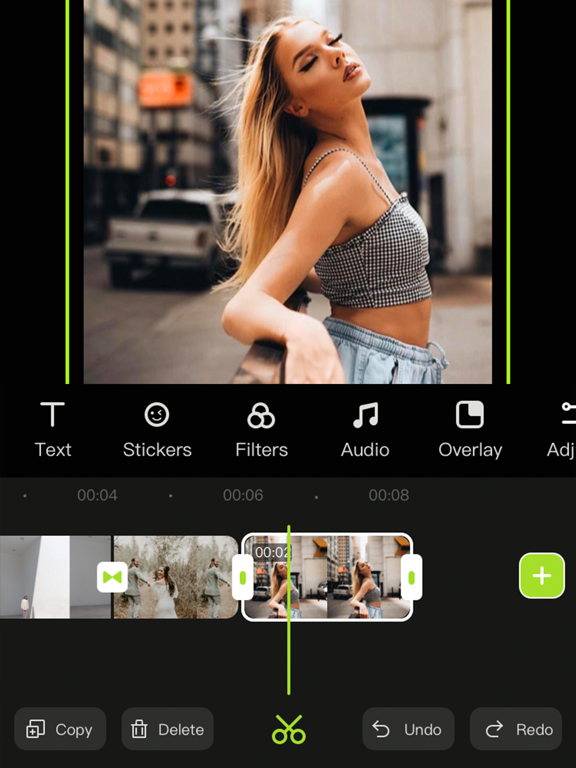
- Intuitive time-line with frame-by-frame precision scaling
- Replace material while retaining editing operations
- Shortcut operations for video editing (Redo/Undo/Delete/Copy/Mute)
Abundant resources to inspire creativity
- 500+ featured stickers of different kinds
- Choose photos/videos from third-party material libraries for creation
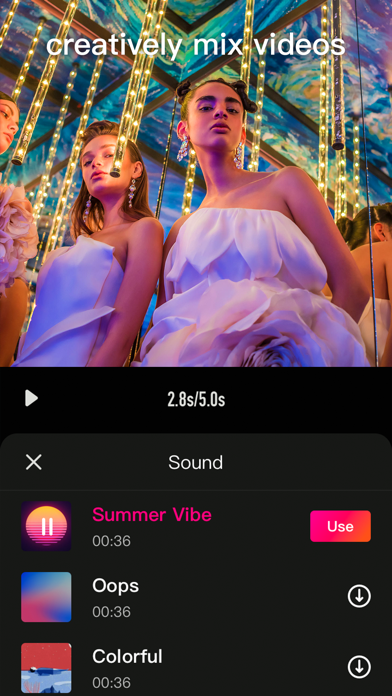
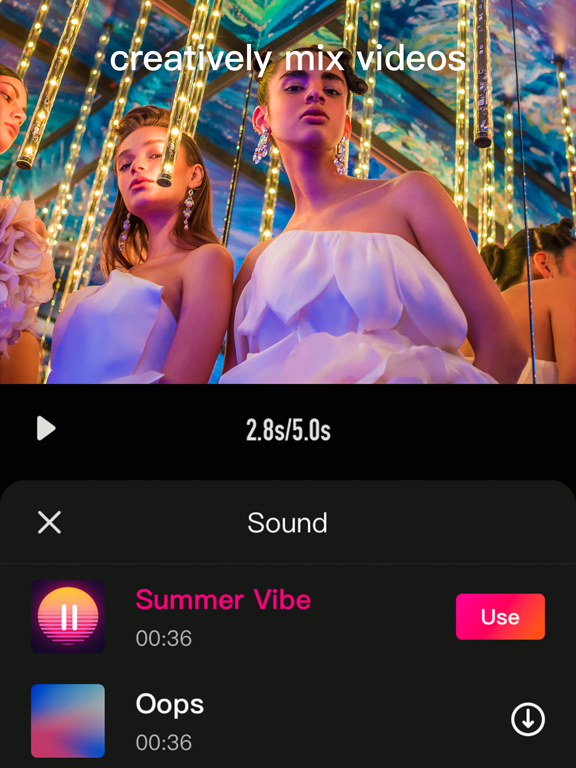
- Pleasant background music
- Various sounds of nature contained in sound effect library
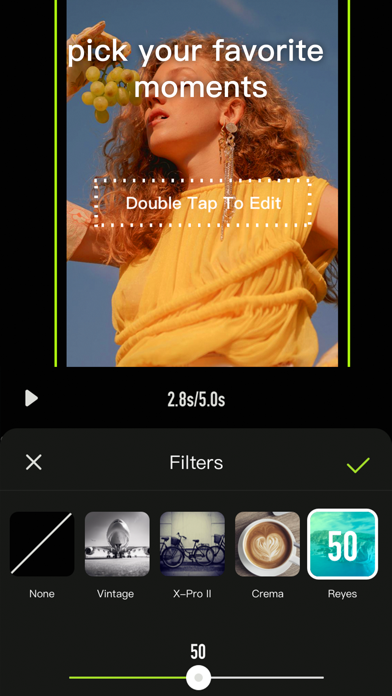
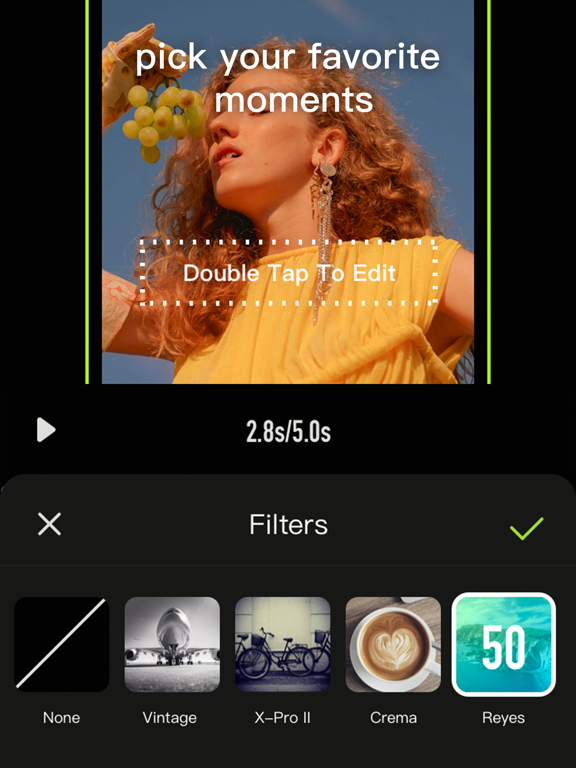
- Various filters to beautify your video
- A variety of selected fonts to choose from
- Various special effects to increase the fun of the video
- Various transition allow natural switching between clips and clips
Various adjustment operations for the canvas
- A variety of canvas sizes to choose from for better display on social media
- Custom canvas background (Solid color / blur)
Multiple video saving options
- Multiple resolutions to meet different needs
- Different frames per second options to adjust the smoothness of the video
***Some features may require in-app purchases.
------------
SUBSCRIPTION PRICING & TERMS
VideoEditor is free to download. Pro Subscription gives you unlimited access to all our featured functions and selected materials.
Premium Features:
- Access to ALL featured filters
- Access to ALL resource libraries (including fancy fonts, stickers, sound effects, music)
- A variety of cool transitions
- Animation effects
- Unlock all masks
- Audio extraction
-