CS Scanner - Doc Scanner
CS Scanner - Doc Scanner Summary
CS Scanner - Doc Scanner is a mobile iOS app in Tools by Liam Sammy. Released in Dec 2021 (4 years ago). It has 31 ratings with a 4.23★ (good) average. Based on AppGoblin estimates, it reaches roughly 2K monthly active users . Store metadata: updated Dec 16, 2025.
Recent activity: 4.00 new ratings this week View trends →
Store info: Last updated on App Store on Dec 16, 2025 .
4.23★
Ratings: 31
Screenshots

App Description
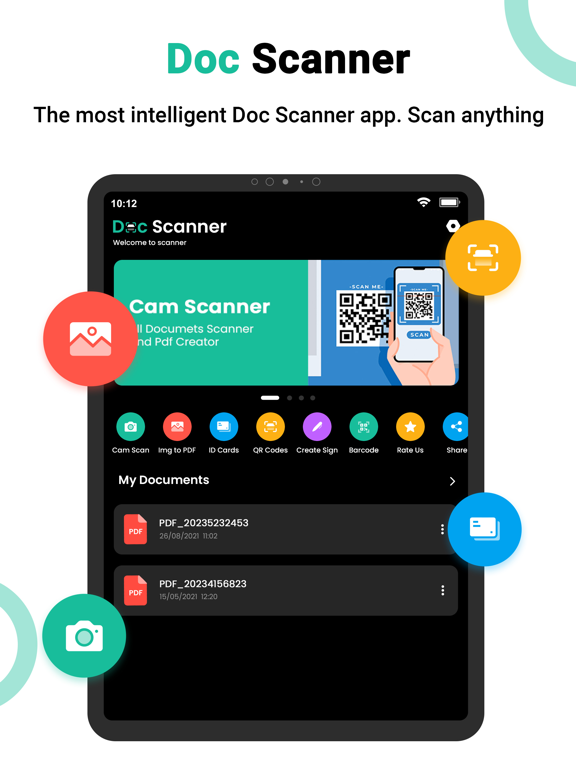
Are you looking for a scanner app Here Camera Scanner?
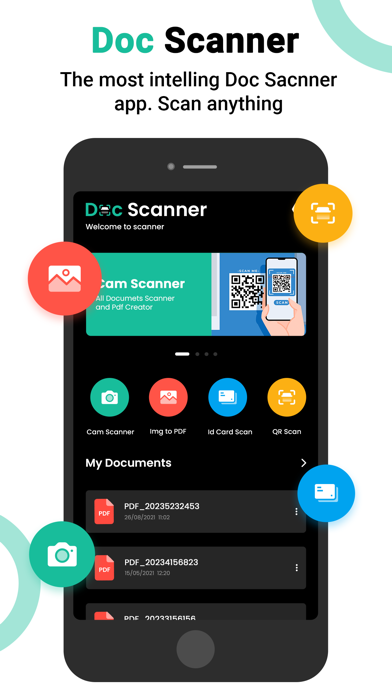
CameraScanner is a powerful application for scanning documents. Anywhere and anytime, scan, save and archive. Managing and searching has never been so easy.
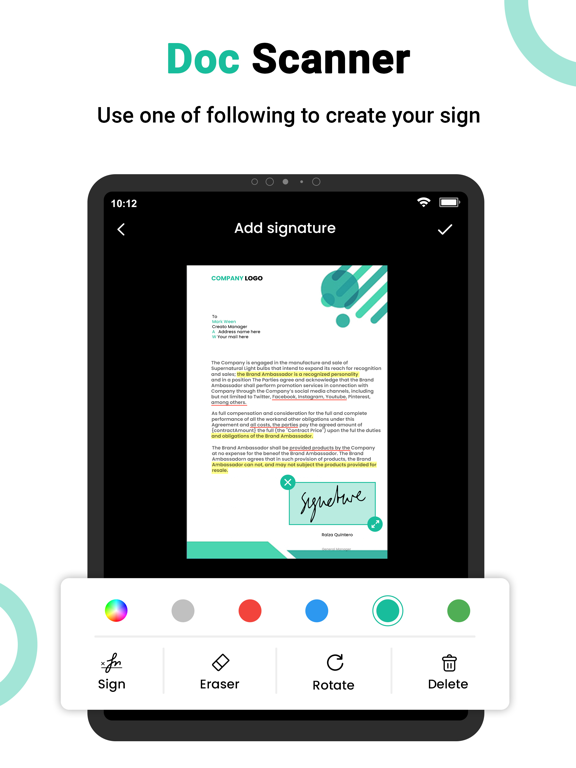
It turns your phone camera to a PDF Scanner or PDF Maker. You can easily share scanned files as PDF or JPG. Easy to use PDF converter app.
Document Scanner is the best Doc Scanner & a must have application for those people who are always travelling for business purposes. They can easily send scanned documents while being on the move. In this Doc scanner, PDF Conversion is completely offline and requires no internet connection.
**** Cam Scanner Key Features ****
+ Open the PDF with any PDF viewer.
+ Book Scan through Book mode in your camera captures shots of facing book pages, splits them into separate images, and correct distortions or lighting defects
+ Unlimited scans of documents & Kaagaz allowed.
+ Completely free with no subscriptions whatsoever
+ No internet needed to scan the documents or kaagaz.
+ PDF Maker : Select images to make a single pdf, Also use pdf converter
+ PDF reader, Additional pdf converter features added recently e.g text to pdf, excel to pdf, images to pdf.
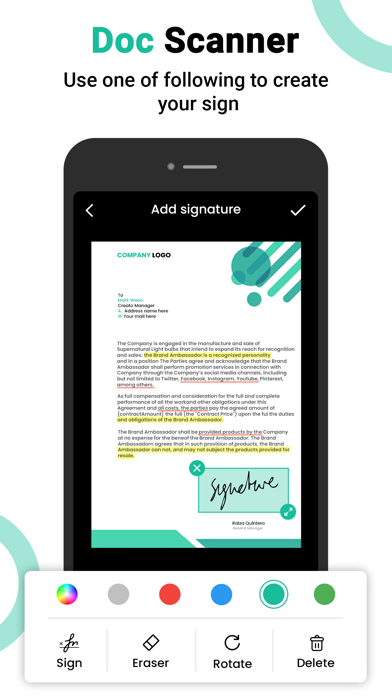
+ You can create a password protected pdf file also.
+ Remove the duplicate pages easily from the pdf
+ Easily open the pdf with any pdf viewer.
◆PDF CONVERTER◆
– PDF Converter: create pdf from a website, convert document files (doc, docx, ppt, pptx) to PDF.
◆Mobile Scanner◆
Farewell to tedious operations of scanners.Let your mobile take care of everything.
◆Auto edge cropping◆
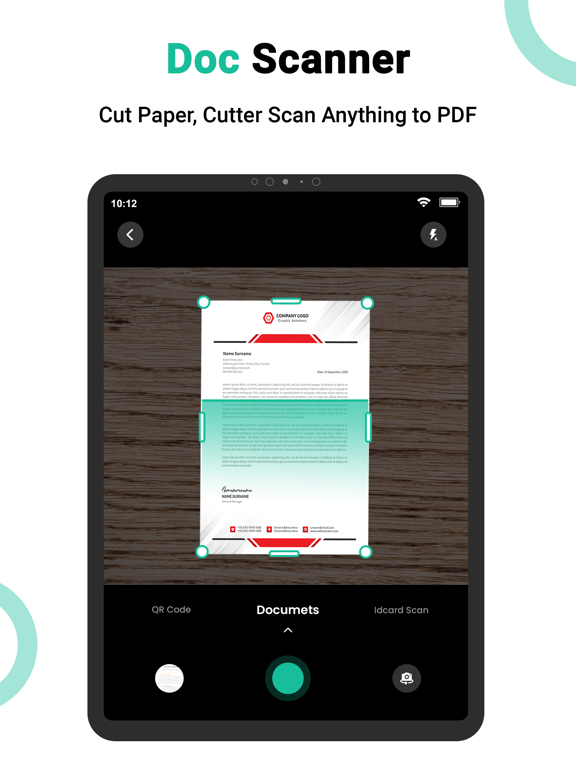
Capture document by phone, remove busy background, generate high resolution JPEG or PDF file
◆INNOVATIVE PDF SCANNER◆
Scan documents and photos to PDF, JPG, or TXT
◆Quickly digitalise Document◆
Just use your phone camera to scan and digitalise all kinds of paper documents: receipts, notes, invoices, whiteboard discussions, business cards, certificates, etc.
◆Share and Collaborate◆
Share with your friends by collaborating, or via email, whatsapp, wechat or and via link to other social networks
◆Handy Document Editor◆
– Edit scans using color correction and noise removing features
– Use file manager with folders, drag \\u0026 drop, and document editing features
– Protect your confidential scans by locking folders and files with PIN
◆Doc Scanner - Pho