ShiftBud Generative MIDI AUv3

ShiftBud Generative MIDI AUv3 Summary
ShiftBud Generative MIDI AUv3 is a mobile iOS app in Music And Audio by Cem Olcay. Released in Apr 2022 (3 years ago). It has 10 ratings with a 4.60★ (excellent) average. Based on AppGoblin estimates, it reaches roughly 42 monthly active users . Store metadata: updated Sep 2, 2024.
Store info: Last updated on App Store on Sep 2, 2024 .
4.6★
Ratings: 10
Screenshots
App Description
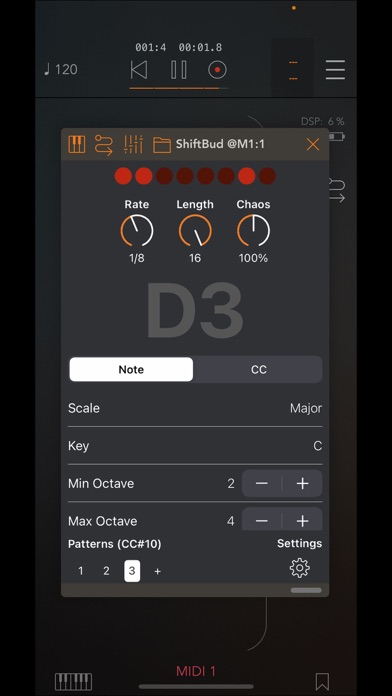
ShiftBud is a random looping generative MIDI sequencer based on the eurorack module Turing Machine by Tom Whitwell.
It works based on the 16-bit shift register chips where it shifts its value on each sequencer step. However, you can lock the sequence in a desired length if you fully rotate the chaos knob to the left or right. If you introduce low amount of chaos, then the sequence "flips" occasionally and generate beautiful sequences. You can also produce random values if set higher amount of chaos.
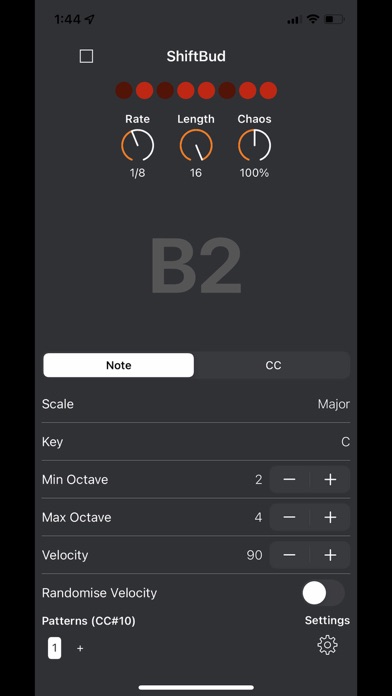
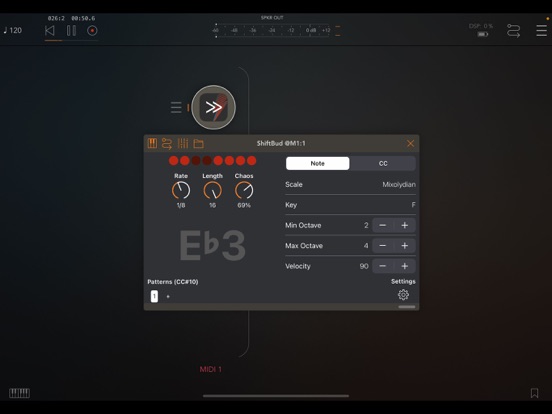
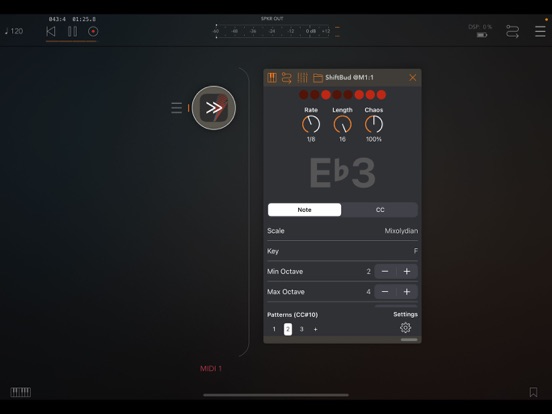
The MIDI note generation can be in more than 110 scales plus your custom ScaleBud 2 scales. You can set the octave range, velocity or velocity randomness as well.
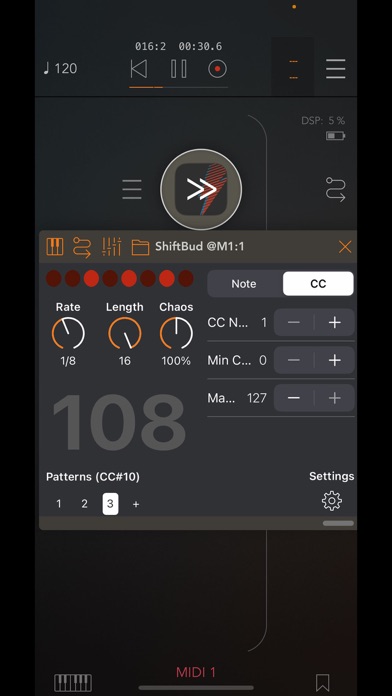
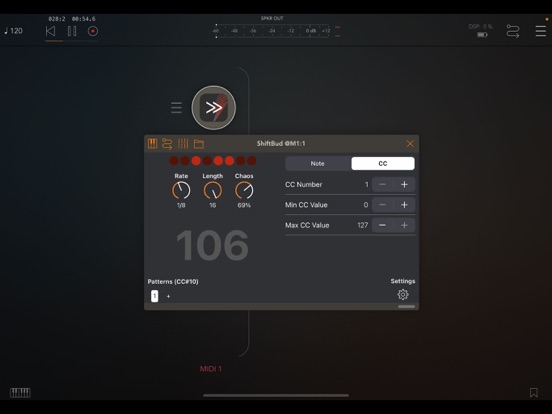
You can set the higher and lower bounds on MIDI Control Change generation as well as the CC number you want to control. It's very useful on modulating synth parameters and you can even modulate the ShiftBud's AU parameters as well. You can also set a ramping value for a smoother change. With the 0% ramping, you can use it like a "sample and hold" module.
With the manual trigger function, you can use another sequencer or keyboard to trigger ShiftBud's next note.
You can create unlimited pattern pages on the lower left corner of the app and you can select the pattern with MIDI CC messages as well.
Please note that ShiftBud is a MIDI app. The standalone version has an optional internal synth where you can enable or disable on the settings menu. The AUv3 plugin requires an audio app for output. For the AUv3 functionality, it needs to be hosted within an app such as AUM, Loopy Pro, Cubasis, Logic Pro, Nanostudio, Drambo, or apeMatrix.