TheAccount

TheAccount Summary
TheAccount is a iOS app in the Business category, developed by The Account. First released 3 years ago(Jan 2023), the app has 1.00 ratings with a 5.00★ (excellent) average rating.
Store info: Last updated on App Store on Jan 6, 2025 .
5★
Ratings: 1.00
Screenshots



App Description
The Account Mobile application allows registered users to submit transfer/rollover requests, Primarily application provides the following features:
Secure Authentication
The application allows registered users to log in with two-factor authentication. Once logged successfully, users can enable fingerprint/face detection from the application settings.
Change password:
Check out the last menu icon, to change the password.
View Capital:
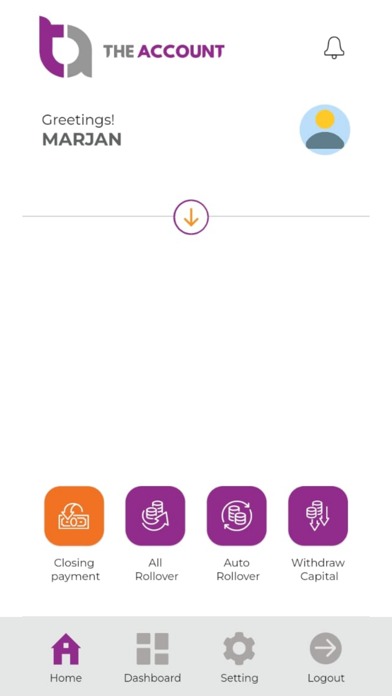
The user can see his/her total capital.
Closing Requests
The application allows the user to submit a request i.e. withdraw, Transfer/Rollover, and All rollover on the closing date.
Capital History:
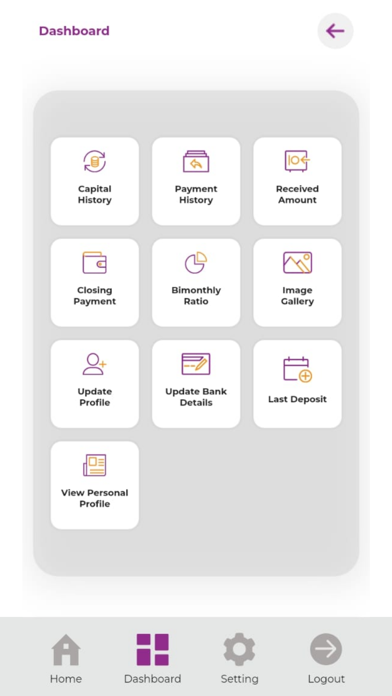
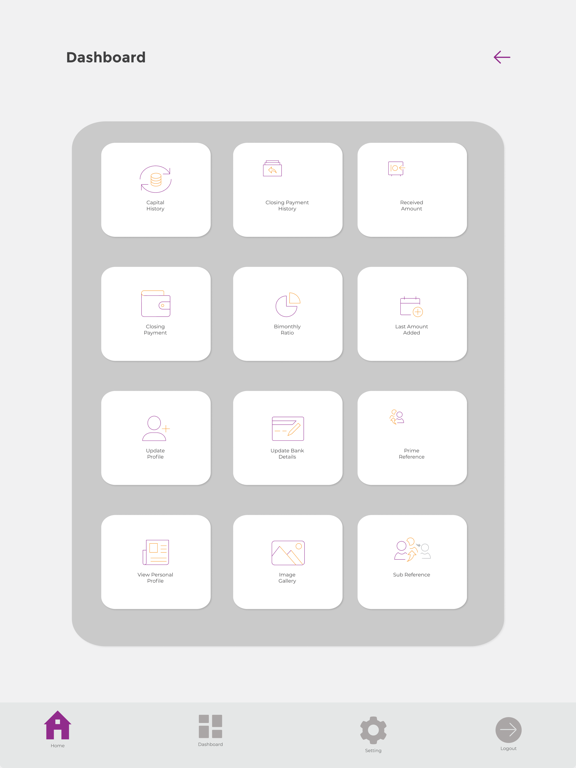
Check this module to view all records of capital history since the account was created.
Payment History:
Check this feature to view all the history of transfer/rollover requests.
Received Amount
In order to view the overall summary of all the submitted requests since the account was created, check this section.
Closing Payment:
You can submit requests(transfer/rollover), using this module.
Bi-monthly Ratio
The application also shows a bi-monthly profit on the closing date.
Image Gallery:
View the visual interior of our different offices.
Update profile:
You can update personal details from this section.
Update bank details:
To update bank details, check this module.
Last amount deposit:
To check the last amount submitted. Check this section
View Personal Profile
You can view personal details in this section.
App Setting:
Select light or dark mode from the application setting and enable/disable the glowing design.