TaskTask for Outlook Tasks

TaskTask for Outlook Tasks Summary
TaskTask for Outlook Tasks is a with in-app purchases iOS app in Productivity by TaskTask LLC. Released in May 2009 (16 years ago). It has 1.4K ratings with a 4.50★ (excellent) average. Based on AppGoblin estimates, it reaches roughly 4.1K monthly active users and generates around $<10K monthly revenue (100% IAP / 0% ads). Store metadata: updated Jan 27, 2020.
Store info: Last updated on App Store on Jan 27, 2020 .
4.5★
Ratings: 1.4K
Screenshots
App Description
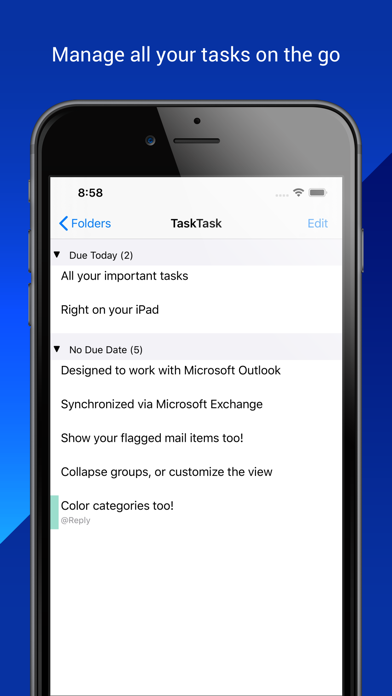
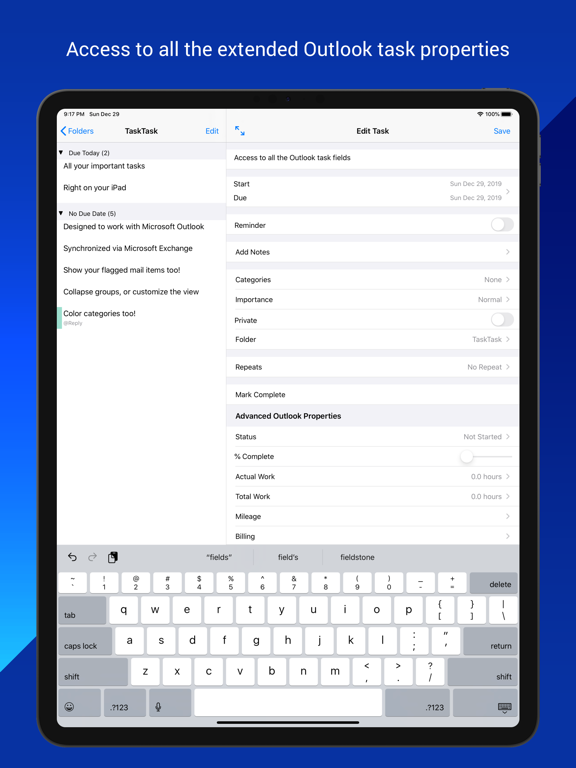
TaskTask is the easiest way to get your Outlook or Gmail tasks onto your iPhone! TaskTask directly connects with your Office 365 Business, Exchange on-premises, or Google tasks to keep your full task list in sync between Outlook and your device. Everything is tracked, include all the advanced properties you can see in Outlook. Best of all TaskTask includes flagged items (email!) so you can see your complete task list on the go.
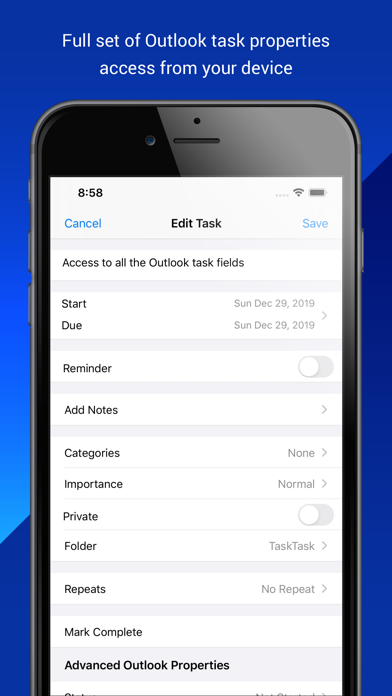
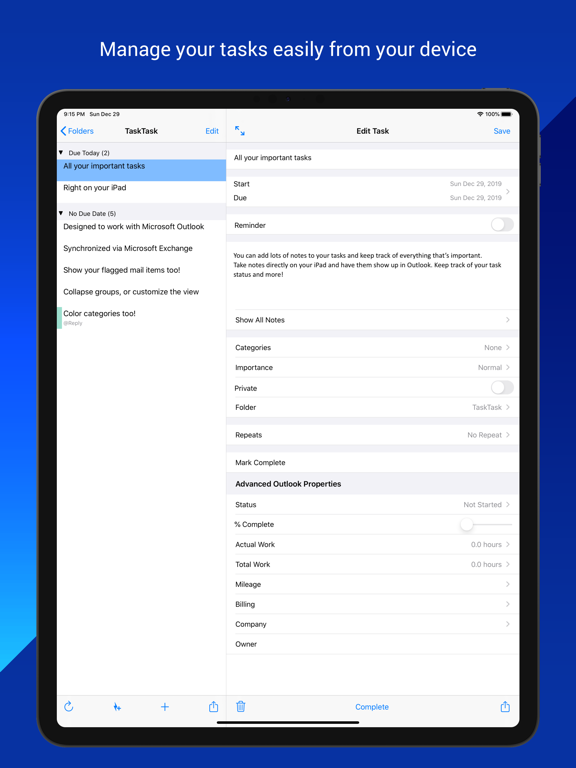
Using TaskTask, you can manage your to-do list, create tasks, set start/due dates, mark complete, assigning categories, change importance, set and receive reminders, and delete tasks. An Exchange Server or Office 365 account is required to synchronized tasks with Outlook. No additional software is necessary. TaskTask works with Gmail directly, although in a limited fashion.
Key Features:
- Simple interface, quickly create new tasks and mark tasks completed
- Set task attributes, such as category, importance, start/due/complete dates, and notes
- Synchronize your task list with your e-mail account (no hidden fees or software to download)
- Quickly swipe to complete or delete a task
- Easy set up with automatic configuration of your server
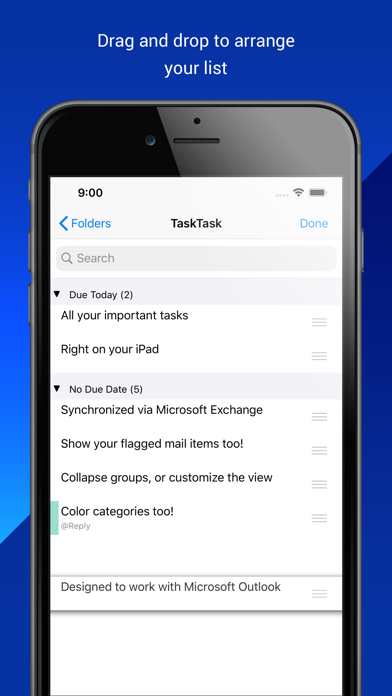
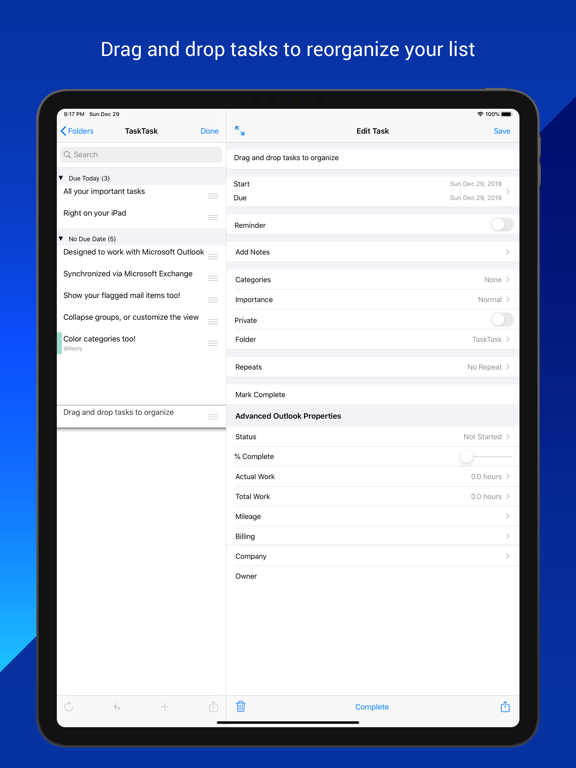
- Drag-to-order your tasks, see the same order in Outlook
- Recurring tasks and reminders
- View attachments on your tasks and attach files from other apps
How is TaskTask better than Reminders?
- See your task list how you prefer: organize by start date, due date, category, importance, or reminder date.
- Reorder your tasks just by dragging them around
- Full category support, including downloading your list of categories and colors from your Exchange Server.
- See tasks in the same order as Outlook's To Do Bar
- Task filters: filter out tasks in the future or tasks you don't want to see on your mobile device
- Flagged mail items: See the full list of items from your To Do Bar, not just tasks
- Quick Task Entry: Type a list of task subjects quickly in one space, and TaskTask automatically creates the set of tasks
- Mark tasks as private: Hide tasks from others who have visibility to your task list
Note: To synchronize your tasks with Outlook, your email account must be on a compatible Microsoft Exchange Server or Office 365 Business account. Microsoft Exchange Server 2010 and newer versions are supported, although there may be additional factors that prevent TaskTask from working with your serve