Codebook Password Manager

Codebook Password Manager Summary
Codebook Password Manager is a with in-app purchases iOS app in Productivity by Zetetic LLC. Released in May 2009 (16 years ago). It has 2.7K ratings with a 4.76★ (excellent) average. Based on AppGoblin estimates, it reaches roughly 12K monthly active users and generates around $<10K monthly revenue (100% IAP / 0% ads). Store metadata: updated Jan 20, 2026.
Recent activity: 14 new ratings this week View trends →
Store info: Last updated on App Store on Jan 20, 2026 .
4.76★
Ratings: 2.7K
Screenshots

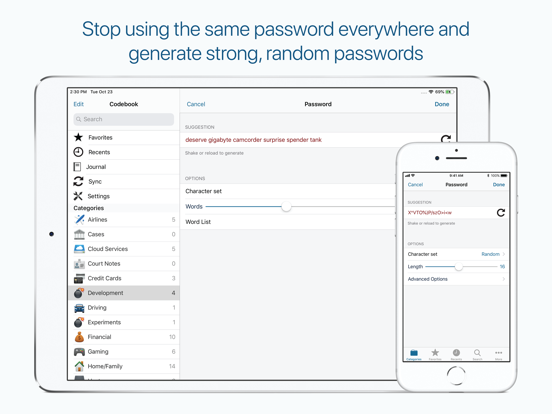
App Description
Codebok Password Manager provides powerful and complete data encryption, a flexible data model, automatic sync with Codebook Cloud, and Password AutoFill.
Codebook is free to download and use. Automatic sync with Codebook Cloud requires a subscription.
Codebook has been protecting sensitive information on mobile devices since the days of the Palm Pilot! It protects your passwords and personal information from unauthorized access by would-be crackers, malicious thieves, and snoopy coworkers. Stop using the same password for all your accounts! Codebook generates strong, random passwords and keeps them for you, protected by your master password and powerful encryption.
With a subscription to Codebook Cloud, Codebook will keep your passwords and other sensitive data in sync across all your devices.
Features:
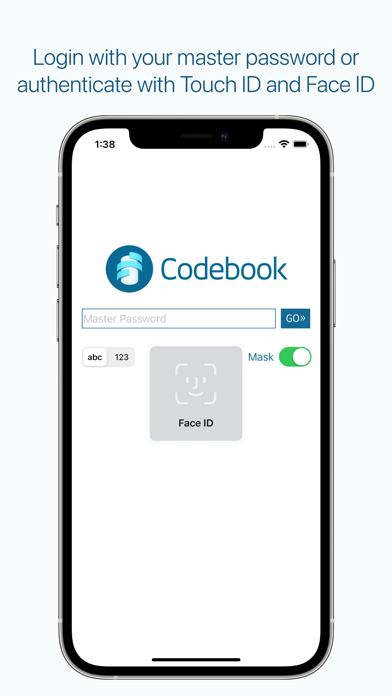
* Fast login with Face ID and Touch ID
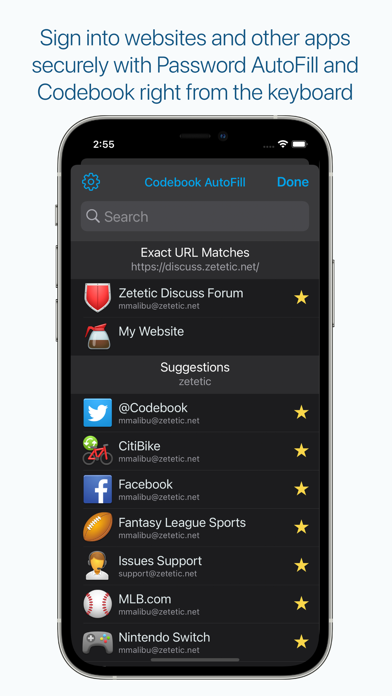
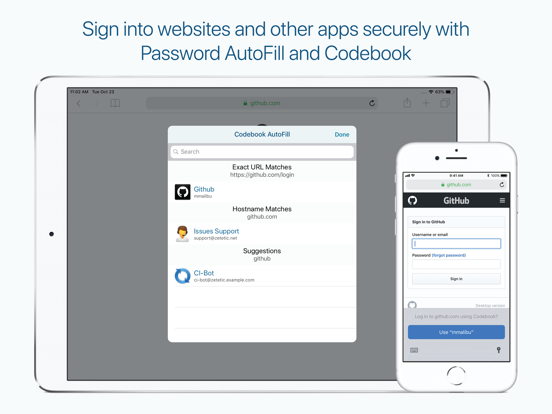
* Full support for AufoFill Passwords in iOS
* Designed to work on iPhone *and* iPad
* Automatic background sync with Codebook Cloud
* Support for user-initiated sync over Dropbox, Drive, and Desktop WiFi (w/ Codebook for macOS and Windows)
* Full text search as you type across all your records and fields
* Auto-lock timer allows you to keep Codebook temporarily unlocked while you switch apps
* Configurable field masking to hide sensitive data from view
* Erases clipboard when information is copied to be pasted in other apps after two minutes
* Supports both portrait and landscape device orientation
* Includes 200 gorgeous color icons for personalizing your records
* Generates two-step verification (TOTP) codes
* Scans QR codes with main camera
* Store sensitive Image files and PDF documents (10MB max)
* Scan and save data from QR codes directly to your entries
* The Password Review feature checks a password for breaches in the HaveIBeenPwned.com database of over half a billion hacked passwords
Use Stronger Passwords:
* Codebook helps you remember stronger passwords, but also to generate them
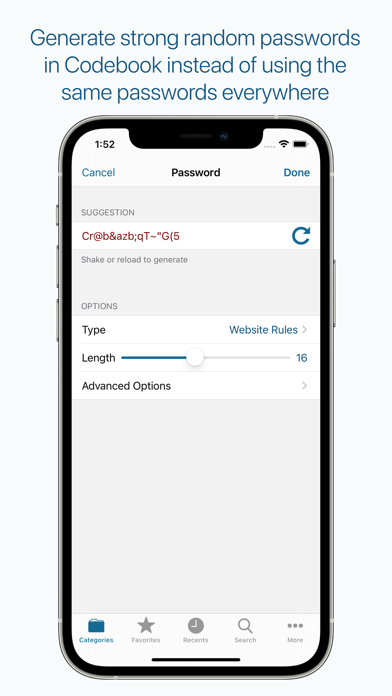
* The password generator allows you to generate random passwords from several common character sets, and adjusts for bias
* The password generator also supports Diceware passwords, both the Reinhold and Electronic Frontier Foundation variants
Customize Away:
* Personalize categories to match your organizational style
* Customize your entries including usernames, passwords, websites, notes and create your own fields and lab