Articulation Assessment ToolKt

Articulation Assessment ToolKt Summary
Articulation Assessment ToolKt is a mobile iOS app in Education by Smarty Ears. Released in Jul 2010 (15 years ago). It has 18 ratings with a 4.17★ (good) average. Store metadata: updated Dec 20, 2018.
Store info: Last updated on App Store on Dec 20, 2018 .
4.17★
Ratings: 18
Screenshots
App Description
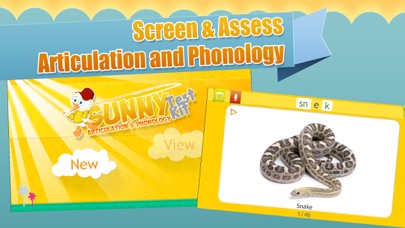
The Articulation Assessment Toolkit (AAT) is able to provide a very detailed picture of a child's articulation skills immediately after the assessment. Standardized assessment provides a limited picture of a child’s phonetic and phonemic inventory. (Elbert & Gierut, 1986). The AAT app can be used to identify articulation errors patterns in children and adults, while supplementing data obtained from standardized assessments.
The Articulation Assessments Toolkit (AAT) is an individually administered clinical tool for screening, identification, diagnosis and follow-up evaluation of articulation skills in English speaking individuals.
2.Uses
-Collect information regarding an individual’s articulation skills;
-Supplement data of a standardized articulation measure;
-Determine the presence of an articulation disorder;
-Measure treatment efficacy;
-Determine a follow up therapy plan;
-Quick administration of articulation screening;
-Screens articulation skills to determine needs for further assessment.
3.Features
a.Ability to enter student’s name and track progress over time;
b.Tests all phonemes of the English language including clusters;
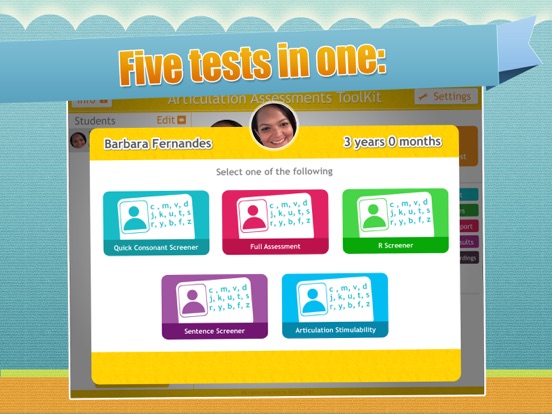
c.Offers two options: Screening & Full Assessment
d.Ability to record student’s production with the same tool you are using to administer test;
e.Complements information of standardized measures;
f.E-mail test results immediately after administration;
g.Automatic analysis of speech production by:
h.Provides immediate positive feedback to students throughout the test administration;
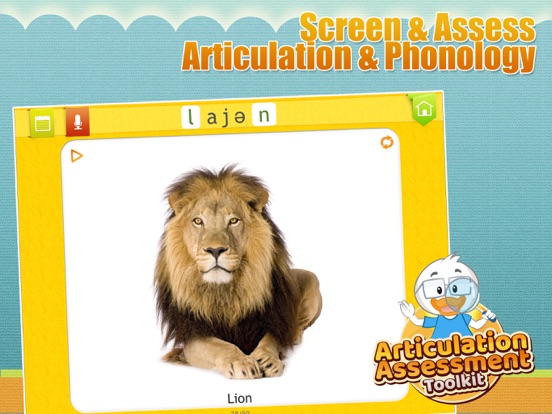
i.Sample recording of target word is available as you touch each image;
j.Compatible with the iPod Touch, iPhone & iPad;
k.Ability to add notes on the app during the assessment.
Administration Time for the Screening is between 4 to 8 minutes. Administration of the Full assessment is from 9 to 20 minutes. The administration varies depending on child’s attention span, use of sample recording for target word and use of recording feature.
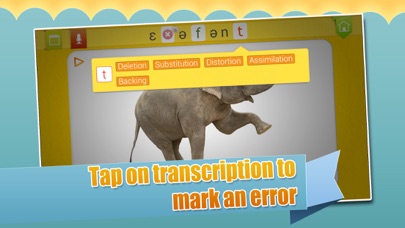
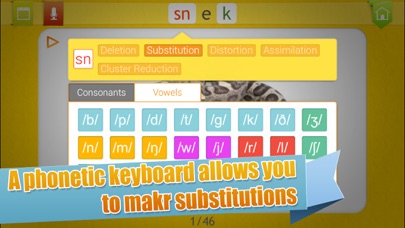
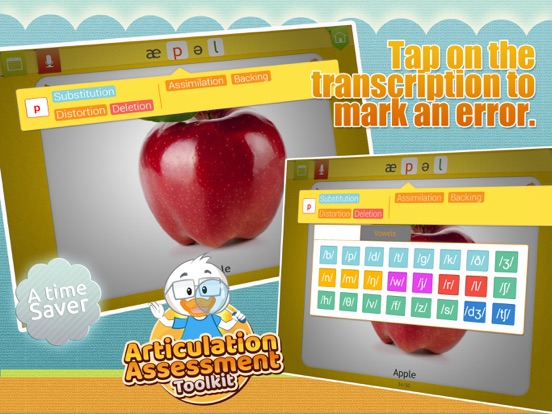
Recording the errors is very simple. The green phonemes have been enabled to be clicked. Only click on the phoneme if the student has made an error.
For the screening testing once you click on the green phonemes the phoneme becomes red and it records that the student has made an error on that phoneme. If the student has produced the target word accurately proceed to following target.
The AAT was develo