Priorities

Priorities Summary
Priorities is a mobile iOS app in Productivity by Hand Carved Code, LLC. Released in Apr 2011 (15 years ago). It has 270 ratings with a 4.45★ (good) average. Based on AppGoblin estimates, it reaches roughly 7.3K monthly active users . Store last updated Oct 12, 2023
Priorities SDKs Summary
App not yet scanned for SDKs.
4.45★
Ratings: 270
Screenshots
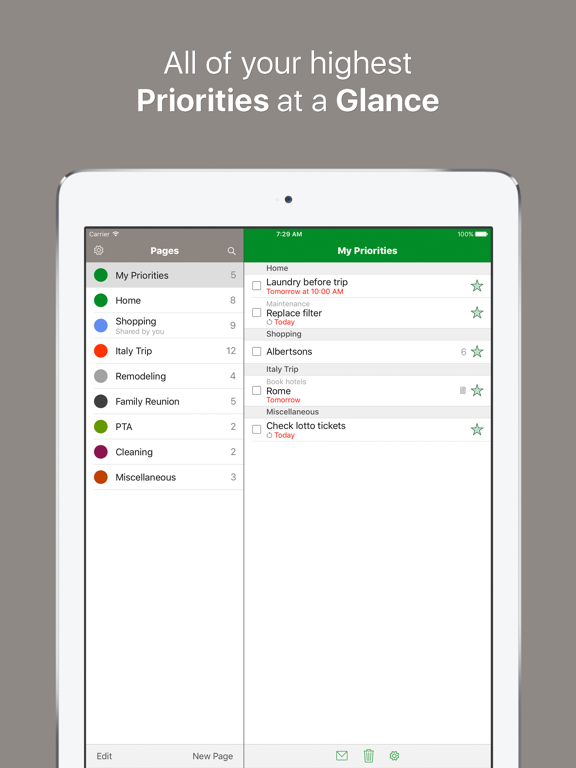
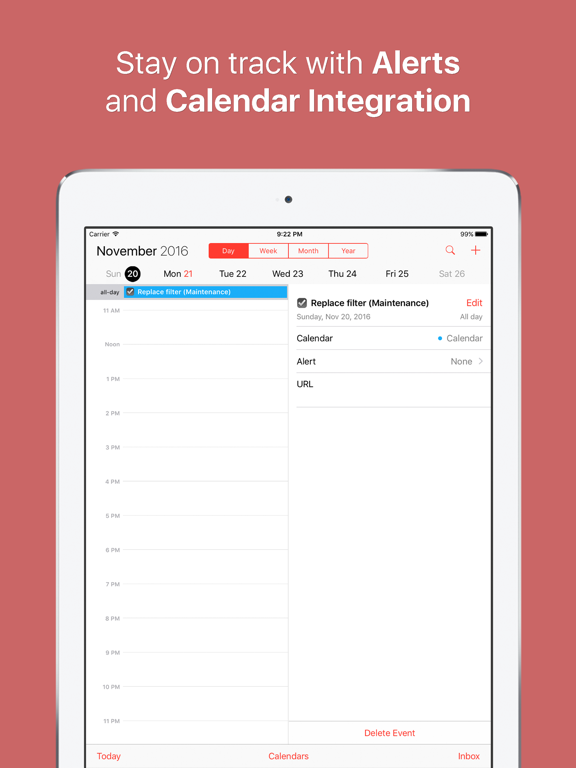
App Description
Enjoy effortless and intuitive task management with Priorities™, and you’ll never dread your to-do list again! The innovative use of pages takes the “task” out of task management, and the attractive themes add a little fun while you’re at it.
Throw out your pen and paper, because with Priorities, everything you need is literally at your fingertips. Quickly scan through your pages of to-dos with the touch of a finger and add new to-dos with the ease of a single button. Add alerts, due dates, due times, and notes right from the Add screen. Create and save templates to use again and again. Use the syncing feature to backup your data and to share pages with a family member, a friend or a coworker. Go to the my-priorities.com website to edit your pages and tasks on the web. Priorities is a must-have for anyone who wants to stay organized!
Priorities is fully equipped to do the work for you. Just take a look at the great features it offers:
• Universal App – One app optimized for your iPhone, iPad, and iPod touch.
• Priorities Online – Manage your tasks online at https://my-priorities.com.
• Fast Add – Quickly add tasks or lists of items with a touch of a finger.
• Due Dates, Due Times & Notes – Assign a due date, a due time, and record notes for a task or item.
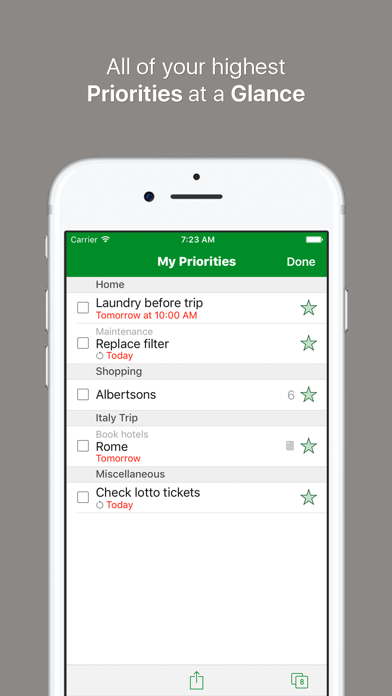
• Priorities – Star everything that is high-priority and view them at-a-glance in your Priorities page.
• Repeating Tasks – Schedule tasks to repeat every day, every 3 days, every Tuesday, every 3rd Sunday of the month, 2 weeks after you've completed the current task… or whenever you want! Flexible recurrence options make customization a snap.
• Reminders – See a badge count of your starred items on the Priorities home screen icon, and set a reminder time for a popup and/or sound alert for important items.
• Multi-tiered task management – Create pages, lists with sub-items, and tasks with sub-tasks to make organizing easier.
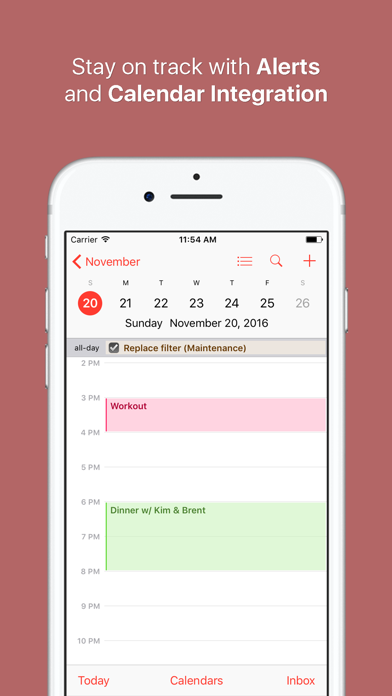
• Calendar Integration – View all your items with due dates in your calendar.
• Templates – Save a page as a template if you want to use it again later. This is a great feature for grocery shopping and travel!
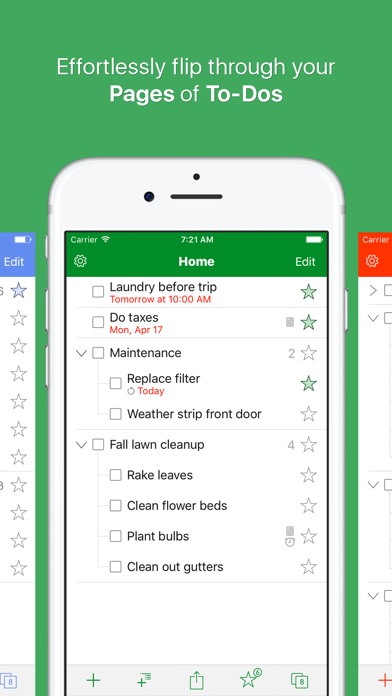
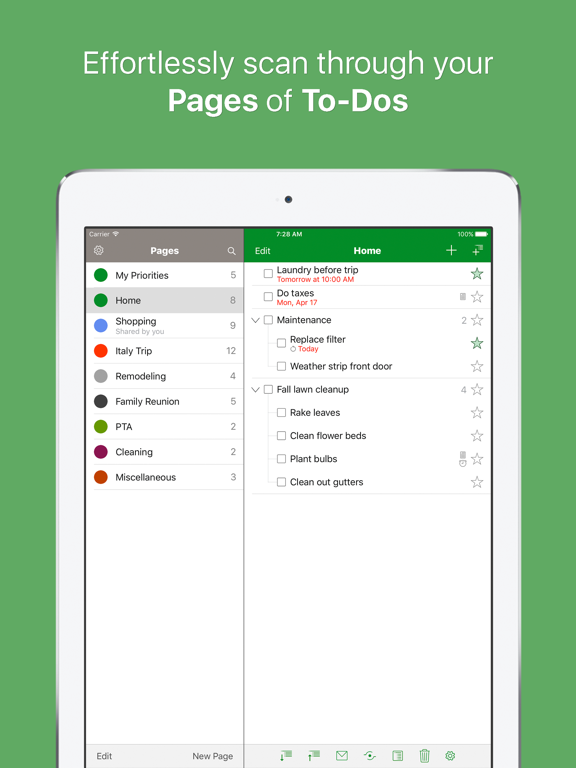
• Multiple Pages – Create custom, color-coded pages to keep track of all areas of your busy life. Tap or swipe to review them at-a-glance.
• Sync - Use our secure server to sync for backup and