ezStocksPro-Watchlist Earnings

ezStocksPro-Watchlist Earnings Summary
ezStocksPro-Watchlist Earnings is a with in-app purchases iOS app in the Finance category, developed by Orb Concepts, LLC. First released 14 years ago(Feb 2012), the app has 24 ratings with a 4.46★ (good) average rating.
Store info: Last updated on App Store on Jul 26, 2023 .
4.46★
Ratings: 24
Screenshots
App Description
◆◆ ezStocks Pro - Top free Finance iPhone/iPad App in USA, Canada, Australia, UK, Germany and Israel
◆◆ ezStocks Pro - Consistently Featured App on What's Hot in Finance category on the AppStore
◆◆ Thank you for the awesome feedback and 5 stars rating. We love you too !! ◆◆
Are you spending too much time monitoring your investments daily? Would you love to quickly glance at your investments and move on with your life? Wouldn't it be great to maximize your profits and cut your losses?
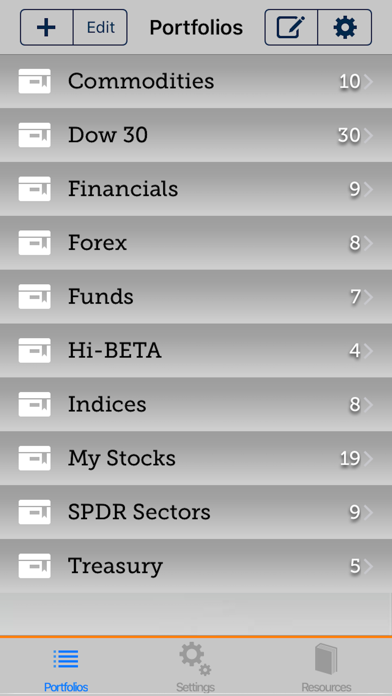
Monitoring your basket of investments(Forex, Stocks, Bonds, Mutual Funds, Treasuries) has never been easier. Now with ezStocks Pro, a busy professional like you can monitor multiple watchlists with a few touches. ezStocks Pro has all the tools to help you efficiently monitor your stocks performance and help you decide your market posture, whether it be long or short. Best of luck, Smart Trader.
Features:
√ Intuitive user interface at your finger tips.
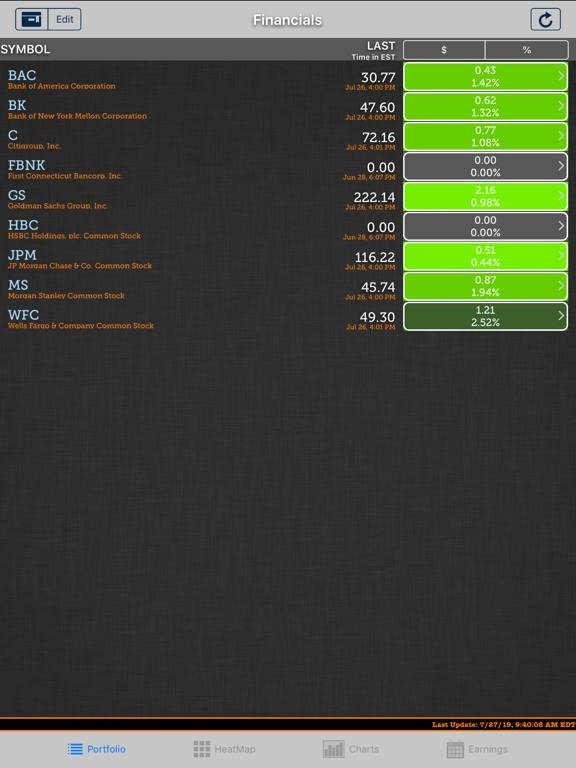
√ Create unlimited watchlists with unlimited stocks.
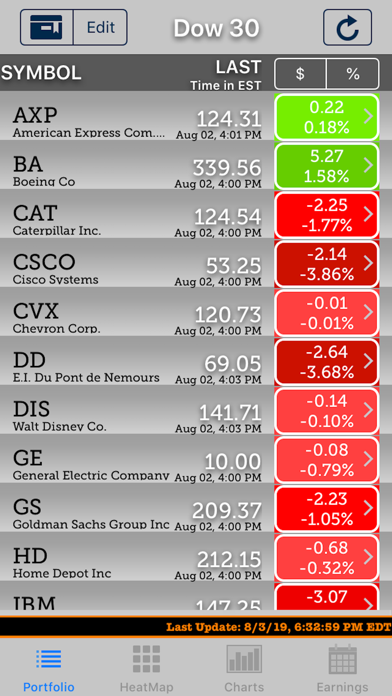
√ RealTime and after hours stock quotes when available through out the trading day.
√ Watch stocks in most markets around the globe.
√ Earnings Tab to display upcoming earnings announcement dates.
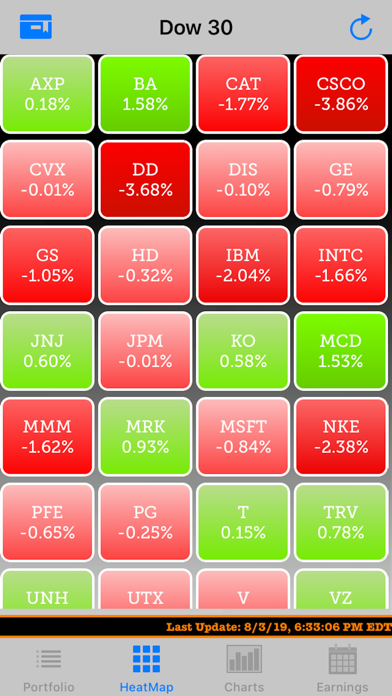
√ View colored heatmap showing your watchlist's performance throughout the day.
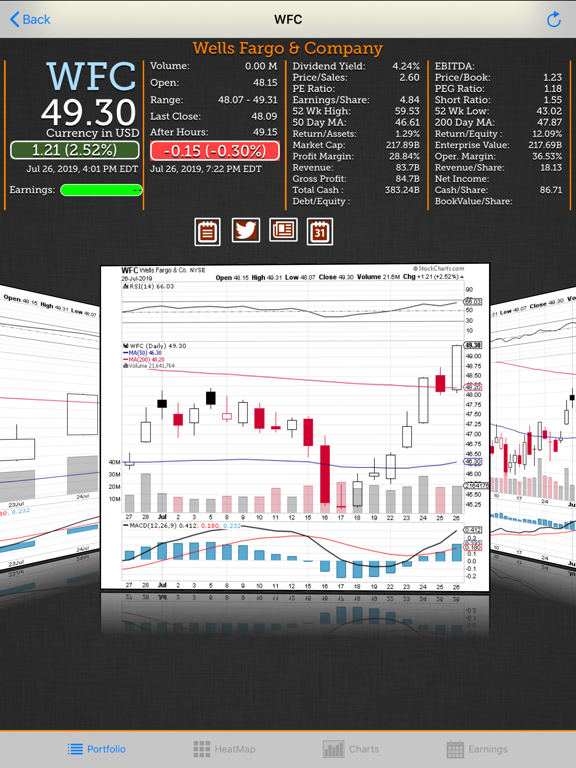
√ View stock charts in various time intervals to see the short term and long term trends.
√ Apply various technical studies to the stock charts to help you make decisions quickly.
√ Google, Yahoo and MarketWatch Feeds to help you make an informed decision.
√ Read what people are twitting about your favorite stocks.
√ Set your charting and sorting preferences.
√ Add notes for your stocks
√ Import/Export your watch lists
ezStocks Pro Quick Tips:
** If you need access to the status bar, double tap at the top of the screen.
** You can sort watchlists by Symbol, last trade price, Percent Change and Price Change.
** Pull to refresh is available on most screens that display information within a list.
** You can also shake your device to update quotes, charts and news.
** Don't forget to set your chart and other preferences via the settings.
Disclaimer: We are not investment professionals and cannot advice you on what to buy and sell. Please consult an investment professional for your specific needs. Data is aggregated from various sources and made available