Autodesk Forma

Autodesk Forma Summary
Autodesk Forma is a free, with in-app purchases iOS app in Business by Autodesk Inc.. Released in Feb 2012 (14 years ago). It has 24K ratings with a 4.67★ (excellent) average. Based on AppGoblin estimates, it reaches roughly 106K monthly active users and generates around $<10K monthly revenue (100% IAP / 0% ads). Store last updated Oct 9, 2026
Recent activity: 10 new ratings this week View trends →
SDK intelligence: AppGoblin detected 2 business tools(e.g. Dynatrace), 1 analytics: attribution, 1 ad networks,and 1 development tools integrated into Autodesk Forma. View full SDK list →
Autodesk Forma SDKs Summary
Autodesk Forma was last scanned for SDKs on 2026-08-16. Below is the overview of third-party companies detected in the app. The full list of SDKs, permissions and unknowns is available here.
 AppsFlyer
 Dynatrace
 Bugsnag
 Snap
Snap Starscream
4.67★
Ratings: 24K
Screenshots
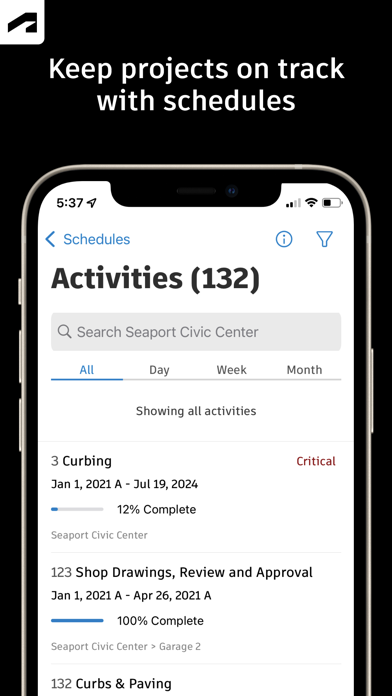
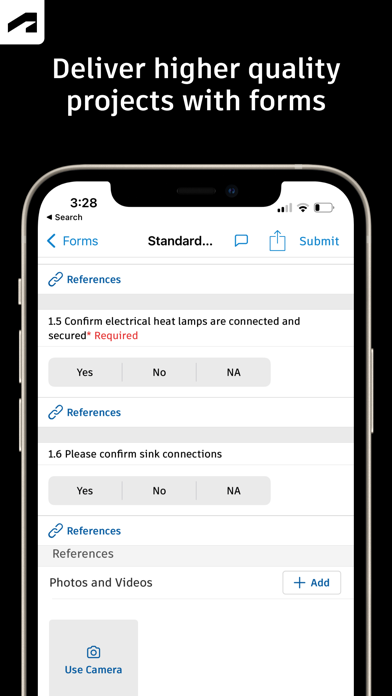
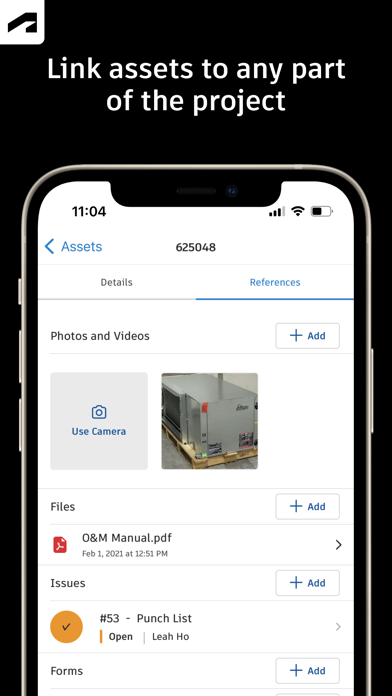
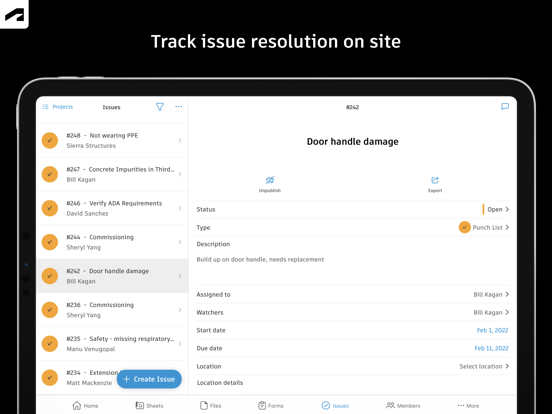

App Description
Autodesk Inc.
Capture punch list items, markup drawings, log daily reports, view the latest sheets, and review 3D models from the jobsite with the Forma mobile construction app.
The Forma mobile app puts the tools and project information you rely on in your hands. Stay connected to your crews on site, manage projects, and keep work moving.
Make critical decisions faster with the Forma mobile construction app:
• Forma Build Essentials for efficient, focused field execution
• Forma Build for connecting field execution and project management
Forma Build Essentials:
Built for lean crews and growing jobs. Projects are quick to set up, easy to access, and designed for everyday work on site.
• Capture punch list items and issues from the field
• Complete daily reports, logs, and forms
• View current construction sheets, drawings, files, and models
• Open project files and documentation
Latest sheets, files, and models
View and mark up sheets directly from the jobsite. Access project files and review 3D models to understand design intent and context. Confirm the latest versions before work begins.
• View and mark up drawings
• Open project files, sheets, and construction documents
• Review 3D models
Punch list and issue tracking
Capture punch list items and issues as you walk the jobsite. Track quality concerns. Log safety observations, near misses, and good catches. Assign responsibility and track work from open to closed.
• Log issues with photos, locations, and references
• Assign owners and due dates
• Track progress from open to closed
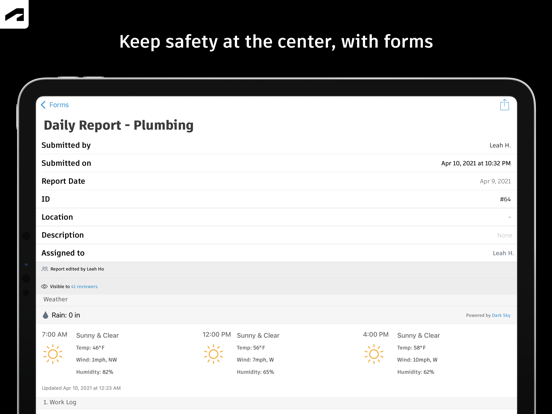
Daily reports, checklists, and forms
Capture daily activity and site conditions, complete quality or safety inspections, and attach photos, signatures, and supporting files.
• Complete daily reports and logs
• Record site conditions and project information
• Attach photos and signatures
Fast mobile workflows
Open a project and jump straight into work.
• Access sheets, issues, forms, photos, and models quickly
• Use shortcuts for common field actions
• Keep project information accessible as connectivity changes
Forma Build:
With Forma Build, bring the office and field together to keep projects aligned and on track with connected project management workflows.
• Includes core field capabilities
• Review project schedules and wor