Amount - Unit Converter

Amount - Unit Converter Summary
Amount - Unit Converter is a mobile iOS app in Productivity by Marco Torretta. Released in Sep 2012 (13 years ago). It has 59 ratings with a 3.63★ (average) average. Based on AppGoblin estimates, it reaches roughly 238 monthly active users . Store metadata: updated Sep 30, 2018.
Store info: Last updated on App Store on Sep 30, 2018 .
3.63★
Ratings: 59
Screenshots
App Description
Amount is the most intuitive, lightweight and easy to use unit converter you've ever seen.
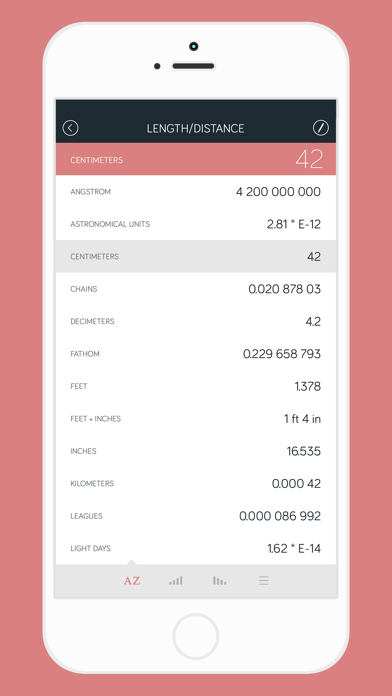
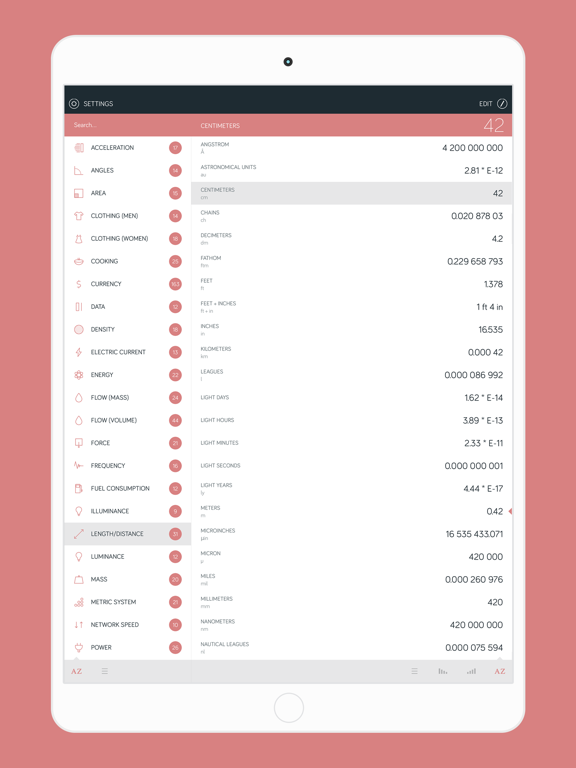
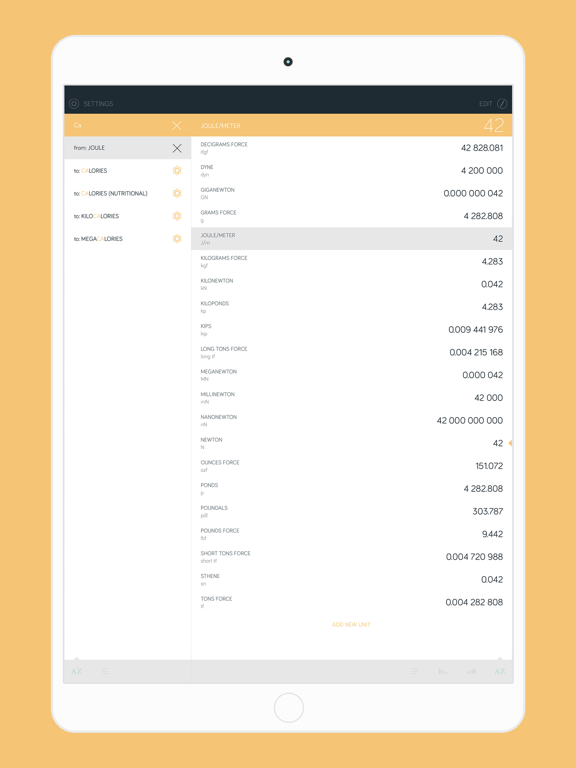
Amount let you convert units in a way you've never seen before: with just two tap of your finger you have all the results you're looking for in a single display, side by side.
When you use Amount you don't have to think what are number is and choose from a long list of values which unit assign to it, spending time. Just let it do all the stuff!
FEATURES
• Incredibly lightweight, fast and easy to use.
• Simple graphic and intuitive interface.
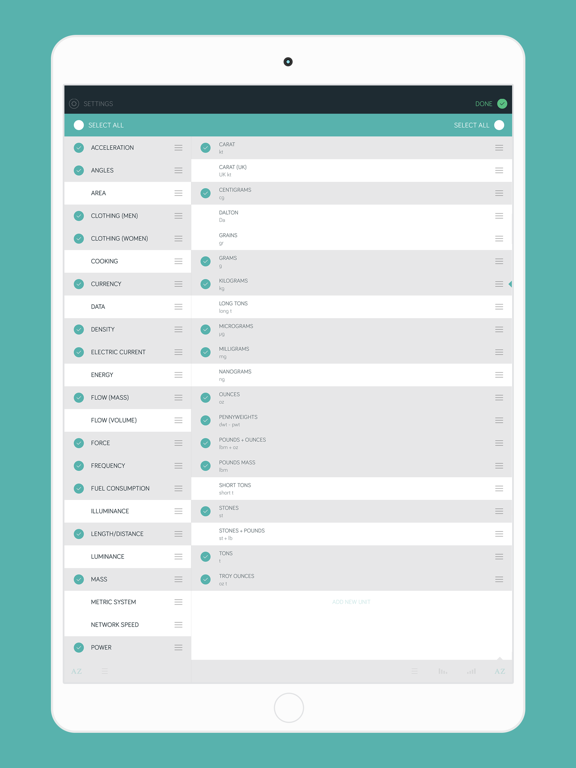
• Over 700 units across more than 30 categories.
• Real time conversions in one screen.
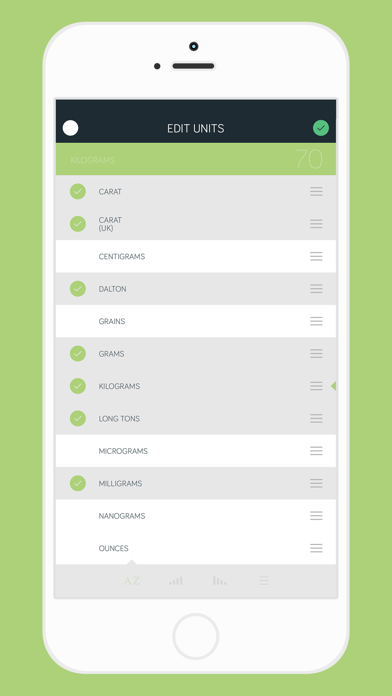
• Create your own customized lists. You can change the order as you like and select just the units you want to see.
• View your conversion history log (the history keeps even old exchange rates for currencies).
• Search feature to let find the unit you want and instantly convert it.
• Custom units can be added easily for each category.
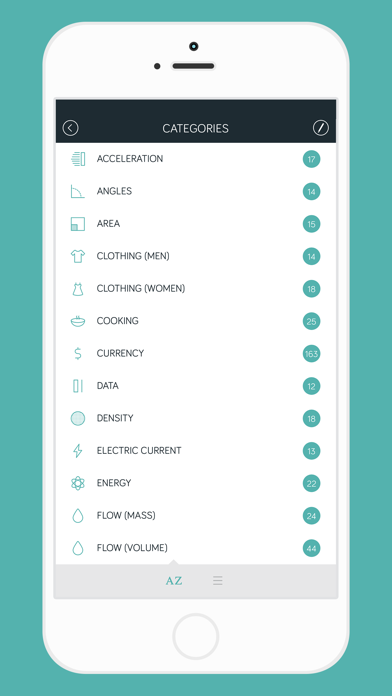
Categories Amount can handle: Acceleration, Angles, Area, Clothing (men and women), Cooking, Currency, Data, Density, Electric current, Energy, Flow (mass and volume), Force, Frequency, Fuel Consumption, Illuminance, Length/Distance, Luminance, Metric System, Network speed, Power, Pressure, Radiation, Speed, Temperature, Time, Torque, Typography, Viscosity (dynamic and kinematic), Volume and Weight/Mass.
TIPS
• Move between screens using swipe gestures.
• Long press any category or unit to see more options.
• Shake the device to change the sorting of category or units (only on iPhone).
• You can change the number directly in the conversion screen by simply tapping it.
ADDITIONAL INFO
To convert currencies is required an internet connection.
Currency and clothing size information are provided only for informational purposes.
If you're going to download Amount, please rate and leave a comment!
And if you have a suggestion don't hesitate to contact me. With your help I can improve Amount even more!