Organize:Me Cloud To-Do's

Organize:Me Cloud To-Do's Summary
Organize:Me Cloud To-Do's is a with in-app purchases iOS app in Productivity by taskfabric ltd. Released in Nov 2012 (13 years ago). It has 9.00 ratings with a 2.78★ (poor) average. Based on AppGoblin estimates, it reaches roughly 37 monthly active users and generates around $<10K monthly revenue (100% IAP / 0% ads). Store metadata: updated Jun 29, 2024.
Store info: Last updated on App Store on Jun 29, 2024 .
2.78★
Ratings: 9.00
Screenshots
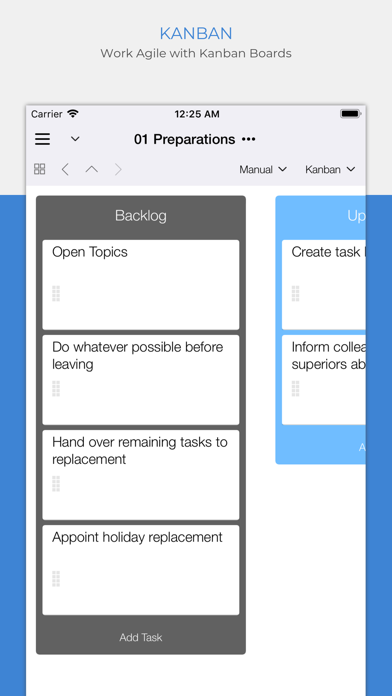
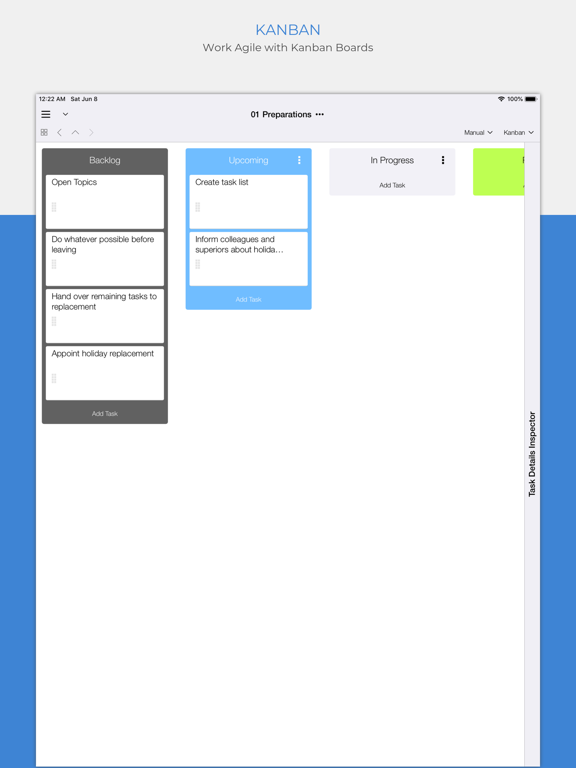
App Description
Your personal task manager - if you need to handle more than just a simple list! Use it on all your devices - on all major mobile and desktop platforms, in your web browser and more.
Organize:Me is easy to use for beginners and perfect for personal use. And if you need more, there's a whole family of products to support your business needs as well.
Organize:Me helps you to cut complex situations down to what matters. With the built-in sync feature you can access your tasks with Organize:Me, Organize:Pro and Taskfabric on all major platforms.
Freemium
Use all features without limitations for up to 6 projects and 250 tasks for free. If you need more projects or tasks, upgrade your license any time by In-App purchase.
Take back Control over your Tasks with a simple 3-Step System to Manage your Tasks:
1. Capture your ideas and tasks – quick and easy, wherever you are!
2. Review and process your tasks – prioritize, delegate or share your tasks
3. Complete your tasks – and keep track of the results
Easily create new tasks
• Quick-Add shortcuts to "just write down" your task list
• Create subtasks by drag and drop
• Manage repeating tasks
• Add Images, Documents and Web Links to your tasks
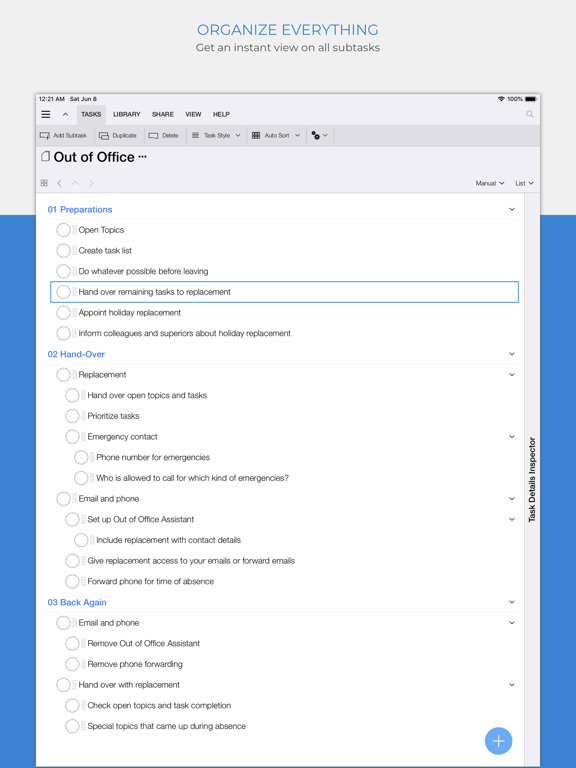
Organize your tasks
• Create subtasks by drag and drop
• Assign an unlimited number of contexts to each task
• Color code special tasks
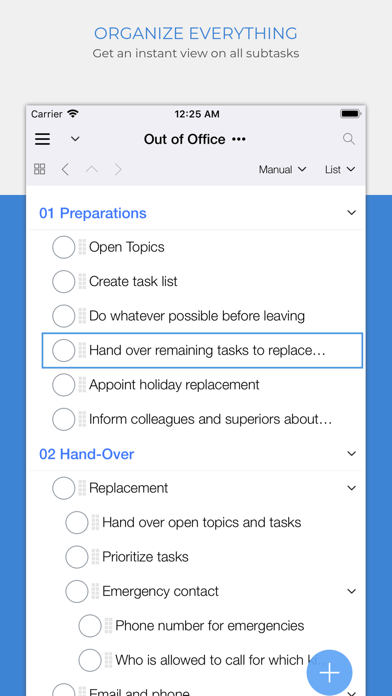
• Unlimited number of subtasks
Powerful review features
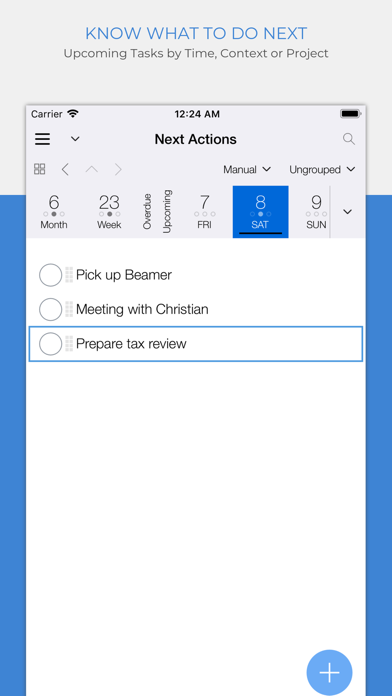
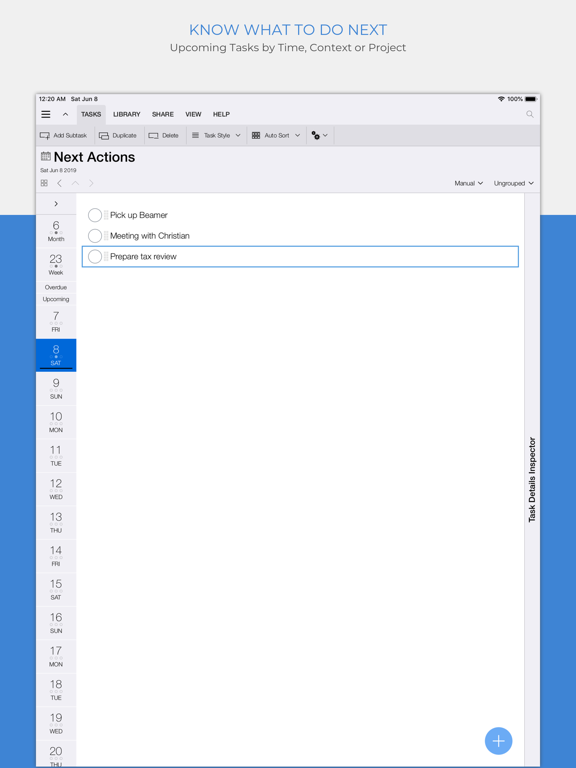
• Powerful date based review
• Review by date, project or context
• Scope Bar to quickly filter by Project or Context
Project Handling
• Supports Projects, Meetings and Folders
• Project Status: Active, On Hold, Cancelled, Completed
• Traffic Light: Green, Yellow Red
• Color code special Projects
• Unlimited number of Subprojects
Context Handling
• Use Contexts to identify people, locations or events relevant for your tasks
• Assign locations to your Contexts
• Color code special Contexts
• Unlimited number of Subcontexts
• Easily convert Address Book entries into Contexts
All the basics covered
• Auto-sync with Organize:Me, Organize:Pro and Taskfabric for all major mobile and desktop platforms
• Really fast search feature
• Quick access to completed tasks
• Multiple sorting options for projects, contexts and task lists
• Choose from different interface themes and colors
• Share task lists wi