Text Simplifier VPP

Text Simplifier VPP Summary
Text Simplifier VPP is a mobile iOS app in Education by Christian Urff. Released in Aug 2023 (2 years ago). Store metadata: updated Aug 7, 2025.
Store info: Last updated on App Store on Aug 7, 2025 .
4.62★
Ratings: 0
Screenshots


App Description
This is a feature-identical version of the Text Simplifier app for the AppStore for Volume Licenses (VPP), without in-app purchases but with more inclusive text simplifications.
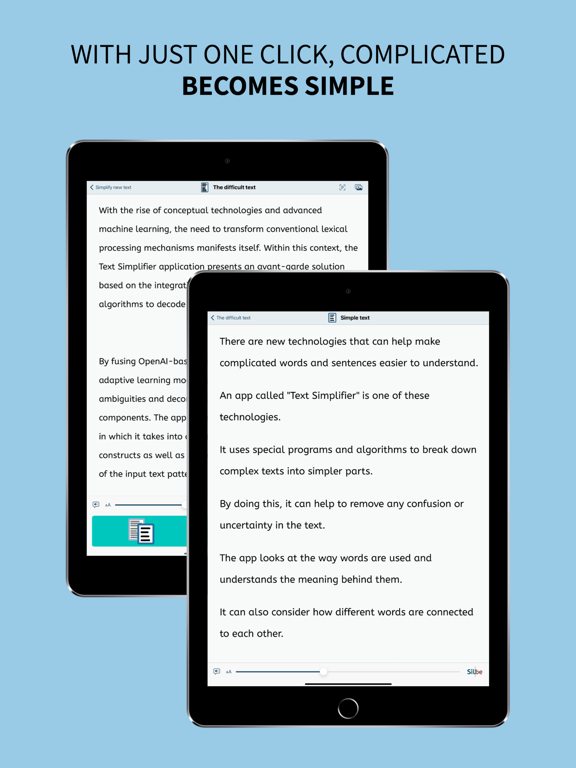
You're facing difficult texts and wish they were easier to understand? This app is exactly what you need! Whether in inclusive education, for beginning readers, or for anyone who appreciates clear and understandable language - with just one click, complicated becomes simple.
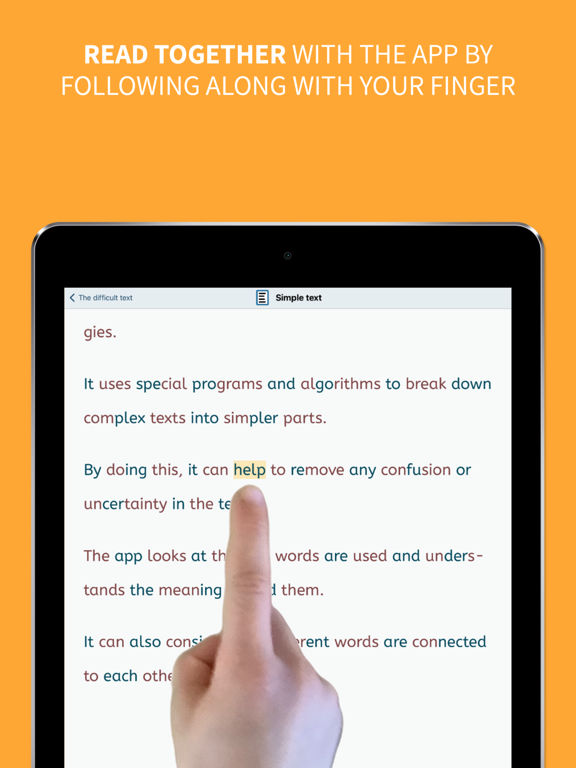
The Text Simplifier app makes difficult texts easier. Then the texts are easier to read and understand. And if you need help reading, the app can also read words to you. To do this, just follow along under the words with your finger. This app is for people with reading difficulties or beginning readers. It can also be very helpful in inclusive classroom instruction. There are then fewer barriers due to difficult texts. You have several options for simplifying texts:
1. Enter text: You can write a text, speak (dictate) or copy from another source. When you press the "Simplify Text" button, the text becomes simpler.
2. Take a picture of a text: You can take a photo of a text, for example from a book or worksheet. Then the app can read you the text or simplify it.
3. Internet texts: If you are reading on the internet and want a simpler text, just press the "Simplify Texts" button.
The app is actually very suitable for children and beginning readers, but due to the integrated browser, Apple recommends it only from age 17+, as any web page can be accessed.
The app can do even more:
- The app can read along with you. For this you have to use your reading finger. Move your finger along under the text as you read. And turn on the speaker. The app will then help you read.
- The app can also read the entire text to you. If you want, the words are even highlighted as they are read.
- You can long press on a word if you don't understand it. An explanation will then be displayed and read aloud (please turn on speaker).
- You can make the letters bigger or smaller.
- You can decide how simple the text should be. This is done in the settings.
- Web pages can be displayed in "Reader Mode". Only the text and images are shown (without text simplification). Ads and menus are not shown.
## Tip: How to improve the voice! ##
The iOS voice sometimes doesn't sound very good.
You can simply use a different voice.
To