Kabyle Français English Arabe

Kabyle Français English Arabe Summary
Kabyle Français English Arabe is a mobile iOS app in Books And Reference by Urs Niggli. Released in Dec 2023 (2 years ago). Store metadata: updated Dec 20, 2023.
Store info: Last updated on App Store on Dec 20, 2023 .
4.32★
Ratings: 0
Screenshots
App Description
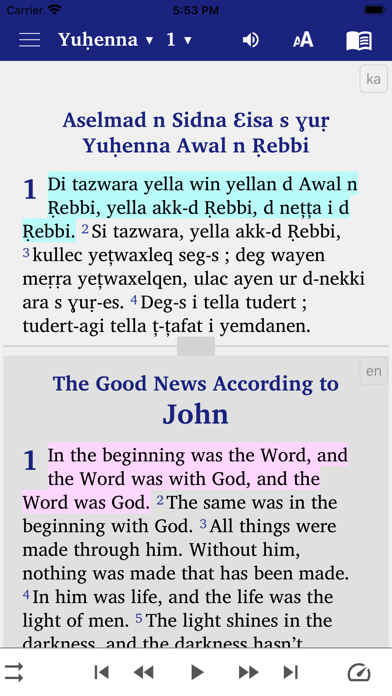
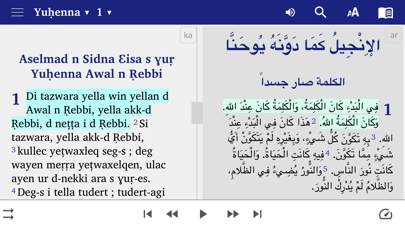
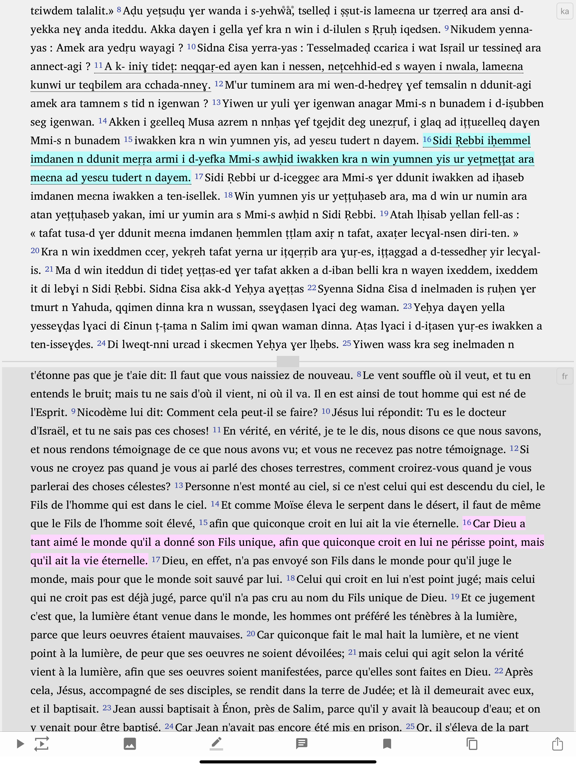
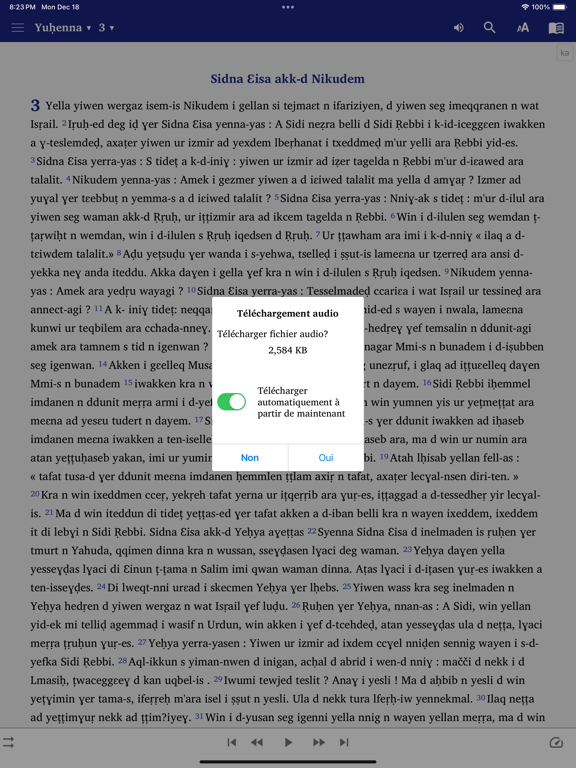
This app contains the Word of God in four languages: 1) Kabyle / Berber 2) French, 3) English, 4) Arabic
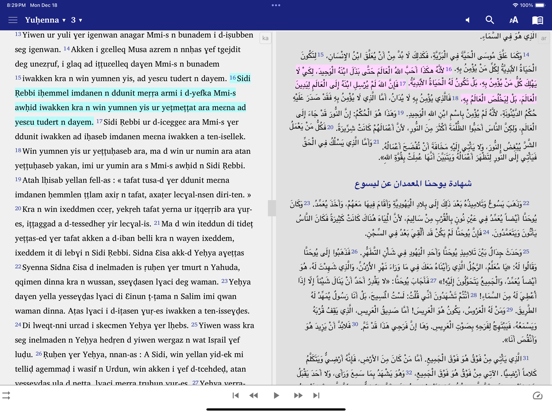
If you press the little “book” icon on the top right you can change the windows on the screen: Now choose either
- “single pane” if you want to see the Kabyle only
- "two panes" to display the Kabyle at the top and the 2) French, 3) English, 4) Arabic, version at the bottom
- "verse by verse" to display a verse in Kabyle followed by the same verse in 2) French, 3) English, 4) Arabic
• Bookmark and highlight your favorite verses
• When you tap on a verse, an image button is shown on the bottom toolbar. When this button is pressed, the 'Edit image' screen appears. You can choose the background image, move the text around the image, change the font, text size, alignment, format and color. The finished image can be saved to the device and shared with others.
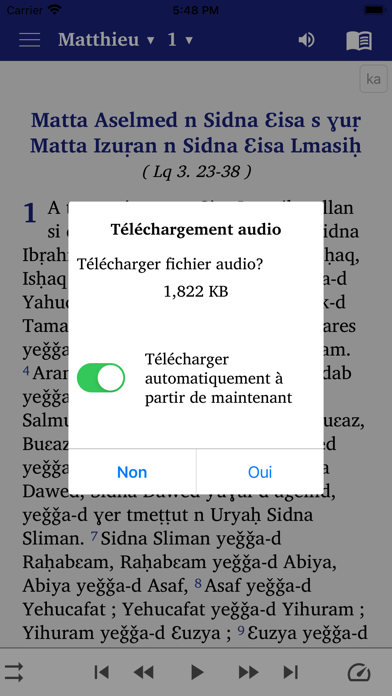
• Give your phone permission to download the audio files for the New Testament texts. Once downloaded, the audio files will remain on your device for further use in offline mode.
• Add notes
• Search for words in your Bible.
• Swipe to navigate chapters
• Night Mode for reading during when dark (good for your eyes)
• Click and share Bible verses with your friends via WhatsApp, Facebook, E-mail, SMS etc.
• No additional font installation required. (Renders complex scripts well.)
• Easy user interface with Navigation drawer menu
• Adjustable font size and easy to use interface
Cette application contient la Parole de Dieu en quatre langues : 1) Kabyle / berbère, 2) Français, 3) Anglais, 4) Arabe
Si vous appuyez sur la petite icône « livre » en haut à droite, vous pouvez changer les fenêtres à l'écran : Choisissez maintenant soit
- « volet unique » si vous souhaitez voir uniquement le kabyle
- "deux volets" pour afficher le kabyle en haut et la version 2) française, 3) anglaise, 4) arabe, en bas
- "verset par verset" pour afficher un verset en kabyle suivi du même verset en 2) français, 3) anglais, 4) arabe
• Marquez et mettez en surbrillance vos versets préférés
• Lorsque vous appuyez sur un verset, un bouton d'image s'affiche dans la barre d'outils inférieure. Lorsque ce bouton est enfoncé, l'écran « Modifier l'image » apparaît. Vous pouvez choisir l'image d'arrière-plan, déplacer le texte autour de l'image, modifier la police, la taille du texte