Photo Manager - Safestache

Photo Manager - Safestache Summary
Photo Manager - Safestache is a mobile iOS app in Productivity by Faraz Bhojani. Released in May 2024 (1 year ago). It has 2.00 ratings with a 3.00★ (mixed) average. Based on AppGoblin estimates, it reaches roughly 7.00 monthly active users . Store metadata: updated Sep 23, 2025.
Store info: Last updated on App Store on Sep 23, 2025 .
3★
Ratings: 2.00
Screenshots

App Description
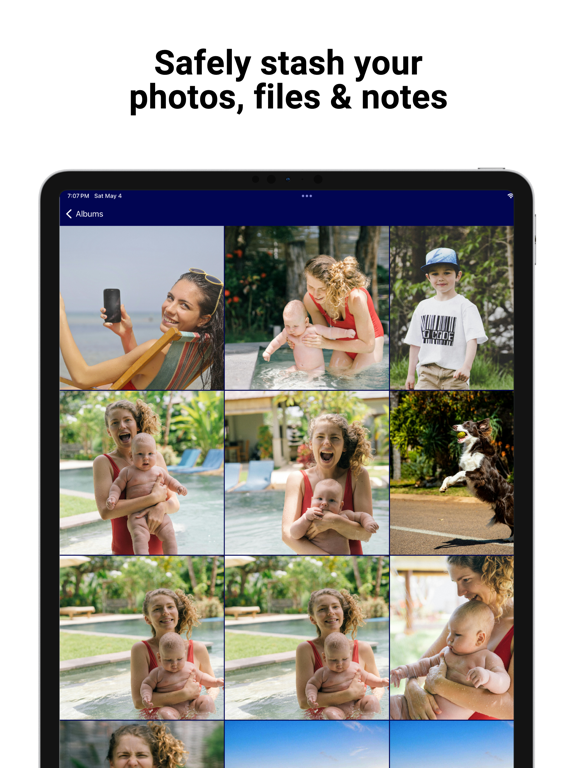
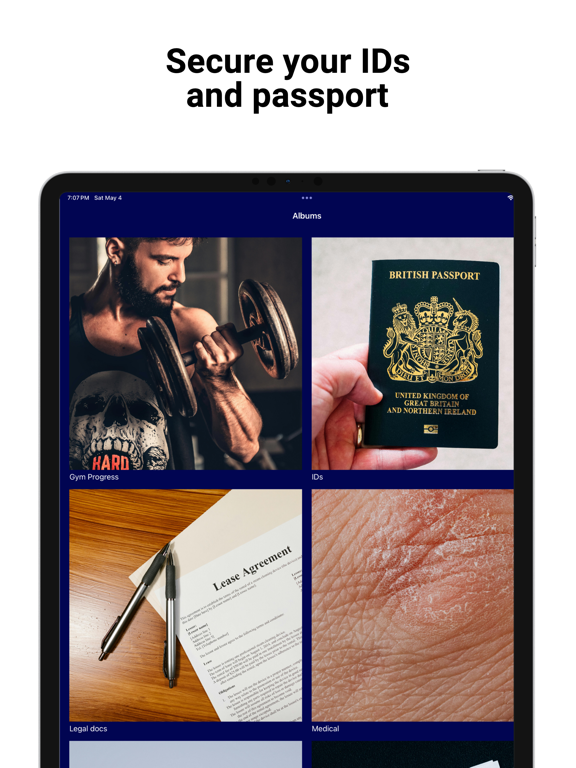
Safely stash your files, photos, videos, and notes, using a personalized passcode. Whether it’s a scanned copy of your passport, sensitive work documents, or private memories, storing them in Safestache adds a much-needed layer of protection.
Instead of keeping passwords in your Notes app or leaving personal photos in your regular gallery, you can now store them behind encryption inside Safestache, where they’re kept away from the cloud and from anyone snooping through your phone.
Everything you import, whether it’s an image, a video, a text note, or an audio recording—is fully encrypted and securely stored on your device. No one, not even us, has access to your data. Your privacy isn’t a feature, it’s the foundation.
There are no subscriptions, no ads, and no in-app purchases. When you buy Safestache, you get the full experience upfront. There’s nothing else to unlock, and no hidden fees to worry about later. It’s a one-time purchase, and it's yours forever. We don’t believe your privacy should come with strings attached or monthly payments.
Hang on to old memories and track your gym progress selfies without cluttering your photos album. Create notes with your private thoughts, holiday gift ideas, and bank information. Import a variety of file types including pdf, mp3, and mp4. Store tax information, private voice memos, and other important documents you don’t want others to find.
No internet connection is required to access your content, and everything stays local to your device, so you're never dependent on external servers or cloud storage. Even if your device is offline, your files are always within reach and always protected.
Key Features:
Decoy Vault:
Create a decoy passcode to hide real photos and videos. Show snoopy friends your decoy vault, while your real albums are disguised behind a different passcode.
Break In Alerts:
View alerts for unexpected intruders that attempted to access your stash. The date and time, as well as a picture of the intruder can be displayed in the settings.
Disguise Mode:
When an intruder tries to access your stash, after multiple incorrect attempts, they are shown a fake error message to protect your data.
Quick Hide:
Place your device face down on the table to secretly close the app.
Private Browser:
Use the web browser within the app to privately access websites. Keep your browsing histor