Passport Photo Maker · PhotoID

Passport Photo Maker · PhotoID Summary
Passport Photo Maker · PhotoID is a mobile iOS app in Photo And Video by Bohdan Oleksa. Released in Aug 2024 (1 year ago). Store metadata: updated Dec 13, 2025.
Store info: Last updated on App Store on Dec 13, 2025 .
0★
Ratings:
Screenshots
App Description
PhotoID・Passport Photo Maker – Your Go-To Solution for Professional Documents Photos
Need a passport photo in a hurry but can't find a place nearby? Have an urgent submission deadline looming? With PhotoID・Passport Photo Maker, you can capture, format, and edit your passport photo professionally right from your phone. Save, share, and print your photos conveniently without any hassle.
Meet PhotoID・Passport Photo Maker – The All-in-One Passport Photo Creation Tool
ID Photo・Passport Photo Maker is designed to make the process of creating passport photos quick and effortless. Whether you're at home or on the go, our app ensures you have a perfect passport photo that meets the requirements of over 100 documents from 8 different countries.
Capture & Customize
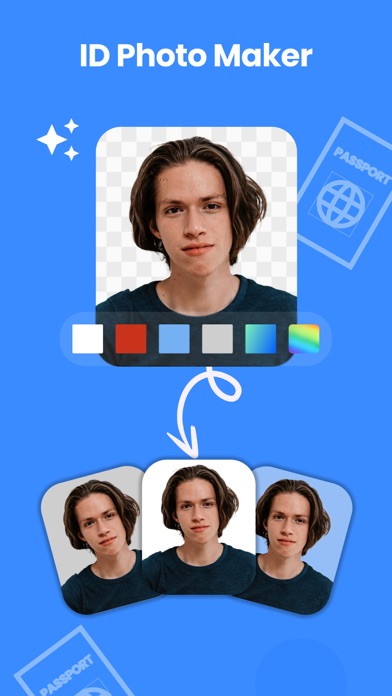
• Auto Background Removal
Take the perfect photo without worrying about the background. Our smart AI-powered tool automatically removes any unwanted background with just one tap, ensuring a clean, professional look.
• Smart Image Enhancer
Enhance your photo quality with our advanced editing tools. Adjust saturation, contrast, vibrancy, and brightness to achieve the perfect image that meets official standards.
• Professional Editing Tools
Fine-tune your image manually, sharpen edges, smooth corners, and adjust the configuration based on your specific needs. Achieve the exact look you want effortlessly.
Choose & Create
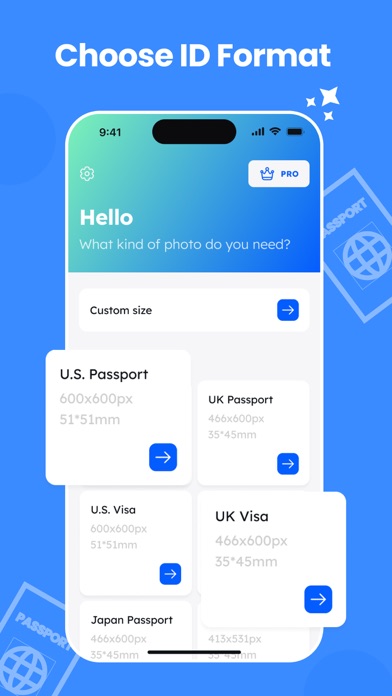
• Choose from many Documents Across 8 Countries
Select the specific document type you need. Our app supports a wide range of international formats, ensuring your photo meets the exact requirements.
• Select Background Color
Different countries have different passport photo requirements. Easily choose the appropriate background color to ensure your photo complies with the guidelines.
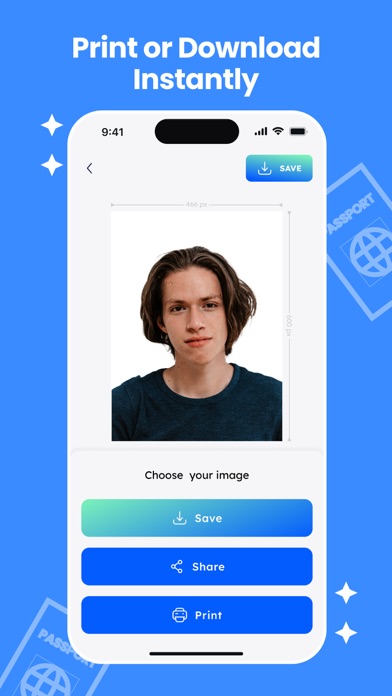
Save, Share & Print
• Print Multiple Copies
Once you're satisfied with your photo, select the number of copies you need and print them directly from your phone. Our app supports AirPrint-compatible printers for seamless printing.
• Save or Share in PNG Format
Save your edited passport photo in high-quality PNG format, ready for submission. Share it directly via email or other platforms with ease.
Get Your Passport Photo Ready in Minutes
PhotoID・Passport Photo Maker is your ultimate tool for creating passport photos that meet official standards. Whether it's for travel, work,