MultiVideo -SideBySide Overlap

MultiVideo -SideBySide Overlap Summary
MultiVideo -SideBySide Overlap is a with in-app purchases iOS app in Sports by Masakiyo Tachikawa. Released in Aug 2013 (12 years ago). Store metadata: updated Sep 6, 2022.
Store info: Last updated on App Store on Sep 6, 2022 .
0★
Ratings:
Screenshots
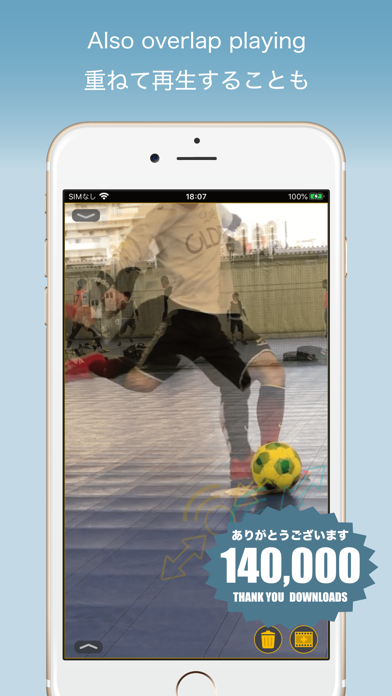

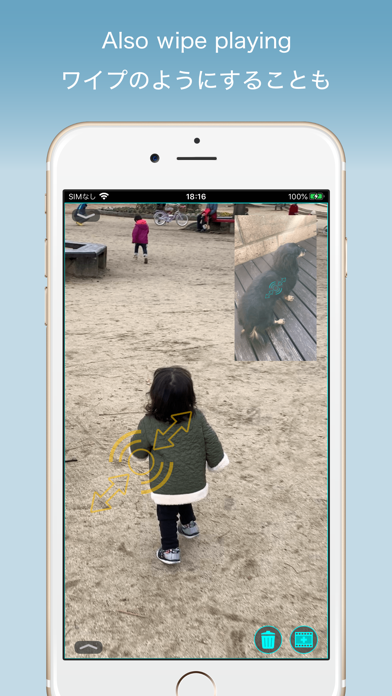
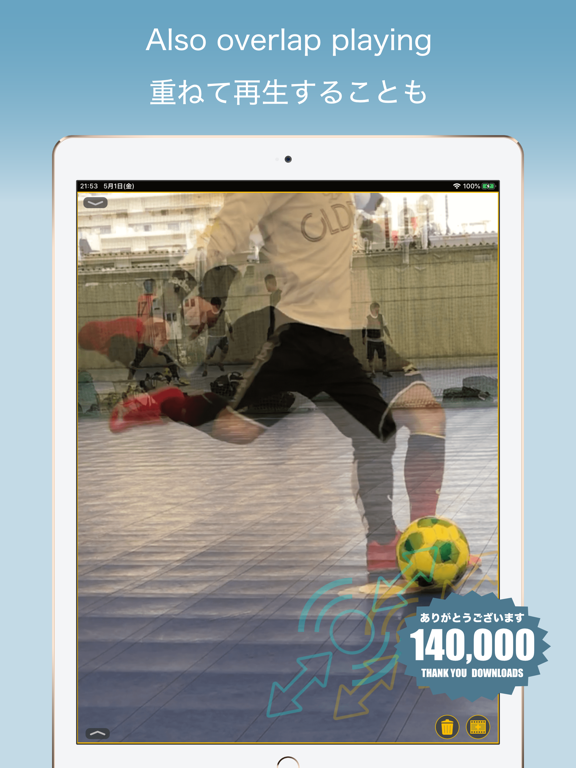

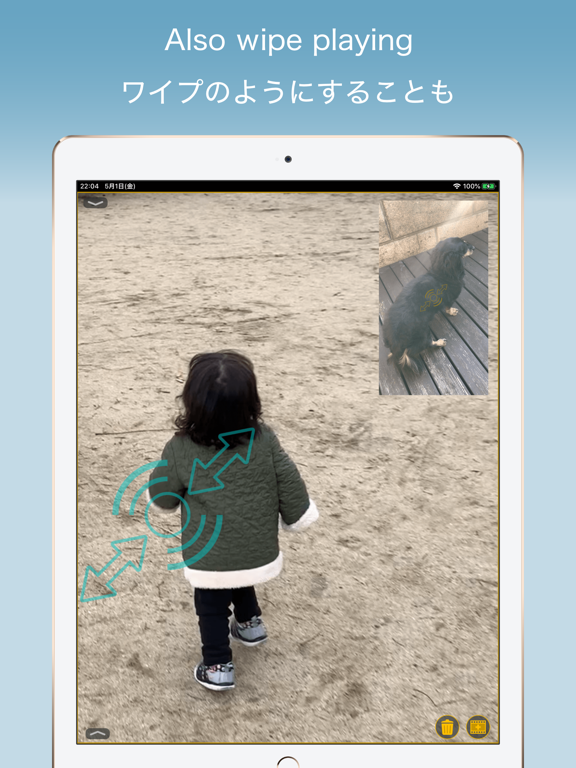
App Description
Play two videos at the same time!
Playback start position can be specified separately!
Slow, double speed playback and loop play possible!
It is possible to save piled movies!
Movie playback speed to save can be changed!
It is an application to play two videos simultaneously.
In addition to playing side by side, you can also set the transparency by overlaying movies and play it.
You can check the motion by simultaneously playing two videos such as swing, step, form and other videos, such as pro and yourself, yourself and your friends, yourself and yourself.
Since you can change the size of two videos freely, you can also create wipes like those on TV.
Function introduction)
- It is possible not only to arrange two movies side by side but to stack them!
- Scale two movies separately!
- Slow playback, double speed playback and loop play are possible!
- The playback start position of two movies can be specified separately!
- The position of two movies can be freely changed!
- Save to the camera roll is possible! (In-app purchases / Subscription)
- It is possible to change the playback speed of the movie to be saved!
About in-app purchases)
Please read before purchasing in-app purchases.
For saving to the camera roll, you need to purchase "Save to camera roll".
We are checking the operation only for a short time movie (about 1 minute) shot on iPhone or iPad.
As for the long-time movie, we do not check the operation, so it may not be saved due to memory, disk capacity and so on.
Also, videos shot with other applications or videos processed with other applications may not be saved.
Even regarding sound data, I checked the operation of movies shot by iPhone, but sometimes it can not be saved if processed.
Although the video advertisement is displayed, you can check whether it can save in "Trial".
Please be sure to check once before you can save before purchase.
After purchase, no matter what reason, refund can not be canceled.
If you purchase, please confirm the above contents and purchase only if agreed.
Even if you purchase "Hide ad", you can not save camera rolls.
Also, please be aware that video advertisements that are displayed as a trial of saving camera roll will not be removed either.
About purchasing automatic subscription)
[ Save to camera roll ]
If you use Save Camera Roll for free, large watermark characters are displayed in the saved mov