PDFAI Scan - Document Scanner
PDFAI Scan - Document Scanner Summary
PDFAI Scan - Document Scanner is a mobile iOS app in Productivity by Duc Lai. Released in Aug 2024 (1 year ago). It has 9.00 ratings with a 5.00★ (excellent) average. Based on AppGoblin estimates, it reaches roughly 62 monthly active users . Store metadata: updated Jan 22, 2026.
Store info: Last updated on App Store on Jan 22, 2026 .
5★
Ratings: 9.00
Screenshots

App Description
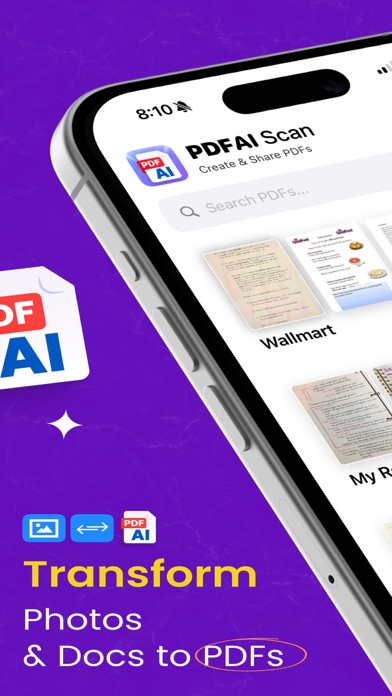
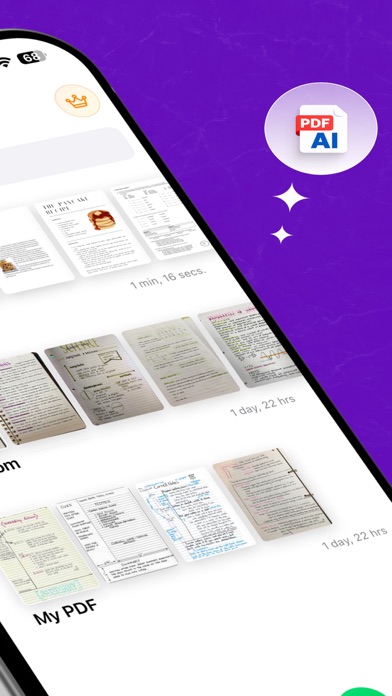
“PDFAI Scan - Document Scanner” turns your iPhone and iPad into a smart document scanner with AI-powered study tools. Take a photo, import from your gallery, or open any PDF. The app makes your documents clearer and helps you learn from them.
◆ Easy Scanning
‣ Snap photos with your camera or choose images from your gallery
‣ Automatic document edge detection
‣ Scan single pages or multi-page documents
‣ Import PDFs, Word documents, and PowerPoint slides
◆ Photo to PDF
‣ Convert photos (JPG, PNG) into clean, high-quality PDF documents
‣ Enhance text and images for better readability
‣ Extract text from scans in 26+ languages (OCR)
‣ Smart naming automatically gives your documents helpful titles
◆ AI Study Tools
‣ AI Summary – Get key points from any document in seconds
‣ AI Flashcards – Automatically create study cards from your notes
‣ AI Quiz – Test yourself with questions generated from your documents
‣ Chat with PDF – Ask questions and get answers from any document
‣ Fun Mode – Add jokes and humor to make studying more enjoyable
‣ Earn XP and badges as you learn
◆ Listen & Read
‣ Text-to-Speech – Listen to any document read aloud
‣ 150+ voices in many languages
‣ Highlight words as they are read
‣ Great for learning on the go or when your eyes are tired
◆ Save & Share
‣ Export as PDF, Word (DOCX), Text, or images (PNG, JPG)
‣ Save audio files (M4A) to listen to later
‣ Share flashcards in Anki format
‣ Challenge friends with shared quizzes
‣ iCloud sync across iPhone, iPad, and Mac
◆ Premium Features
‣ No watermarks on your files
‣ Unlimited AI summaries, flashcards, and quizzes
‣ More accurate text recognition
‣ Work with multiple files at once
‣ Access to all voices and export options
‣ Priority customer support
◆ Works Everywhere
‣ Supports 32+ languages including English, Spanish, French, German, Chinese, Japanese, Korean, Vietnamese, Arabic, Hindi, and more
‣ Supports right-to-left languages like Arabic and Hebrew
‣ Optimized for iPad with sidebar navigation
‣ Supports VoiceOver, larger text, and haptic feedback
◆ Privacy First
‣ Scanning and text recognition happen on your device
‣ AI features ask for your permission before use
‣ Your documents remain private
‣ Location tagging is optional
Perfect for receipts, homework, notes, forms, b