Fukumado Multi Player/Browser

Fukumado Multi Player/Browser Summary
Fukumado Multi Player/Browser is a mobile iOS app in Tools by Kento Kishi. Released in Nov 2025 (4 months ago). Store metadata: updated Jan 20, 2026.
Store info: Last updated on App Store on Jan 20, 2026 .
0★
Ratings: 0
Screenshots
App Description
▼ The Ultimate Side-by-Side Experience, In Your Hand.
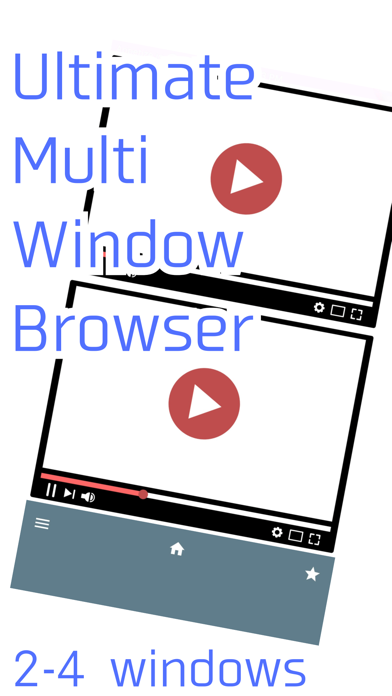
Fukumado Multi Player is a powerful multi-window browser that lets you display and interact with multiple websites or videos simultaneously. Enjoy a video while gathering information, or follow two live streams at the same time. You no longer have to choose just one.
▼ Key Features
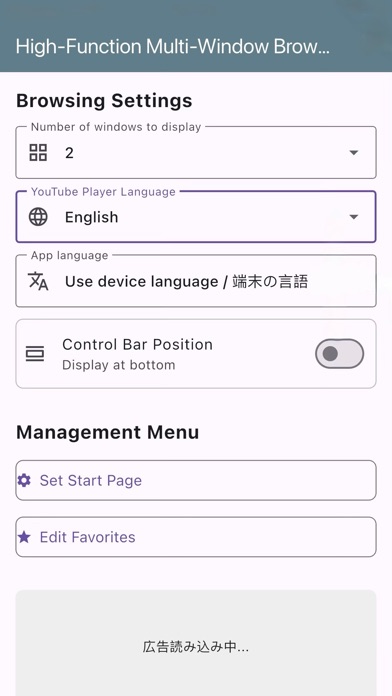
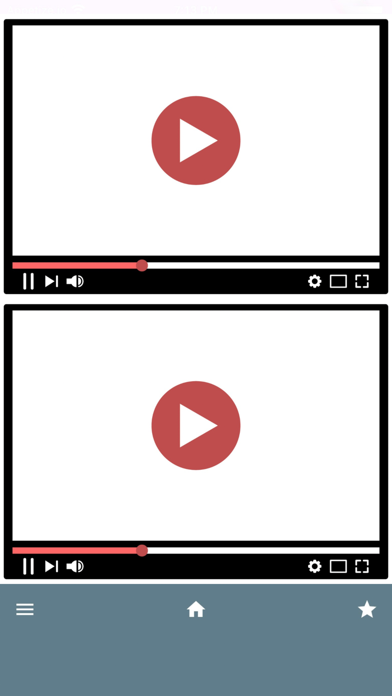
・Customizable Layouts: Freely choose between 2-screen (vertical), 3-screen (main & sub), or 4-screen (grid) layouts to fit your needs.
・Enhanced Video Playback: When YouTube page is opened, it automatically switches to an optimized, dedicated player for a smooth and stress-free control experience, including seeking and fullscreen.
・Dual-window viewing across various sites: Enjoy comfortable split-screen viewing not only on YouTube but also on Twitch! Watch multiple perspectives simultaneously during tournaments and events.
・Smart Audio Control: Even when playing multiple videos simultaneously, audio does not mix. Only the audio from one window plays, enabling comfortable multitasking viewing.
・Favorites & Navigation: Save your favorite sites for quick access. Easily go back or reload each window through the control bar menu.
・Supports Japanese, English, Chinese, and Korean.
▼ Perfect For You If You Want To:
・Watch a gameplay video while reading a strategy guide.
・Check the lyrics while watching a music video.
・Never miss a moment from two different live stream perspectives.
Unlock the full potential of your smartphone. Start your new level of multi-tasking with Fukumado Multi Player today!
▼ Important Notes
・When using the dedicated player for YouTube, frequently opening and closing videos in rapid succession may temporarily cause playback issues.
・A long-press gesture within the dedicated YouTube player may occasionally cause it to become unresponsive. If this happens, simply navigating back and reopening the page will restore functionality. Using single taps for controls is recommended to prevent this issue.