Texecom Keypad App

Texecom Keypad App Summary
Texecom Keypad App is a mobile iOS app in Lifestyle by Texecom. Released in Oct 2013 (12 years ago). Store metadata: updated Oct 17, 2021.
Store info: Last updated on App Store on Oct 17, 2021 .
0★
Ratings:
Screenshots
App Description
Before installing the App, please read the details below as this contains important information about the App.
Connect to Premier 48 - 168, Premier Elite 12 - 640 and Premier International 412 - 832 control panels using your iPhone or iPad.
The App requires a ComIP, ComGSM or Chiron IRIS module connected to a Premier or Premier Elite control panel *
Features include:
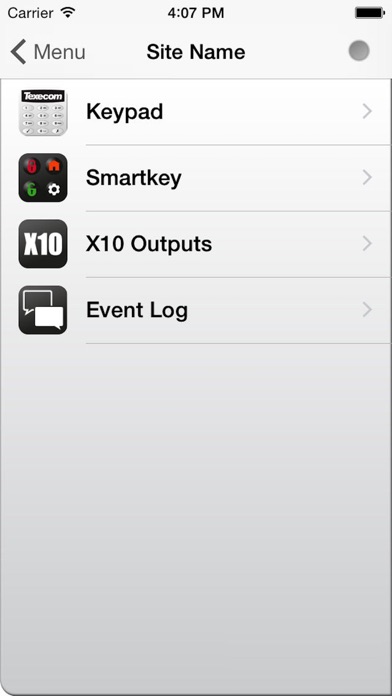
Virtual Keypad.
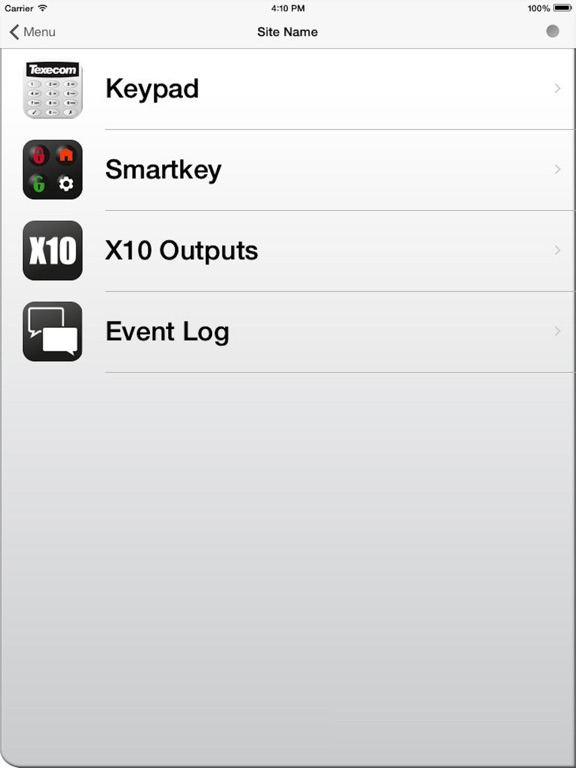
Access your system from the keypad as if you were using a real keypad. Basic Portrait Keypad available on iPhone devices.
Smartkey / Basic Arming
Allows you to arm, part arm, disarm and reset you alarm system. It also allows you to activate up to 3 outputs (control panel dependent) which can be used to control lighting etc. If 'Basic Arming' is enabled, you will be able to activate up to 8 outputs (control panel dependent).
X10 Control
Allows you activate up to 8 X10 devices (control panel dependent) which can be used to control lighting etc.
Event Log.
View the last 25 log events.
Site Profiles.
Add and delete up to 9 pre-defined site profiles.
Start Screen.
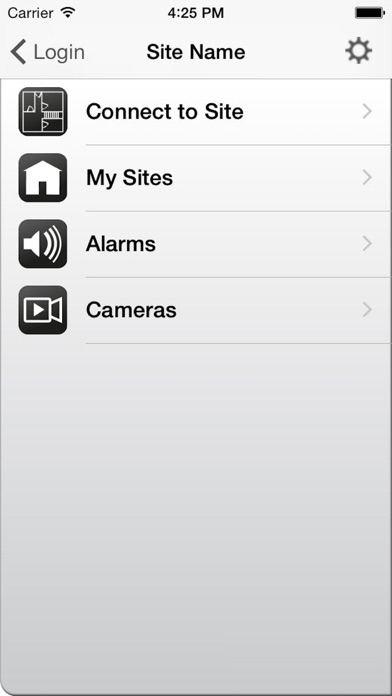
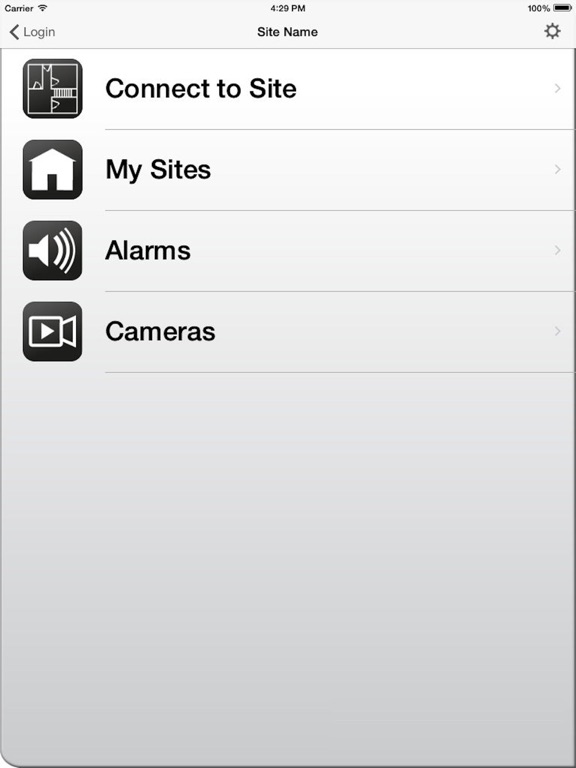
Select which screen the App starts on, Menu, Smartkey/Arming, Keypad, Connect To Site or Cameras.
Push and Email Notifications *
Receive information from your panel regarding its status via push notifications or email. Please note that registration for this service is required and the control panel will need to be programmed by your alarm company in order to send push notifications.
IP Cameras
View and record up to 4 IP cameras. Includes PTZ controls.
Supported Languages.
• Bulgarian
• Czech
• Danish
• Dutch
• English
• Finnish
• French
• Norwegian
• Portuguese
• Slovak
• Spanish
• Swedish
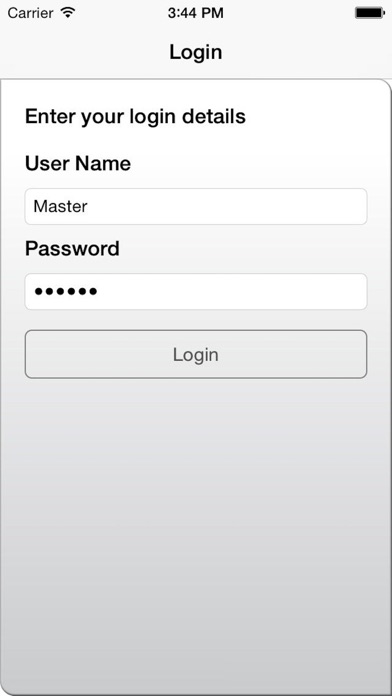
Log In
User Name: Master
Passcode: 123456
Converting Existing Accounts
When selecting the 'New Layout' the app will automatically convert your existing accounts to the new format. If for any reason this does not happen, return to the login screen and proceed as follows. Ensure that the User Name and Password fields contain valid login details and then hold your finger down on the screen underneath the Login button until a message appears to let you know that this has been completed.
Terms and Conditions
The Keypad app (the App) allows you to exercise basic control and run diagnostics of your alarm system including, but not limited to, arming, part arming, disarming and resetting your alarm