Scheduler Calendar & Invoicing

Scheduler Calendar & Invoicing Summary
Scheduler Calendar & Invoicing is a with in-app purchases iOS app in Business by JZ Mobile LLC. Released in Feb 2014 (12 years ago). It has 10 ratings with a 3.40★ (mixed) average. Based on AppGoblin estimates, it reaches roughly 71 monthly active users and generates around $<10K monthly revenue (100% IAP / 0% ads). Store metadata: updated Nov 6, 2025.
Store info: Last updated on App Store on Nov 6, 2025 .
3.4★
Ratings: 10
Screenshots

App Description
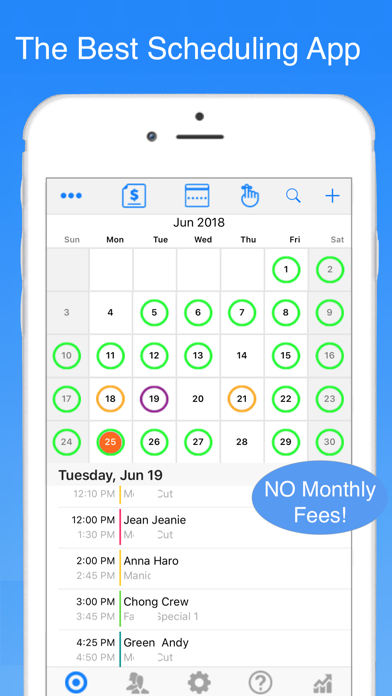
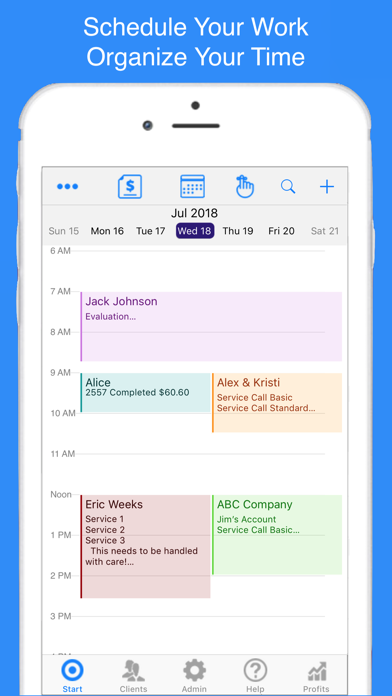
Scheduler Calendar & Invoicing is used to manage your time and business by maintaining a client focused schedule of your appointments that is utilized to track clients and their visits. Our Scheduler is the centerpiece. Scheduler provides daily, weekly and monthly view of your appointments. Integrated with your client contact info you can quickly send reminders, check out clients and track your all financial results.
Easy Setup and Leaning
Since the app uses your existing Contacts and Calendar you are up a running in no time! How to movies and guides show you how to use your new app.
This comprehensive business app provides complete financial information including inventory control and Profit & Loss Info. All information is maintained on your device and there is no need for connectivity or outside servers as is common with many of the more sophisticated business apps.
Highlights:
NO MONTHLY FEES! One time purchase price.
Scheduler - Your calendar on steroids. Select client names from your contacts and add the service information to the appointment. Create reminders, complete and checkout the client, view contact management info and send appointment confirmations. All right from the scheduled appointment. View multiple calendars, set alerts, repeating appointments and search history.
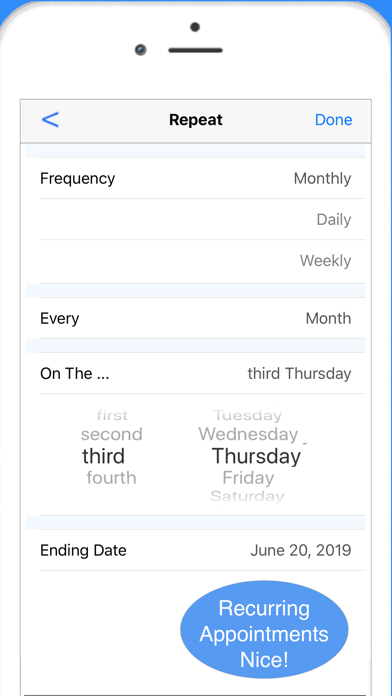
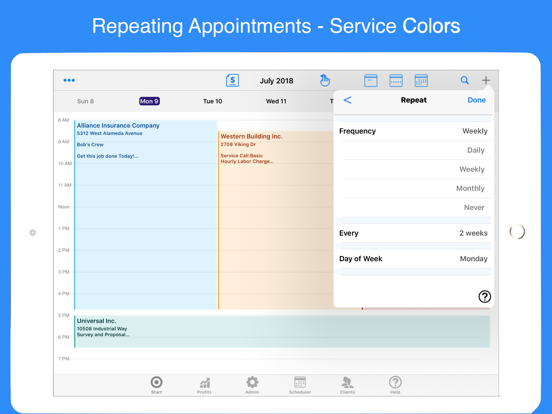
Repeating Appointments - Full support for Weekly, Monthly & Daily repeating appointments. can specify ending date or never. Completing appointments does not alter future appointment. Entry is simplified compared to the devices Calendar app.
Contact Management - Store notes, images and track other communications with your clients and have the in app ability to call, text, email or map without leaving your app.
Client History - Maintain all service and sales history for each client including notes, images and more.
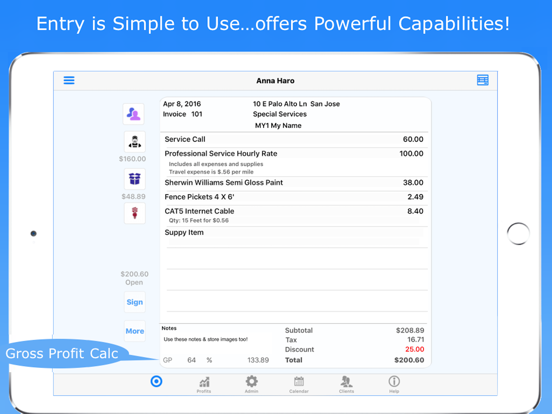
Services, Products & Supplies are maintained in the app with detailed multi-line descriptions, costs, price, units & on hand quantities. These can be added on-the-fly or maintained from your stored items.
Images from both the Camera and Album apps may be used for logo's and saved with your client information.
Financial Information - Is instantly available for sales, payments, taxes and inventory for any timeframe with just a few taps. Information may be viewed on screen or downloaded for further analysis with any spreadsheet.
Document