ImageGet - Downloader From Web

ImageGet - Downloader From Web Summary
ImageGet - Downloader From Web is a ad-supported, with in-app purchases iOS app in Productivity by 晖 姚. Released in May 2014 (11 years ago). It has 25 ratings with a 3.64★ (average) average. Based on AppGoblin estimates, it reaches roughly 109 monthly active users . Store metadata: updated Dec 16, 2025.
Store info: Last updated on App Store on Dec 16, 2025 .
3.64★
Ratings: 25
Screenshots

App Description
This is a great tools for download images. To save all images on a web page with only one button. Photography forums, technical forums, news pages, images easily saved.
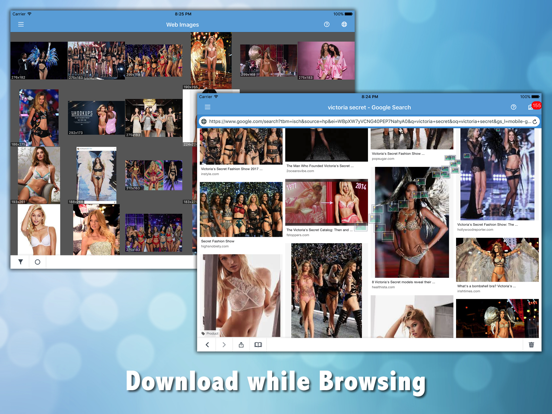
- Enter the URL, you can easily download all images on the page.
- Support batch download images in background.
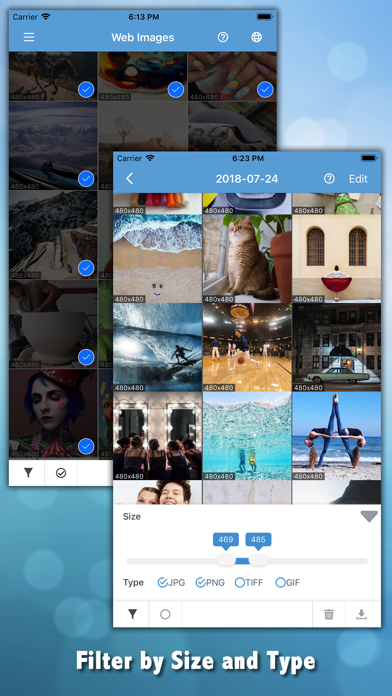
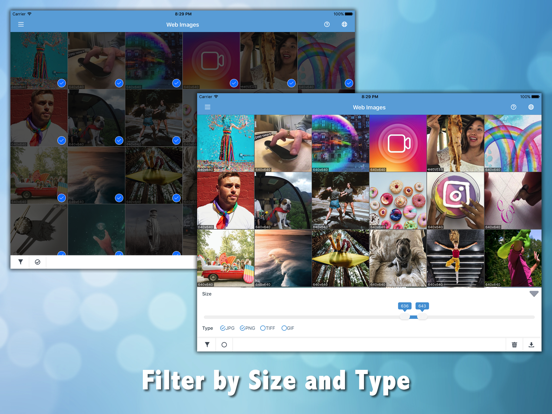
- Support image size filter, download only big picture, ignore the small icons.
- Support image type filter, JPG, PNG, GIF, BMP, TIFF, Webp
- Support for iPad horizontal screen, vertical screen use.
- Powerful picture browsing, full screen scaling.
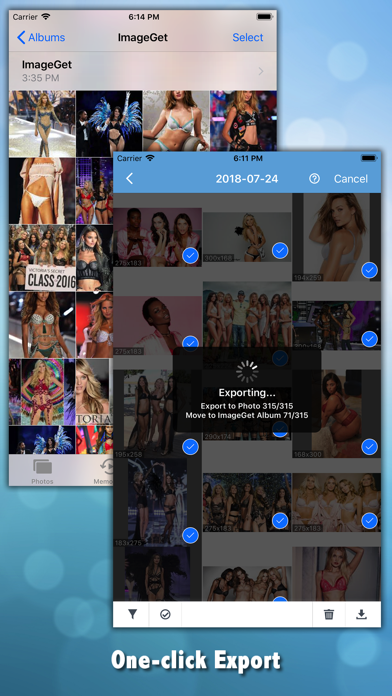
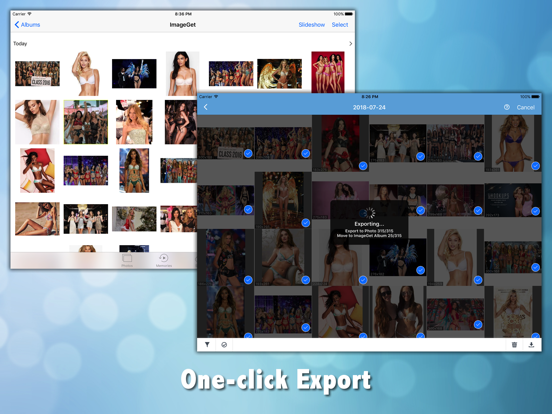
- Images can bulk import library.
- Embedded browser supports browser bookmarks.
About Subscription:
1. This application is supported through the display of advertisements for ongoing development. You can remove ads by subscribing.
2. Unlock Premium Features: ImageGet Pro will unlock all features and provide an ad-free service.
3. Offers monthly, quarterly, and annual subscription options. The longer you choose, the more you save.
4. Auto-Renewal: Your subscription will automatically renew at the end of each period unless canceled at least 24 hours before the current period expires.
5. Manage Subscriptions: You can manage your subscription by going to "Settings" > "Your Name" > "Subscription" > "Cancel Subscription."
6. Privacy Policy: https://api.mxcode.com/html/imageget/privacy.html
7. Terms and Conditions: https://www.apple.com/legal/internet-services/itunes/dev/stdeula/