Camera 720

Camera 720 Summary
Camera 720 is a with in-app purchases iOS app in Photo And Video by Dung Le. Released in Oct 2014 (11 years ago). It has 220 ratings with a 4.69★ (excellent) average. Based on AppGoblin estimates, it reaches roughly 192 monthly active users and generates around $<10K monthly revenue (100% IAP / 0% ads). Store metadata: updated Nov 5, 2024.
Data tracking: SDKs and third-party integrations were last analyzed on Feb 10, 2025.
Store info: Last updated on App Store on Nov 5, 2024 .
4.69★
Ratings: 220
Screenshots


App Description
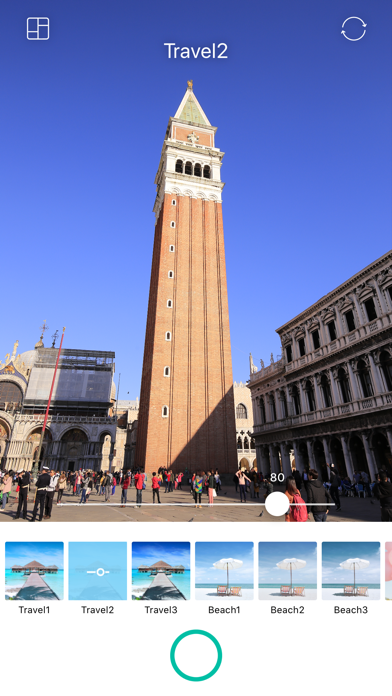
Camera 720 - Photo Editor is a perfect beauty camera, you can take pictures with many amazing effects or selfie with real-time beauty face effects
A comprehensive photo editor with many effects, stickers, whiten, blur, and other tools you need. You can turn your mobile device into a small studio for editing photos.
Best Features in Camera 720:
****************
+ Beauty & Makeup with real-time camera filter.
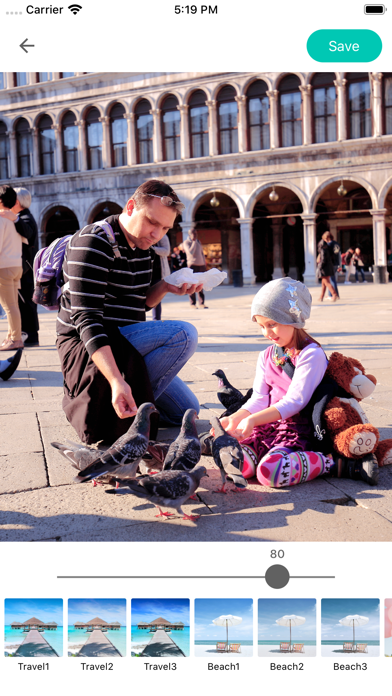
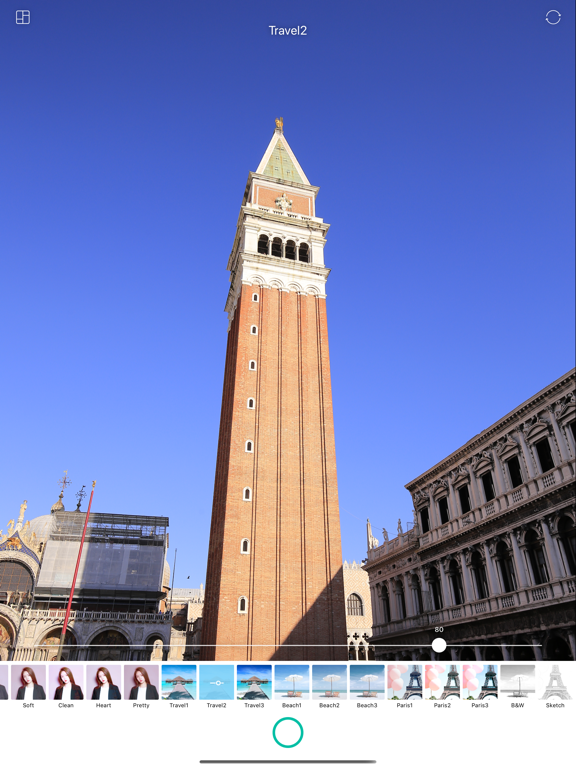
+ Amazing photo filter make you a master photographer.
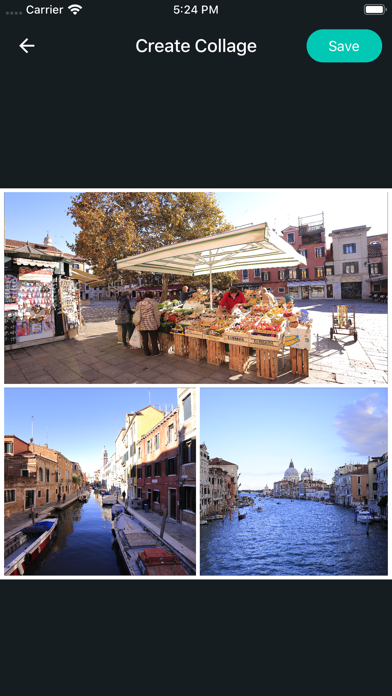
+ Photo collage tool: combine multiple photo into one.
+ One-Tap Enhance can automatically transform boring photos into masterpieces.
+ Gorgeous photo with High Definition HD Effect and Frames
+ Fun stickers. Stickers can be rotated or resized to perfectly fit each photo.
+ Magic Tools contains: Auto-Levels, Sharpening, Area-Auto-Levels, Blurring and Red-Eyes correction.
+ Color balance
+ Crop, rotate, and straighten
+ Modify brightness, contrast, saturation, and sharpness with easy tools.
+ Sharpen and blur
+ Fully optimized for tablets as well.
+ Focus and blur function
+ A drawing tool, with abundant features including artistic brushes and layers to create mobile images that look like real paintings.
+ Awesome fonts and customizable text, with text color, size, shadow, alignment, and transparency all adjustable.
+ Edited photo sharing you can do through Email, Facebook, Twitter, Tumblr and more.
Photo management tools
* Use pictures from gallery or take instant pictures from camera.
* Edited pictures saved to gallery, so that you can edit and view again.
* Viewing is simple, using your finger to swipe and zoom images ( two finger zoom ).
Your 5-star ratings will encourage us to create and develop more free apps.