Dropshare - File Sharing Tool

Dropshare - File Sharing Tool Summary
Dropshare - File Sharing Tool is a with in-app purchases iOS app in Productivity by Timo Josten. Released in Nov 2014 (11 years ago). It has 84 ratings with a 4.02★ (good) average. Based on AppGoblin estimates, it reaches roughly 248 monthly active users and generates around $<10K monthly revenue (100% IAP / 0% ads). Store metadata: updated Mar 15, 2026.
Store info: Last updated on App Store on Mar 15, 2026 .
4.02★
Ratings: 84
Screenshots
App Description
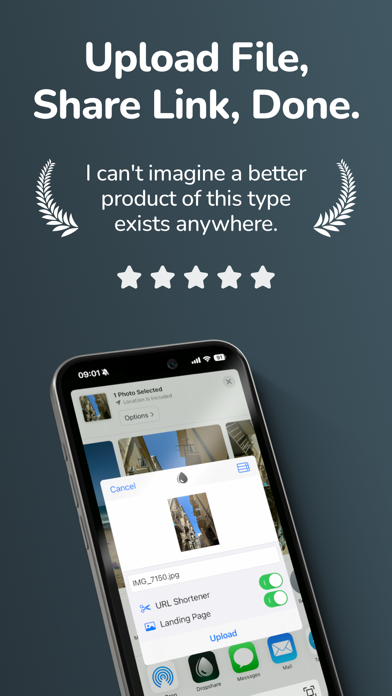
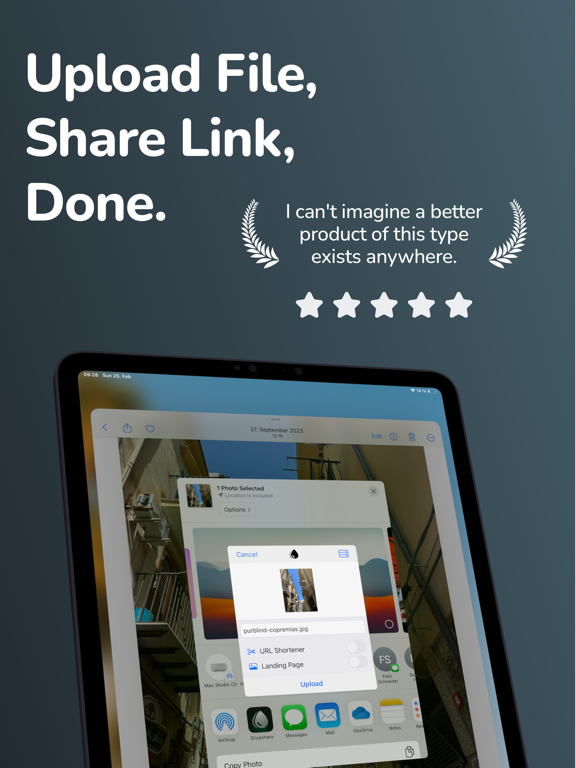
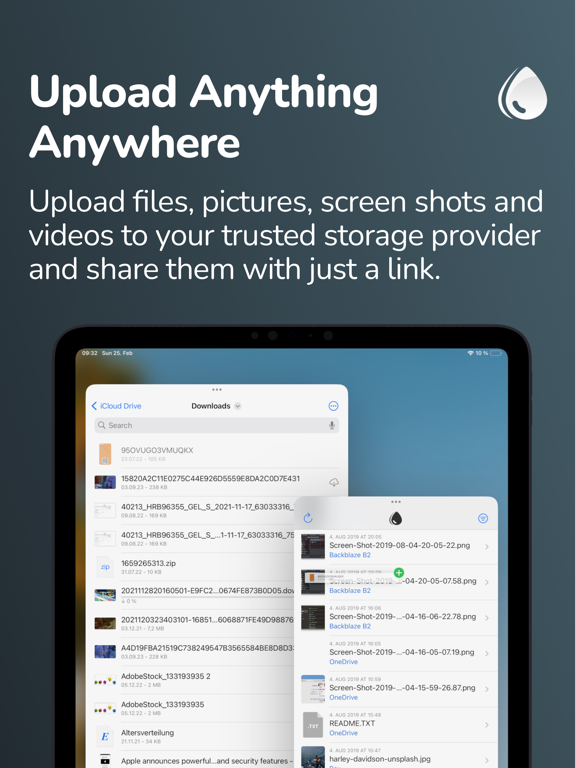
Dropshare makes it easy to upload and share files from your iPhone or iPad using storage you already trust.
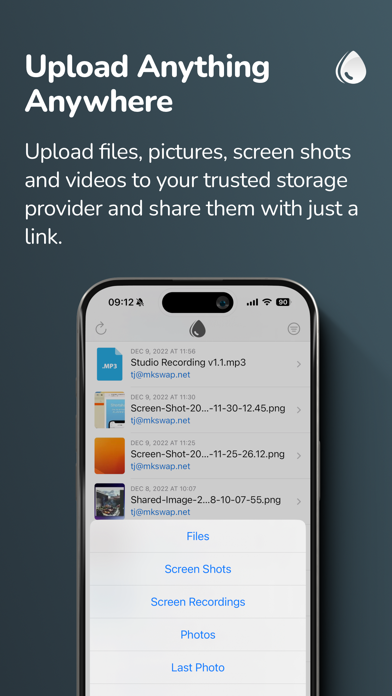
Upload files, photos, videos, and more, then instantly get a download link you can share anywhere. Whether you want to use your own server, S3-compatible storage, or popular cloud services, Dropshare gives you a faster and more flexible file sharing workflow on iOS.
Why Dropshare:
• Share files quickly via download URL
• Upload from Photos, Files, or the Share Extension
• Upload one file, multiple files, or ZIP archives
• Sync upload history across iPhone, iPad, and Mac with iCloud
• Use custom domains and supported URL shorteners
• Create custom download pages matching your personal or professional identity
• Supports Shortcuts for faster automation
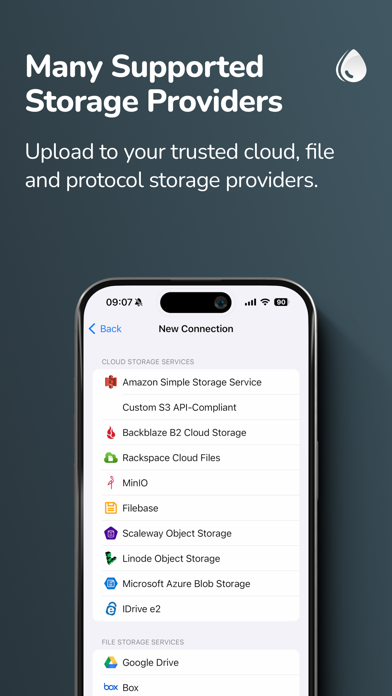
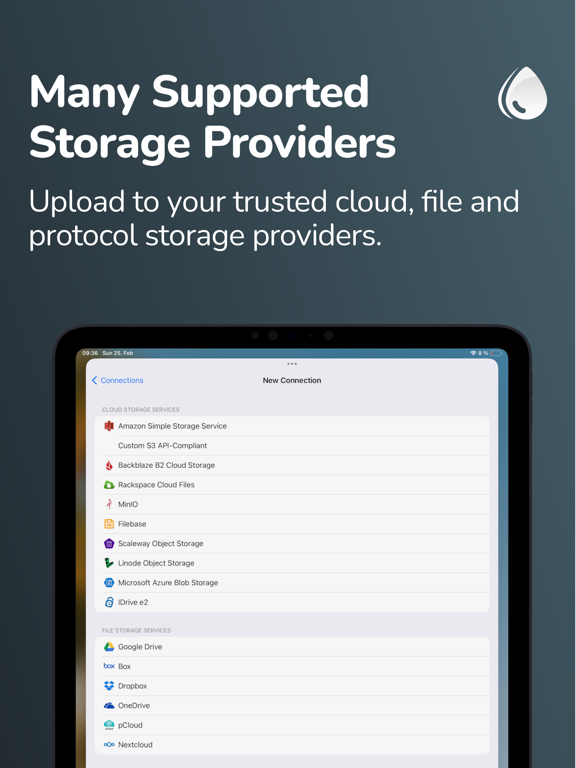
Supported storage providers include cloud, file, image, and protocol-based services such as:
Cloud Storage:
• Amazon S3
• S3 API-compatible services (including OpenStack Swift, Google Cloud Storage, DigitalOcean Spaces, DreamObjects, and more)
• Backblaze B2
• Rackspace Cloud Files
• Filebase
• Scaleway Object Storage
• Linode Object Storage
• Microsoft Azure Blob Storage
• IDrive e2
• MinIO
File Storage:
• Google Drive
• Box
• Dropbox
• OneDrive
• pCloud
• Nextcloud
• Horizon
• Zoho WorkDrive
• Koofr
• kDrive
Image Storage:
• Flickr
• ImgBB
• Imgur
• vgy.me
• Lensdump
Protocol Services:
• SCP over SSH
• FTP / FTPS
• SFTP
• WebDAV
Dropshare also supports URL shorteners including Rebrandly, Bitly, short.io, and more. dsh.re is the built-in shortener and also supports custom domains.
Technical notes:
• SCP, FTP / FTPS, SFTP, and WebDAV require a working server account. Password or SSH key authentication may be required.
• S3 API-compatible services such as OpenStack Swift, Google Cloud Storage, DigitalOcean Spaces, and DreamObjects are supported. See the User Guide for setup details.
• Google Drive, Box, Dropbox, OneDrive, pCloud, Nextcloud, Koofr, Horizon, and kDrive require an account with the respective provider.
• Amazon S3, Backblaze B2, Rackspace Cloud Files, Scaleway Object Storage, Linode Object Storage, Microsoft Azure Blob Storage, and MinIO may require a paid plan depending on the provider.
End User License Agreement:
https://dropshare.app/eula/