OpenManage Mobile

OpenManage Mobile Summary
OpenManage Mobile is a mobile iOS app in Business by Dell Inc.. Released in Jan 2015 (11 years ago). It has 31 ratings with a 3.03★ (mixed) average. Based on AppGoblin estimates, it reaches roughly 13 monthly active users . Store metadata: updated Feb 24, 2026.
Store info: Last updated on App Store on Feb 24, 2026 .
3.03★
Ratings: 31
Screenshots

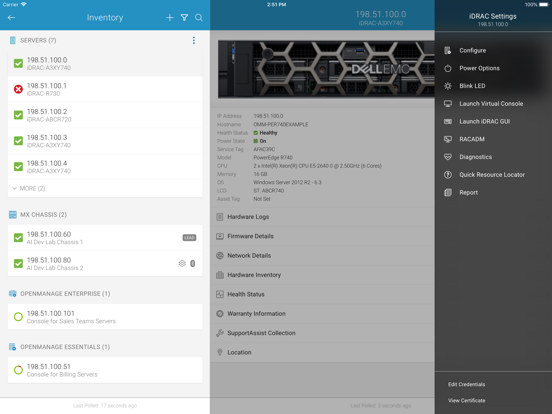
App Description
MINIMUM REQUIREMENTS FOR REMOTE ACCESS OVER MANAGEMENT NETWORK
• Remote access to iDRAC requires iDRAC7 or above
• Remote access to OpenManage Enterprise requires version 3.9 or later
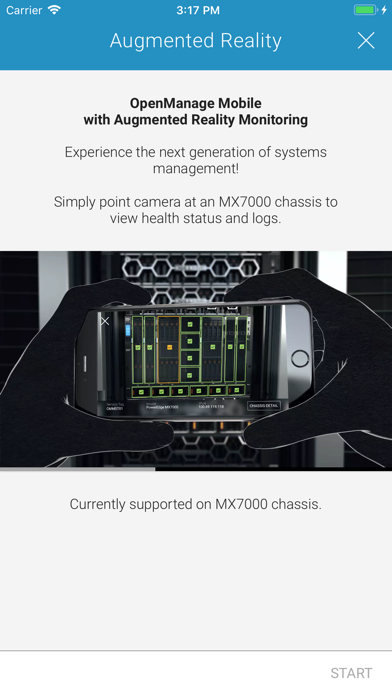
*** OpenManage Mobile now leverages Augmented Reality to easily and quickly monitor & troubleshoot MX7000 modular chassis. Aim the camera at MX7000, connect, and view health overlays. Tap on a component to view more details. ***
OVERVIEW OF OPENMANAGE MOBILE (OMM)
Wireless and Mobility are now pervasive inside data centers and we can leverage it to simplify data center operations. Dell OpenManage Mobile (OMM) is an app that enables IT Administrators to securely provision, monitor, and troubleshoot Dell PowerEdge servers or MX7000 chassis directly from a mobile device.
OMM can access and manage PowerEdge servers or MX7000 modular chassis either remotely (i.e. over management network) or from inside the data center (i.e. when an IT Administrator is physically present in front of server or a chassis). Following are the ways you can access a server or an MX7000 chassis:
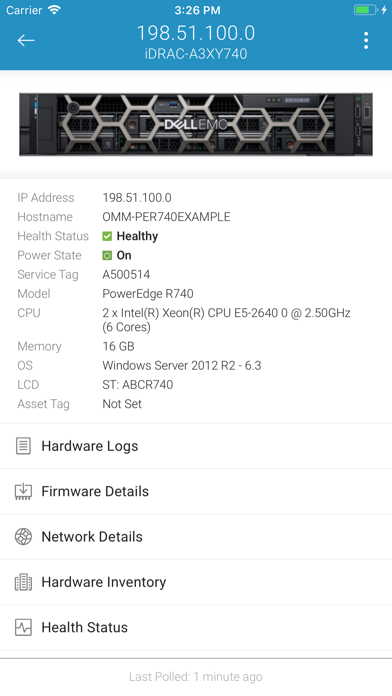
• Remote into a server (iDRAC7, iDRAC8 or iDRAC9)
• Remote into an MX7000 chassis and sleds
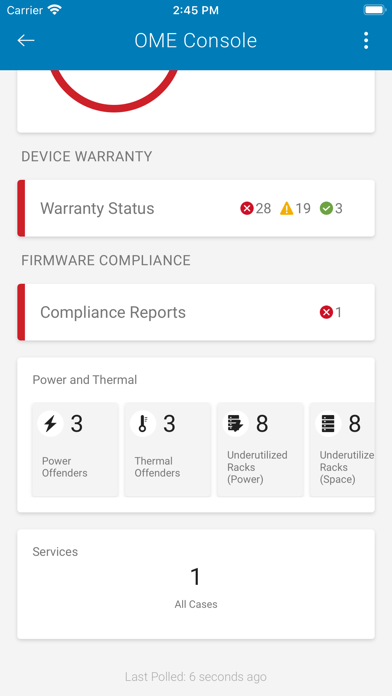
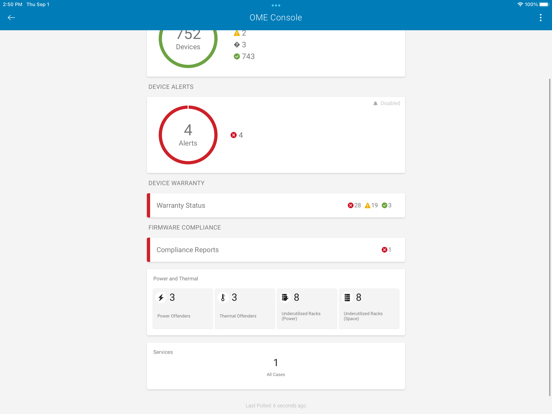
• Remote into a console (OpenManage Enterprise)
• At-the-server access to a PowerEdge server with iDRAC9
• At-the-chassis access to an MX7000 chassis and sleds
When connected through a console (OpenManage Enterprise), OMM can access Dell servers, chassis, storage, networking, and any other supported third-party appliances being managed through this console.
For specific feature support on OpenManage Mobile, please visit Dell Tech Center at www.DellTechCenter.com/OMM
SUPPORT FOR AT-THE-SERVER MANAGEMENT
• At-the-server access is available on PowerEdge 14th Generation and above rack and towers which support Quick Sync 2. For the latest list of supported hardware models, please contact a Dell Sales representative.
• Quick Sync 2 module utilizes Bluetooth Low Energy (BLE) and Wi-Fi to establish a secure connection between server and mobile device running OMM.
SUPPORT FOR AT-THE-CHASSIS MANAGEMENT
• Quick Sync 2 module for at-the-chassis access is available on MX7000 modular chassis
FEATURES
Supported features depend on the type of access (console or iDRAC) and the specific generation of server being accessed. For specific details or more information on OpenManage Mobile, pleas