Sync Mobile


Sync Mobile Summary
Sync Mobile is a mobile Android app in Finance by Bank Independent. Released in Nov 2018 (7 years ago). It has about 52.5K+ installs and 1.2K ratings with a 4.48★ (good) average. Based on AppGoblin estimates, it reaches roughly 1.1K monthly active users . Store metadata: updated Feb 19, 2026.
Recent activity: 61 installs this week (384 over 4 weeks) showing steady growth View trends →
Store info: Last updated on Google Play on Feb 19, 2026 .
4.48★
Ratings: 1.2K
Screenshots



App Description
Sync Mobile is convenient, accessible, and secure. All at your fingertips.
The Bank Independent Sync Mobile App brings the branch to you, allowing you to view your balances and recent transactions, transfer money between accounts, pay bills, deposit checks, and even locate the nearest sales office or ATM. It is fast, secure and makes life easier by empowering you with the tools you need to manage your personal finances.
FEATURES
Customization: Set up your dashboard exactly the way you need it.
Mobile Deposit: Deposit checks anytime, anywhere, right from your phone or tablet.
Debit Card Control: Temporarily turn your card off or back on, or quickly report it lost or stolen.
Alerts & Notifications: Set alerts for transactions and balances.
Add Tags, Notes, & Images: Enhance transactions with custom tags, notes or photos of a receipt or check to stay organized and find exactly what you’re looking for when searching through your finances.
Contact: Locate ATMs or branches and contact Bank Independent Customer Service directly from the app.
SAFE AND SECURE
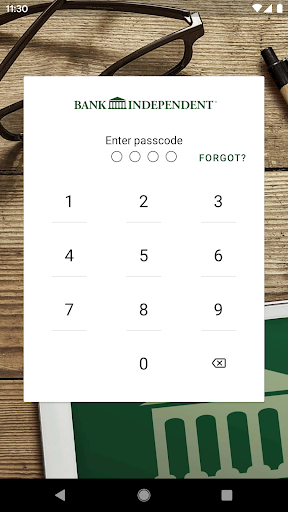
The app utilizes the same bank-level security that protects you when you’re on Internet Banking. The app also features Touch ID and Face ID login options, in addition to a unique 4-digit passcode setting that prevents unauthorized access.
GETTING STARTED
To use the Sync Mobile App, simply download the app, launch it, and log in with your existing Online Banking credentials. If you don't have credentials yet, tap "First time user? Enroll now". After you successfully log in to the app, your accounts and transactions will begin updating.