Cast to TV & Screen Mirror

Cast to TV & Screen Mirror Summary
Cast to TV & Screen Mirror is a ad-supported Android app in the Tools category, developed by BNT global. First released 1 year ago(Oct 2024), the app has accumulated 1.2M+ total installs and 1.1K ratings with a 4.35★ (good) average rating.
Recent activity: 62 installs this week (1.8K over 4 weeks) showing below average growth , and 16 new ratings this week (44 over 4 weeks) with declining momentum. View trends →
Store info: Last updated on Google Play on Oct 21, 2025 .
4.35★
Ratings: 1.1K
Screenshots



App Description
Mirror phone to TV, cast videos & photos to Smart TV, Chromecast, Roku, DLNA
📺 Cast to TV & Screen Mirror — Mirror Phone to TV in Seconds!
Easily cast videos, photos, music, and mirror your phone screen wirelessly to Smart TVs, Chromecast, Roku, Fire TV, and DLNA devices. Enjoy smooth HD streaming with no cables required.
✨ Main Features:
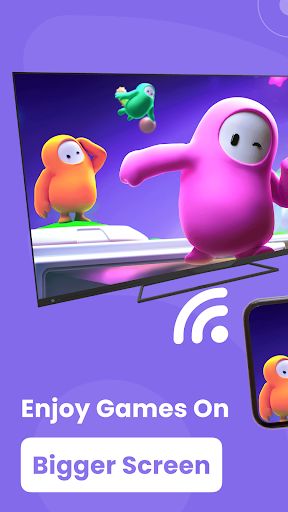
Screen Mirroring: Display your phone screen on TV in real time — great for games, videos, and presentations.
Video & Photo Casting: Cast local videos, photo slideshows, and music directly from your phone.
Web Video Caster: Browse and stream online videos from the built-in browser straight to your TV.
IPTV & Streaming Support: Cast IPTV links and enjoy live TV on the big screen.
Remote Control Functions: Control playback, adjust volume, and navigate content using your phone.
🎯 Compatible Devices:
Smart TVs (Samsung, LG, Sony, etc.)
Google Chromecast, Roku, Fire TV Stick
DLNA and Miracast-enabled devices
🔹 How to Use:
Connect your phone and TV to the same Wi-Fi network.
Enable casting (DLNA, Chromecast, Miracast) on your TV or device.
Open the app, select your device, and choose what you want to cast or mirror.
💡 Perfect for:
Watching movies, streaming videos, or music on a big screen
Sharing photos with friends and family
Presenting slideshows, teaching online, or gaming
Download Cast to TV & Screen Mirror now — enjoy fast, easy, wireless casting anytime!