Photo Video Time Lapse


Photo Video Time Lapse Summary
Photo Video Time Lapse is a ad-supported, with in-app purchases Android app in Tools by DS & DS. Released in Mar 2024 (2 years ago). It has about 5.4K+ installs and 8.00 ratings . Based on AppGoblin estimates, it reaches roughly 267 monthly active users and generates around $<10K monthly revenue (47% IAP / 53% ads). Store metadata: updated Oct 11, 2024.
Store info: Last updated on Google Play on Oct 11, 2024 .
0★
Ratings: 8.00
Screenshots

App Description
Capture a small amount of videos or photos & create time lapse video.
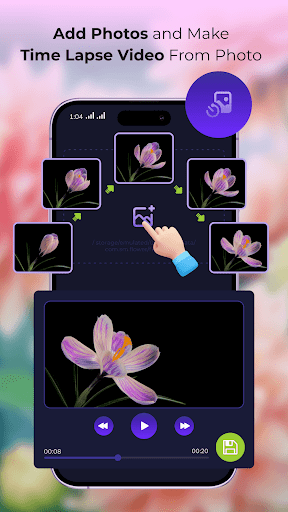
Photo time lapse is shoot for:
- Growth of plants or your weight loss process
- If you have an construction work in your land (Row houses or buildings)
- Bunch of photos or videos etc...
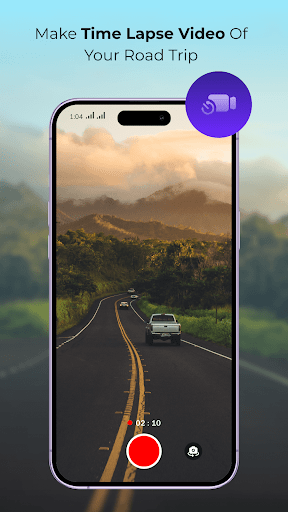
Video time lapse is shoot for:
- If you want to capture daily sunrise/sunset or passing the clouds
- How to change climate of cities on daily life etc...
- Create your own time lapse with the help of these application
- Capture images like daily or monthly
- Set notification if you want to remind you take picture on your perfect time
- If you done capturing your whole images then create the time lapse video
- If you want to save your time lapse video just click on save button then your video will be saved in application
- Easy to create multiple images of album
- Capture video also of whole day or for one hour and save the video
- Also you can choose speed of frames of time lapse video
- If you have already bunch of images then select the image and create the time laps video
- If you have already video then select the video and create the time lapse video
- You can share or delete the creation of time lapse video
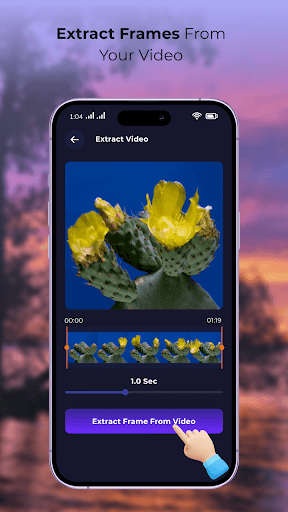
- If you want to create the time lapse of video but for some parts of video then the these application has video to image time lapse feature:
How to Use:
Just select your video and then extract the video of which parts you wants and then extract the frames from video then you can see on some seconds it extracts the image from your videos if you want to remove some images you can easily remove images and then create your time lapse.
Thank you
-