Endoscope Camera

Endoscope Camera Summary
Endoscope Camera is a ad-supported Android app in Libraries And Demo by DTFHM. Released in Sep 2023 (2 years ago). It has about 85.8K+ installs and 240 ratings with a 3.17★ (mixed) average. Based on AppGoblin estimates, it reaches roughly 6.8K monthly active users and generates around $<10K monthly revenue (0% IAP / 100% ads). Store metadata: updated Aug 14, 2025, version 6.
Recent activity: 1.4K installs this week (5.8K over 4 weeks) showing strong growth , and 5.00 new ratings this week View trends →
Advertising: AppGoblin detected 1.00 monetized ad creatives shown inside the app.
Data tracking: SDKs and third-party integrations were last analyzed on Mar 11, 2026. The app's network data flows (API traffic to/from the app and its SDKs) were last crawled on Dec 20, 2025.
Store info: Last updated on Google Play on Aug 14, 2025 (version 6).
Endoscope Camera was last scanned for SDKs 2026-03-11. Below is the overview of third party companies detected in the app. The full list of raw SDKs, app permissions and unknown SDKs is available here.
 Airbnb Engineering
 Google
 JetBrains
 AppLovin
 Facebook
 Firebase
3.17★
Ratings: 240
Screenshots

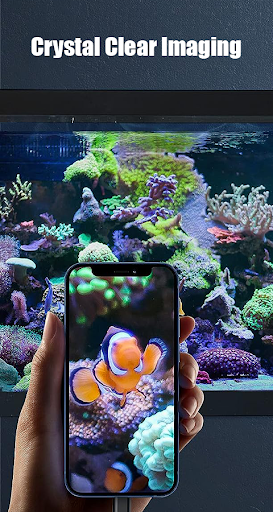
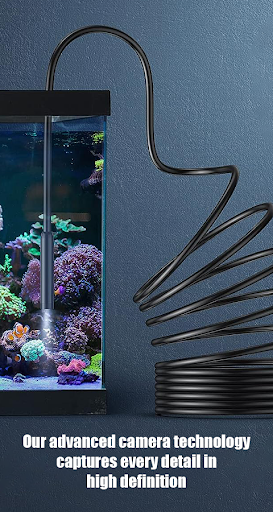

App Description
Endoscope camera app for android an app to connect with endoscope camera
Endoscope camera app for android an app to connect with endoscope camera or any other device like usb camera or borescope camera, there are many devices which use external camera like inspection camera sewer.
How to use this app: endoscope camera app for android
Open the app and enter its endoscope camera USB drive into your phone. Click on the camera icon. Click OK. You can see that the endoscope camera is working. take photo and record video if you want to see his photos and videos, go back to the first interface and click gallery, now you can see all your photos. Swipe left to see all videos, click everyone and choose player always click and watch your video. Now how to delete photo and video on endoscope app camera inside gallery Long click image or video to see delete icon
check that before using this endoscope app:
- If your device supports USB OTG after opening the app, choose from the USB OTG Checker setting to check whether your device supports OTG or not.
- if your USB camera is UVC compatible.
In what you can use endoscope camera device:
borescope or endoscope has many things to do, like in clogged drains you can see what is inside. it works like a sewer camera