120 FPS Booster - FPS Unlocker


120 FPS Booster - FPS Unlocker Summary
120 FPS Booster - FPS Unlocker is a ad-supported Android app in Tools by kenT3. Released in Jun 2025 (8 months ago). It has about 6.1M+ installs and 18.3K ratings with a 3.92★ (average) average. Based on AppGoblin estimates, it reaches roughly 593.2K monthly active users and generates around $10K+ monthly revenue (0% IAP / 100% ads). Store metadata: updated Dec 17, 2025, version 107.
Recent activity: 112.6K installs this week (604.6K over 4 weeks) showing steady growth , and 56 new ratings this week View trends →
Data tracking: SDKs and third-party integrations were last analyzed on Mar 7, 2026. The app's network data flows (API traffic to/from the app and its SDKs) were last crawled on Aug 24, 2025.
Store info: Last updated on Google Play on Dec 17, 2025 (version 107).
120 FPS Booster - FPS Unlocker was last scanned for SDKs 2026-03-07. Below is the overview of third party companies detected in the app. The full list of raw SDKs, app permissions and unknown SDKs is available here.
 Square
 Bumptech
 Google
 Airbnb Engineering
 ByteDance
 VK
VK Facebook
 Pangle
 AdMob
AdMob Firebase
 Adjust
3.92★
Ratings: 18.3K
Screenshots

App Description
Game booster for 120 FPS boost & fast FPS - enjoy smoother, faster gaming!
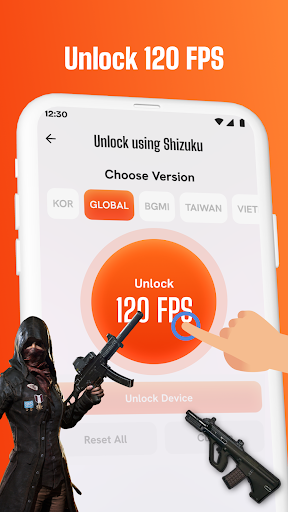
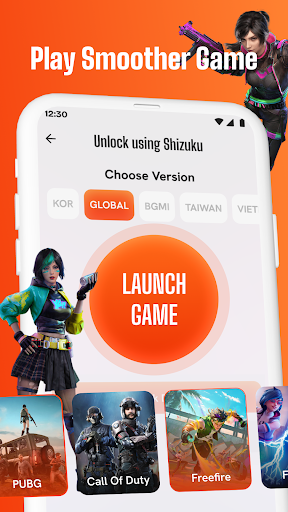
120 FPS Booster - FPS Unlocker helps improve the gaming experience by increasing frame rates for supported games. With just a few taps, users can choose their game version and unlock up to 120 FPS, making gameplay smoother and more stable. This app is designed to be simple and accessible for anyone who wants better FPS without complicated steps.
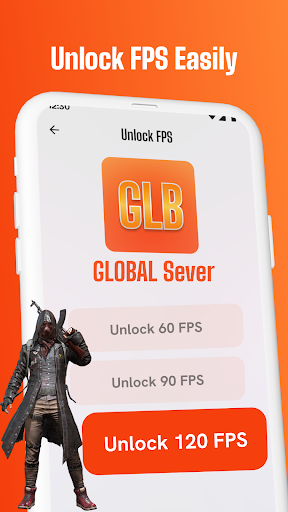
Users can unlock 60 FPS, 90 FPS, or 120 FPS depending on what their device and game version allow. The interface is clean, and the steps are easy to follow.
Key features of this 120 FPS Booster app:
🎮 Unlock frame rate options (60/90/120 FPS) for supported games by selecting your version and applying the desired setting.
⚙️ The Custom feature helps apply settings that match your device and game version, allowing for better performance and smoother gameplay.
🛠️ Use the Fix Issues feature to solve basic problems that may prevent the FPS setting from being applied correctly.
🔓 Advanced users can use the Shizuku method to apply settings. This method can help improve compatibility with some devices.
If you’re looking for a way to unlock higher FPS in games, try 120 FPS Booster - FPS Unlocker today. The app is easy to use and helps improve smoothness while gaming by adjusting frame rates.
Download the app and leave a review if it helped improve your experience. Your feedback supports future updates and helps others discover the app more easily.